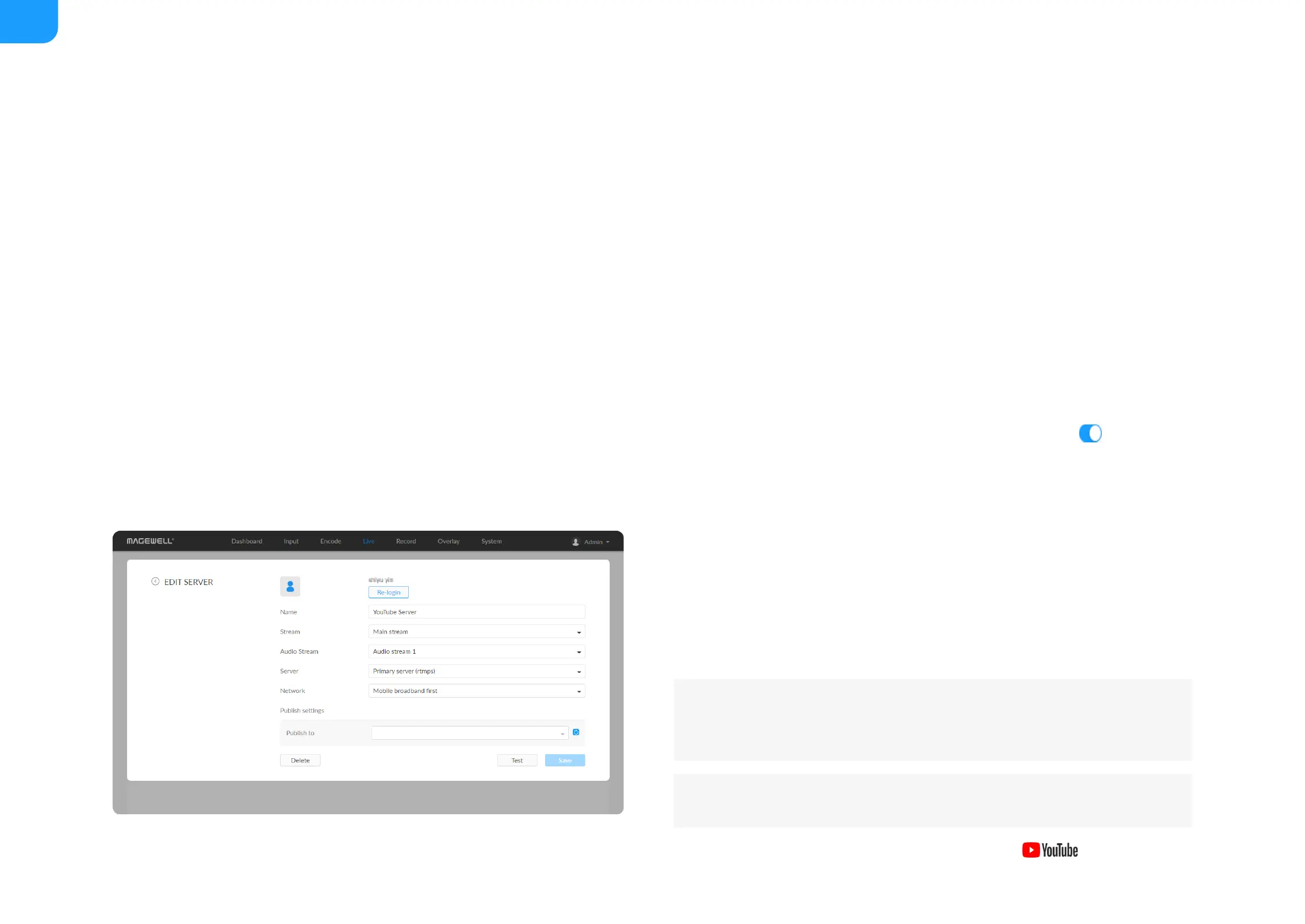
By default, the network connection priority is: Mobile Broadband >
Ethernet > Wi-Fi.
The device scans for the available network according to the connection
priority and connect to it for streaming. If the current network is
disconnected, the unit automatically re-scans according to the priority.
Plug a USB modem into your encoder while using mobile network to
stream.
8. Specify Title (0-63 characters) and Description (0-127 characters).
9. Click Save.
10. Click Test to check the network connection.
11. After passing the test, click OK.
12. Go back to Live page, turn on the Facebook live session to start
streaming.
Live Streaming to YouTube
You can stream to YouTube if you have a YouTube account, and you have
enabled the Live streaming feature of your channel at least 24 hours before
your streaming.
1. Click + Add Destination in the Live tab, select , enter the
To ensure smooth live streaming experience, connecting to a wired
Ethernet network is recommended.
To enable the Live streaming feature, refer to YouTube Help.



 To Next Page