3. Save: Click to save the current configuration.
4. Turn on the switch to make your schedule work.
No end date - default,
■
After N occurrences - where Begin and End indicate the first-
repeat,
■
End by specified date YYYY-MM-DD - the session will not repeat
on the end day.
■
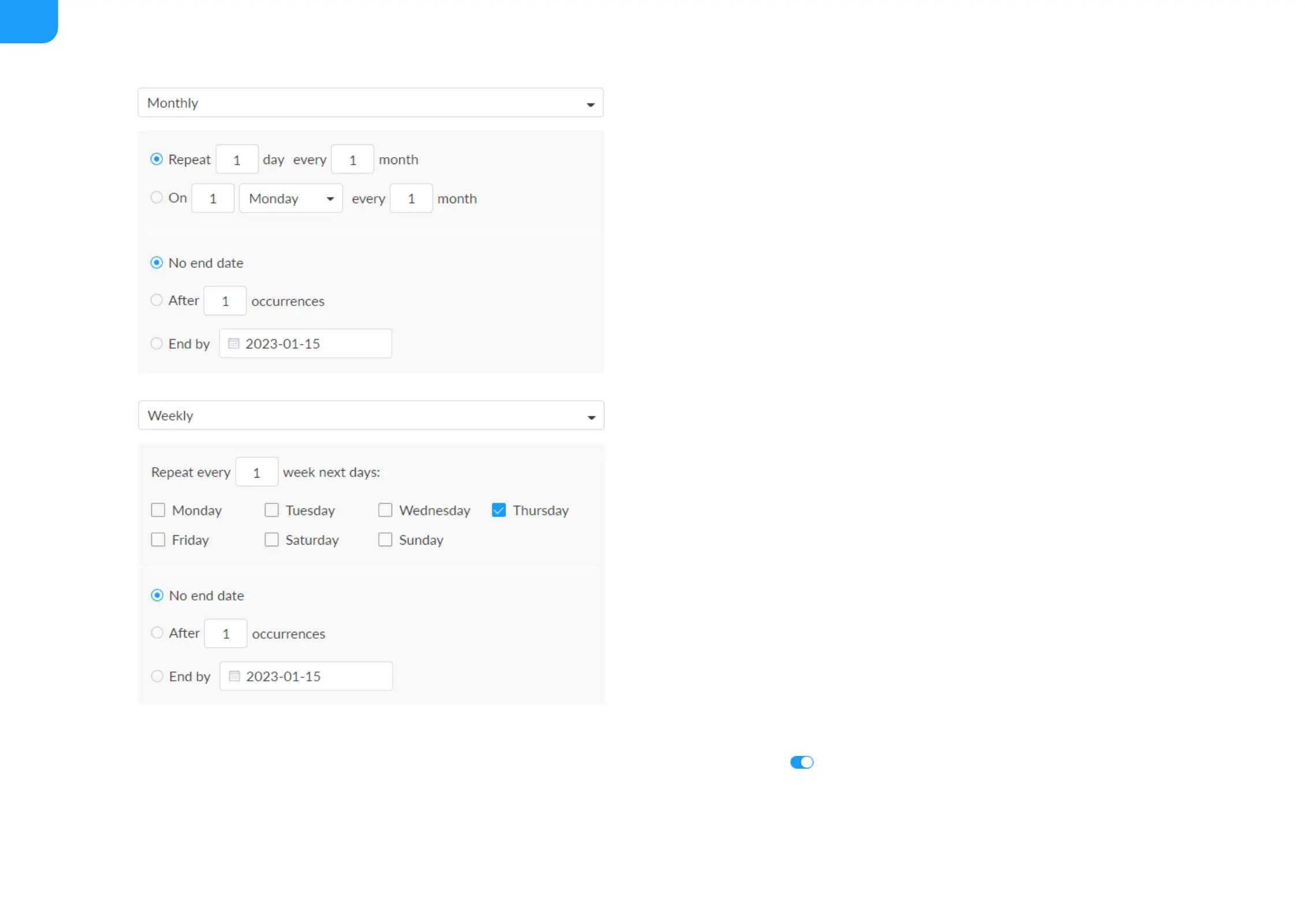
Monthly: The repeating pattern may be repeat N days every N
month, or on weekday every N month. And you can set the number
of repetitions to
■
No end date - default,
■
After N occurrences - where Begin and End indicate the first-
repeat,
■
End by specified date YYYY-MM-DD - the session will not repeat
on the end day.
■
Yearly: The repeating pattern can be every N day N month, or on N
weekday of N month. And you can set the number of repetitions to
■
No end date - default,
■
After N occurrences - where Begin and End indicate the first-
repeat,
■
End by specified date YYYY-MM-DD - the session will not repeat
on the end day.
■



 To Next Page