Record Schedule
Set schedule parameters. 8 schedules are supported for recording.
1. Click schedule button.
2. Click Add in the window, and specify parameters of the schedule. Each
session can add up to 8 scheduling schemes.
Description: 1 to 64 characters, including chinese, english, numbers,
and special characters, among which one chinese word occupy three
characters in length.
■
Details: 0 to 64 characters, specifying the scheduling task information.
■
Begin: Select the start date and specific time of this live broadcast task,
or check the Full day.
■
End: Select the end date and specific time of this live broadcast task, or
check the Full day.
■
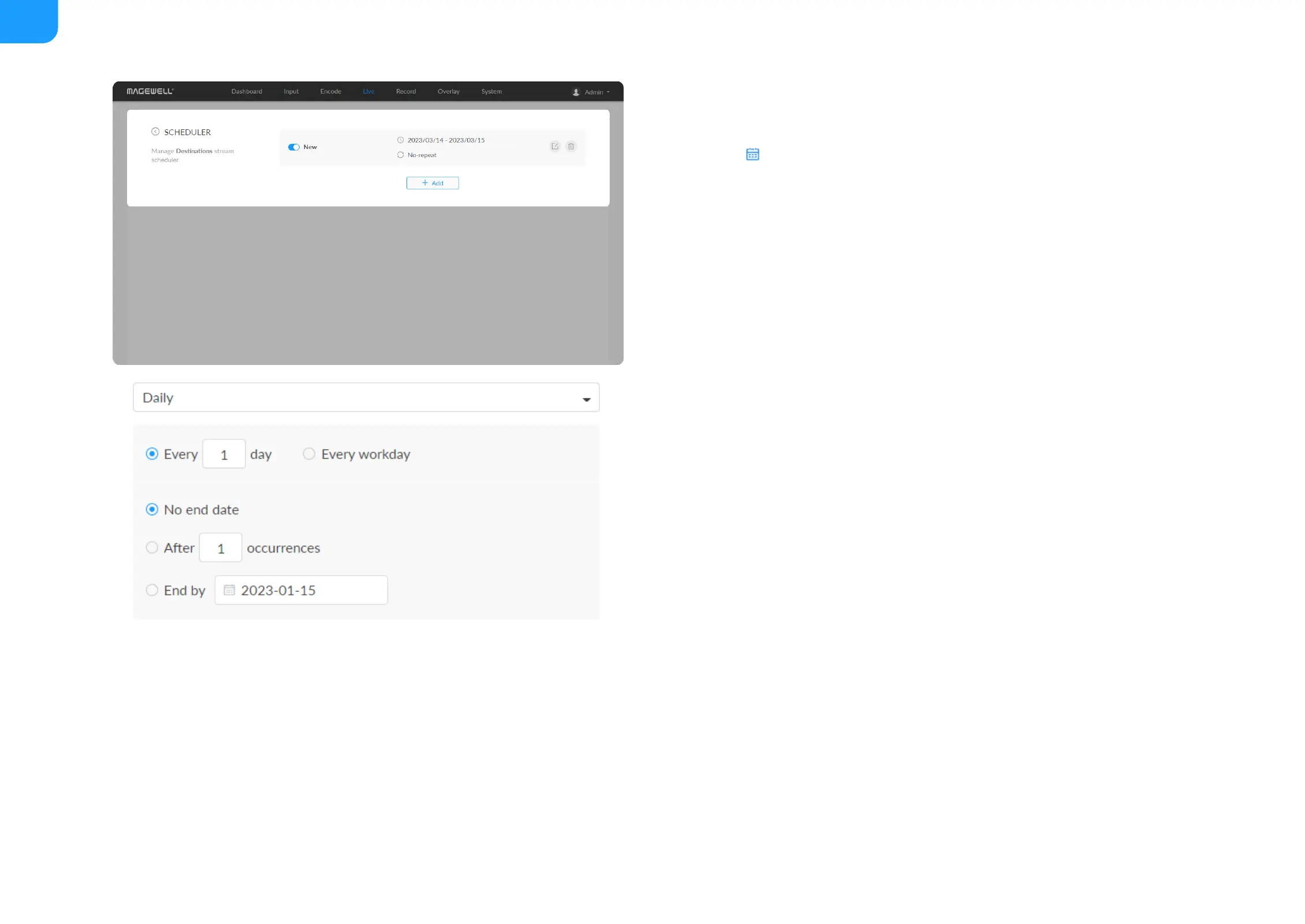
Repeat event: Support no-repeat (default), daily, weekly, monthly,
yearly.
■
Daily: The repeat mode can be repeated every N days, or every
workday, and the number of repetitions can be set to
■
No end date - default,
■
After N occurrences - where Begin and End indicate the first-
repeat,
■
End by specified date YYYY-MM-DD - the session will not repeat
on the end day.
■
Weekly: The repeat mode can be Repeat every 1 week next days:
multiple choices are available, and the number of repetitions can be
set to
■



 To Next Page