STREAM".
Video type: Options are mp4 (default), mov, and ts.
■
File path: REC_Folder by default, and 1 to 255 characters.
■
File name: Options are custom prefix (default, from 1 to 32 characters), and
creation time.
■
Filename prefix: VID by default, 1 to 32 characters.
■
Duration: from 5 to 240 minutes. That is, a new file is generated for each
specified duration. A new file is generated every time the specified duration
is recorded. The file size generated by different recording durations is
automatically calculated according to the stream format and is for reference
only. Duration can be set to No limit for normal (Record mode) recording in
ts (Video type) format.
■
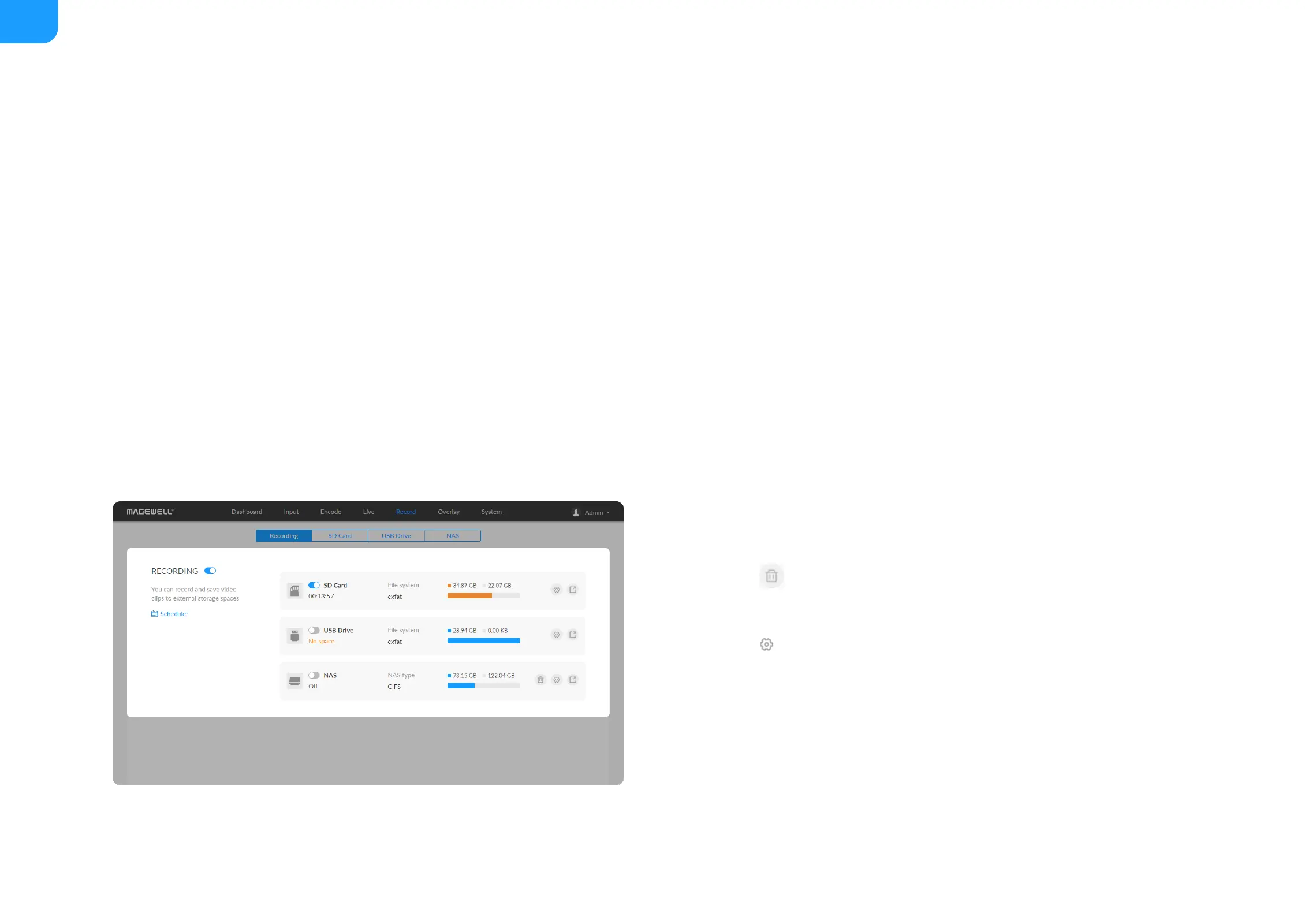
Click the delete button behind the nas and confirm your delete in the
pop up window.
■
Click the edit button behind the nas and clear all NAS settings.
■



 To Next Page