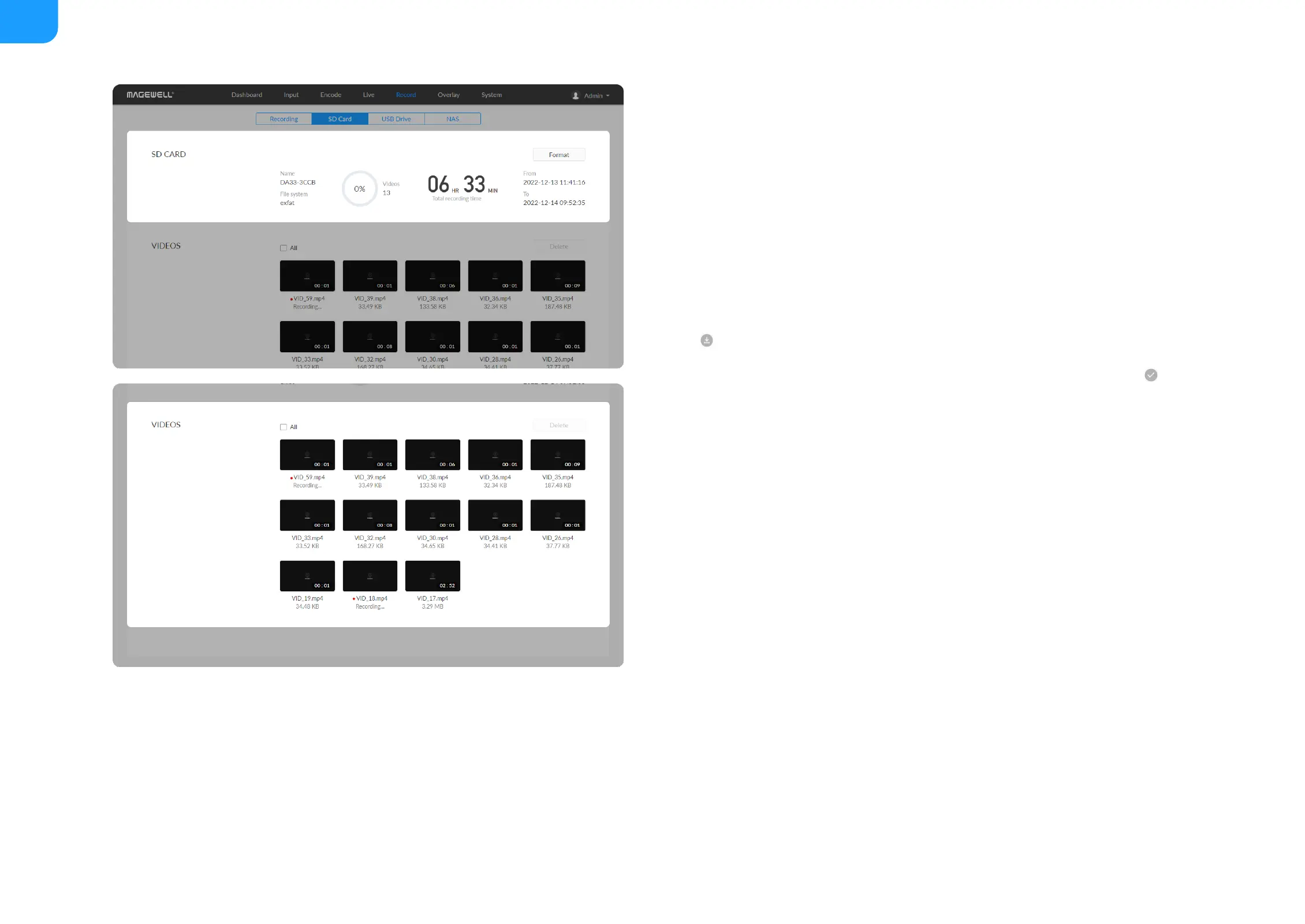
Manage SD card
Click and enter SD Card tab, then you can check and manage your SD card.
To check SD card, such as File system, Free space, and Estimated
remaining recording time. Check remaining time for normal recording, and
total recording time for loop recording.
■
To format SD card: click to start Format.
After formatting, the file system of USB will be changed to exfat.
■
To download video clips: move the cursor to a specified clip and click the
icon to download the chosen one.
■
To choose a specific video: move the cursur to a video clip and click .
■
To delete videos: choose one or more, or all clips to delete.
■



 To Next Page