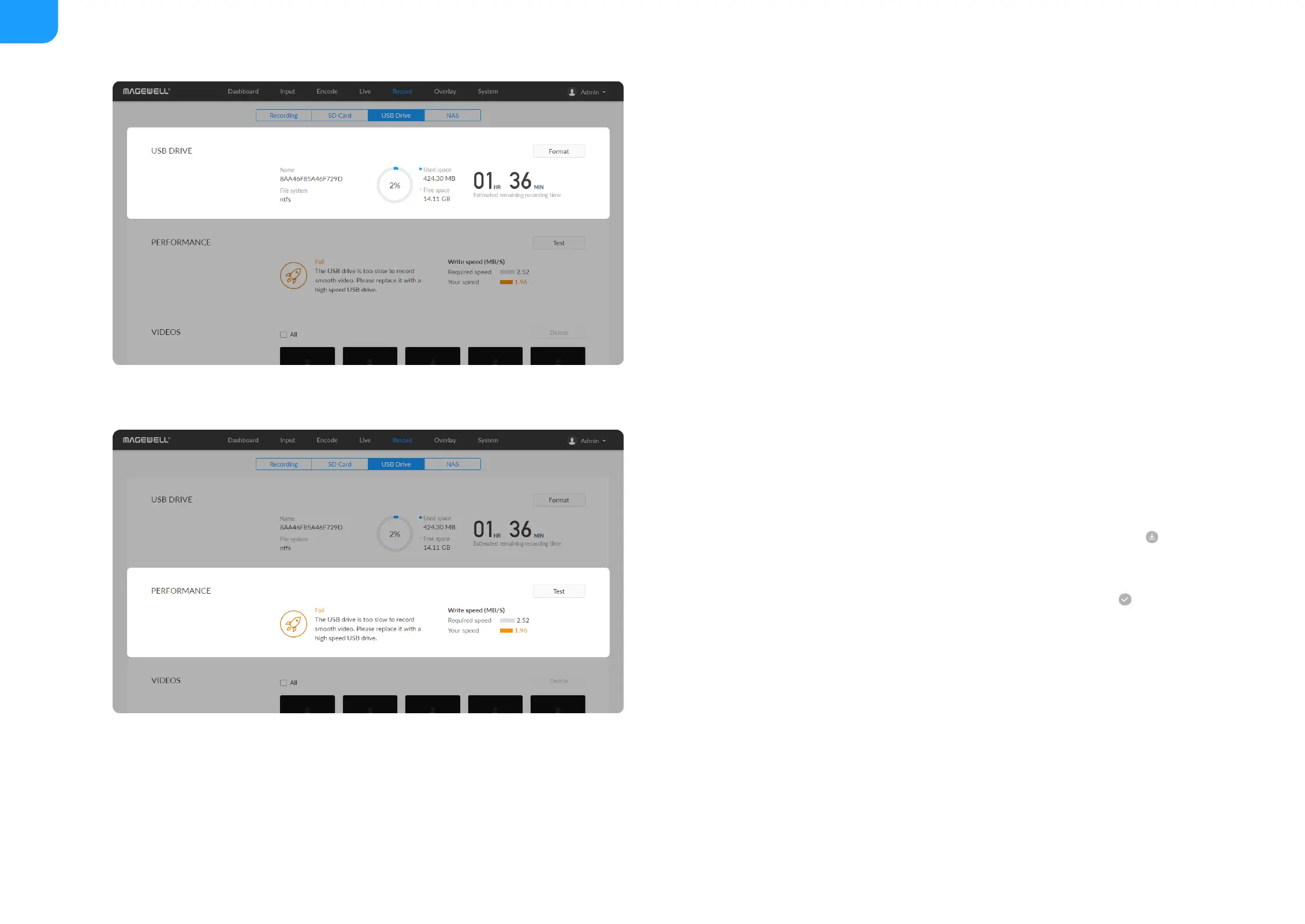
Manage USB Flash Drive
Manage the USB and files stored in the USB Flash Drive page.
Check USB Info, such as File system, Free space, and Estimated remaining
recording time. Check remaining time for normal recording, and total
recording time for loop recording.
We recommend that you use a USB with FAT32/VFAT file system.
■
To format USB: click to start Format. When prompted, click YES.
The USB Flash Drive data cannot be recovered after formatting. Please be
cautious.
After formatting, the file system of USB will be changed to VFAT.
■
To test USB Performance
Click to start Performance Test.
Test whether the write speed of USB flash drive meets the requirements
before recording. If the USB fails the test, please change another one, or the
recording may stop automatically.
■
To download a clip: move the cursor to a specified clip and click the
icon to download the chosen one.
■
To choose a specific video: move the cursur to a video and click to
download the clip.
■
To delete videos: choose one or more, or all clips to delete.
■



 To Next Page