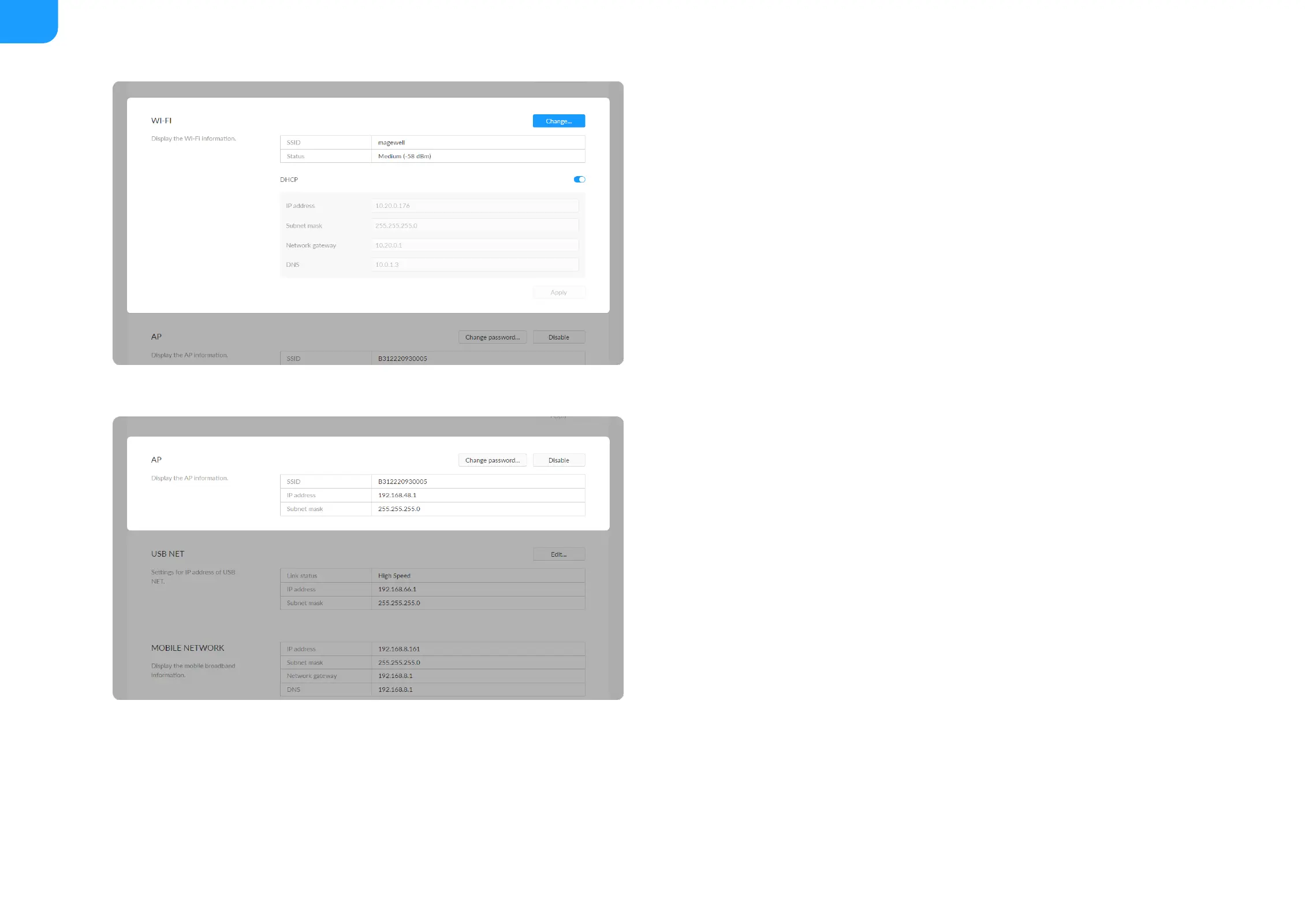
Network gateway: device gateway.
■
DNS: DNS server IP address.
■
Apply: make current configuration effective. When prompted, click Yes.
■
Verification: input new IP address to open the Web UI.
■
SSID: by default, it is named after the device serial number.
■
IP address: fixed as 192.168.48.1.
■
Subnet mask: fixed as 255.255.255.0.
■
Change password...
■
AP password: the default AP password is the last 8-number of the serial
number. For example, a serial number 313210101001 indicates the initial
AP password is 10101001. It ranges from 8 to 16 characters including A-
Z, a-z, 0-9, space ._-+'[]() and cannot begin or end with a space.
■
Disable: click to turn off AP mode. This renders you unable to manage the
device over AP, which is not recommended, especially when you are using
wireless network or linux/mac OS.
■



 To Next Page