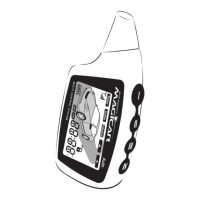
4.6.2. Turning AUX2 On 2x
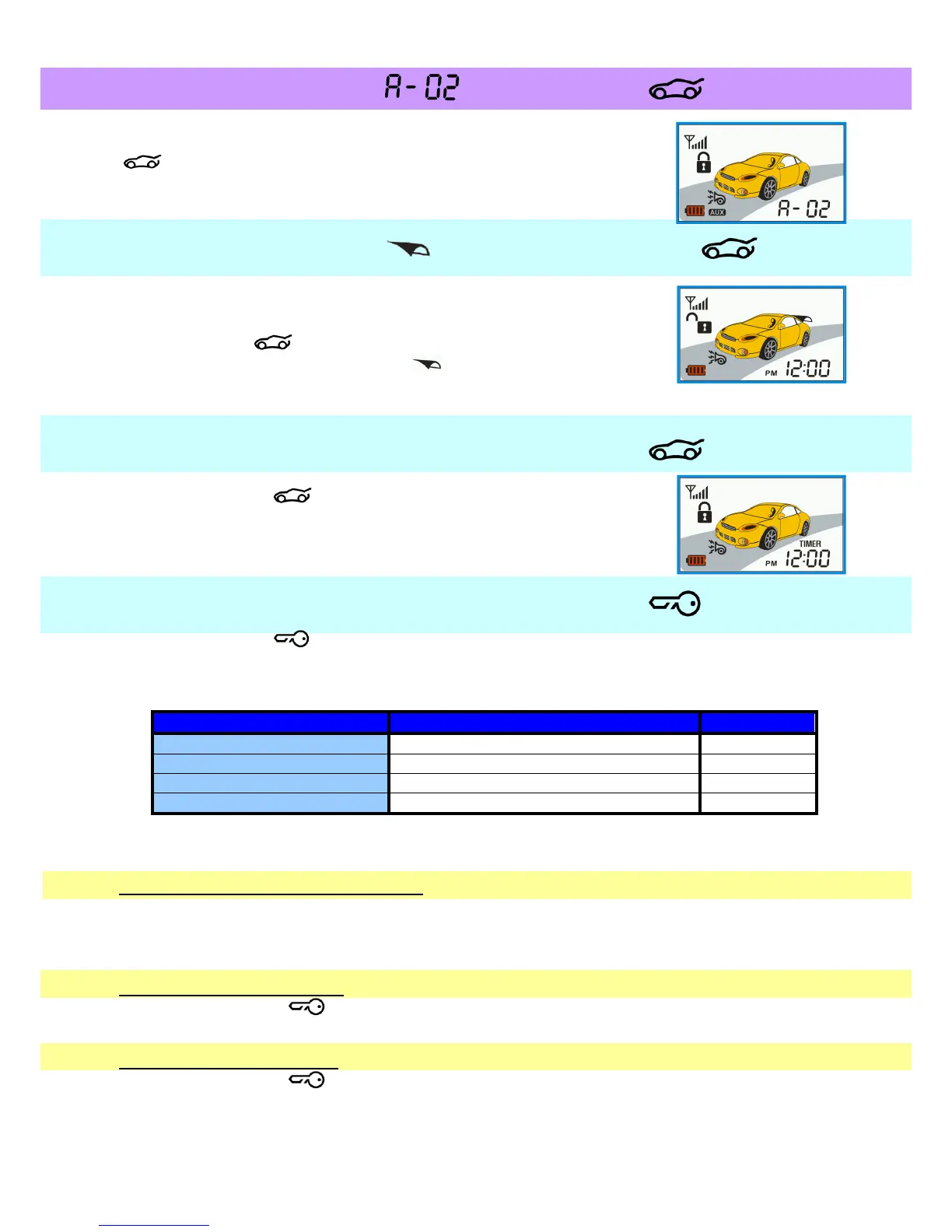
After entering AUX mode, AUX 2 output will be triggered, if button
is pressed 2 times in a row. While operating AUX 2, the remote
control will indicate that as A-02 is operating.
4.7. Trunk release ——
Trunk release (if the car is equipped with an electric lock).
Keep button pressed.
Remote will beep 2x and an icon will appear on display.
Trunk will be unlocked.
4.8. Remote backlight —
By pressing button , you will activate the remote backlight for
about 10 sec.
4.9. Car check function —
By pressing button you can check the car status. If you are within a range of alarm,
display will show the status of your vehicle (opened/closed door, locked/unlocked...) and
remote will beep to indicate one of the following situations:
Armed, engine not running
Disarmed, engine not running.
Beep/Beep, Beep/Beep, Beep/Beep
If the door, trunk or hood is open, appropriate icon will be flashing. If Mute function is
enabled, then siren will not beep and warn is only on remote.
Car’s indoor temperature indication:
If you have connected the temperature sensor with your alarm, the remote will display the
actual temperature inside the vehicle (°C/°F). However, if you haven’t connected it, the
remote will display “FAIL”.
Car battery voltage check:
If you press button one more time, the remote will display car battery voltage (for
example “12,6 V”)
The remote battery check:
If you press button once again, the remote will display remote battery voltage (for
example “1,4 V”).



 To Next Page