Sequency in displayed informations:
The menu will change from “indoor temperature check” > ”battery voltage check” > ”the
remainder of a remote control battery check” in this order, if a button is pressed within 2
seconds in a row.
AUX 1, 2 output display:
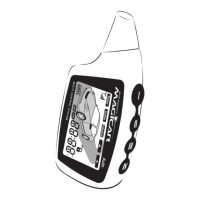
In case that you have activated the AUX 1,2 outputs, after pressing button the remote
will display only status of AUX 1 followed by AUX 2 (example: „1-on“ „2-of“ )
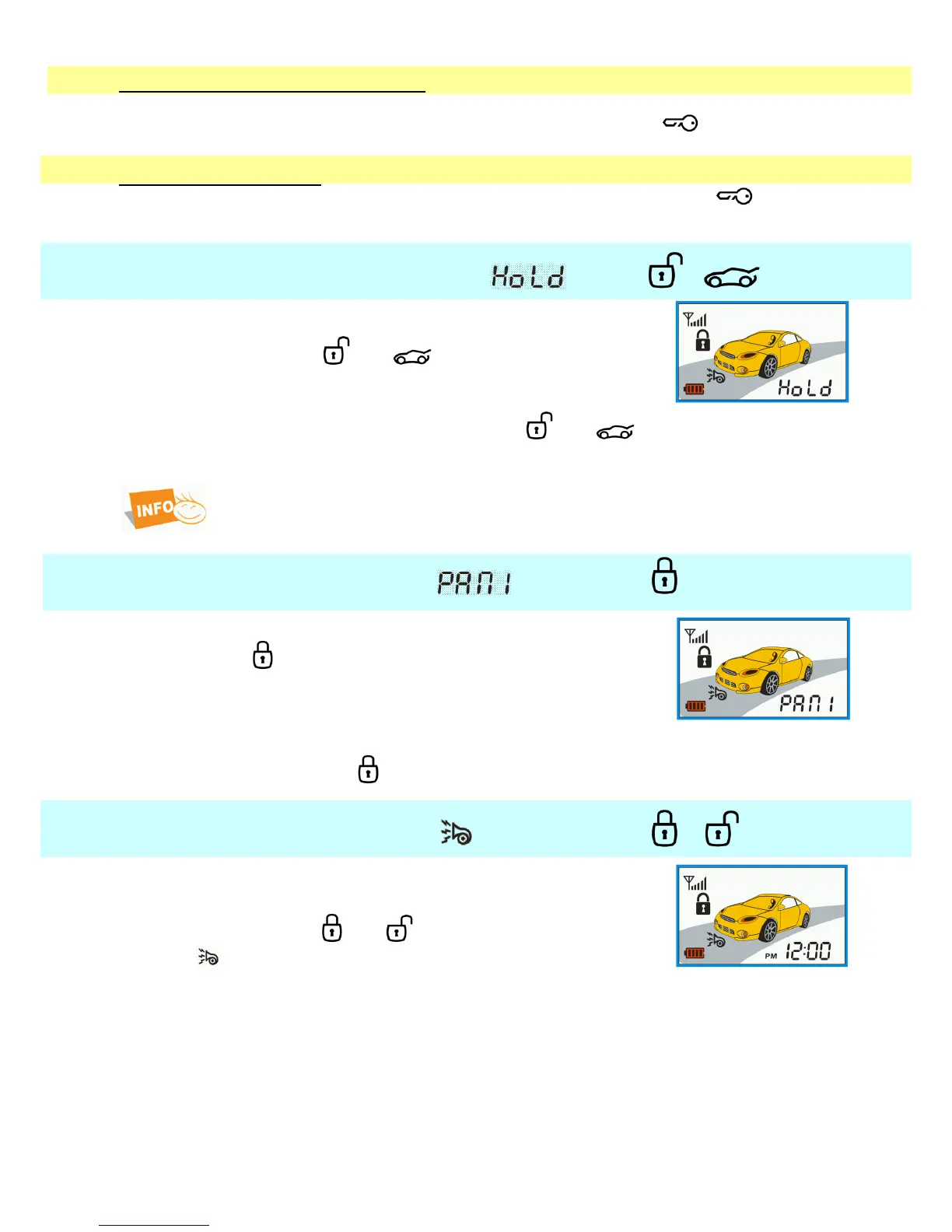
4.10. Button hold function + —
This function prevents accidental button presses while carrying your
remote.
Press shortly buttons and together.
Remote will beep once and will display „Hold“.
You will turn this function off by pressing button and together.
The buttons are automatically unlocked when alarm is triggered.
Unlocked buttons is needed before using function PANIC.
4.11. PANIC mode ————
Panic mode activation:
Keep button for 4 seconds.
The door will lock, lights will flash.
The siren will be hooting after 30 seconds.
„PANIC“ symbol will be flashing on display for 30 seconds.
If the car was start up by remote start, engine will off.
By a short press of button you will turn PANIC mode off.
4.12. Confirmation off + —
The function allows you to enable or disable the confirmation by siren
activate / deactivate alarm.
Press shortly buttons and together.
The icon will be shown – confirmation by siren is on, or the icon
will not a shown and then confirmation by siren is off.



 To Next Page