Programming will end automatically if you do not carry out any changes in 15 seconds.
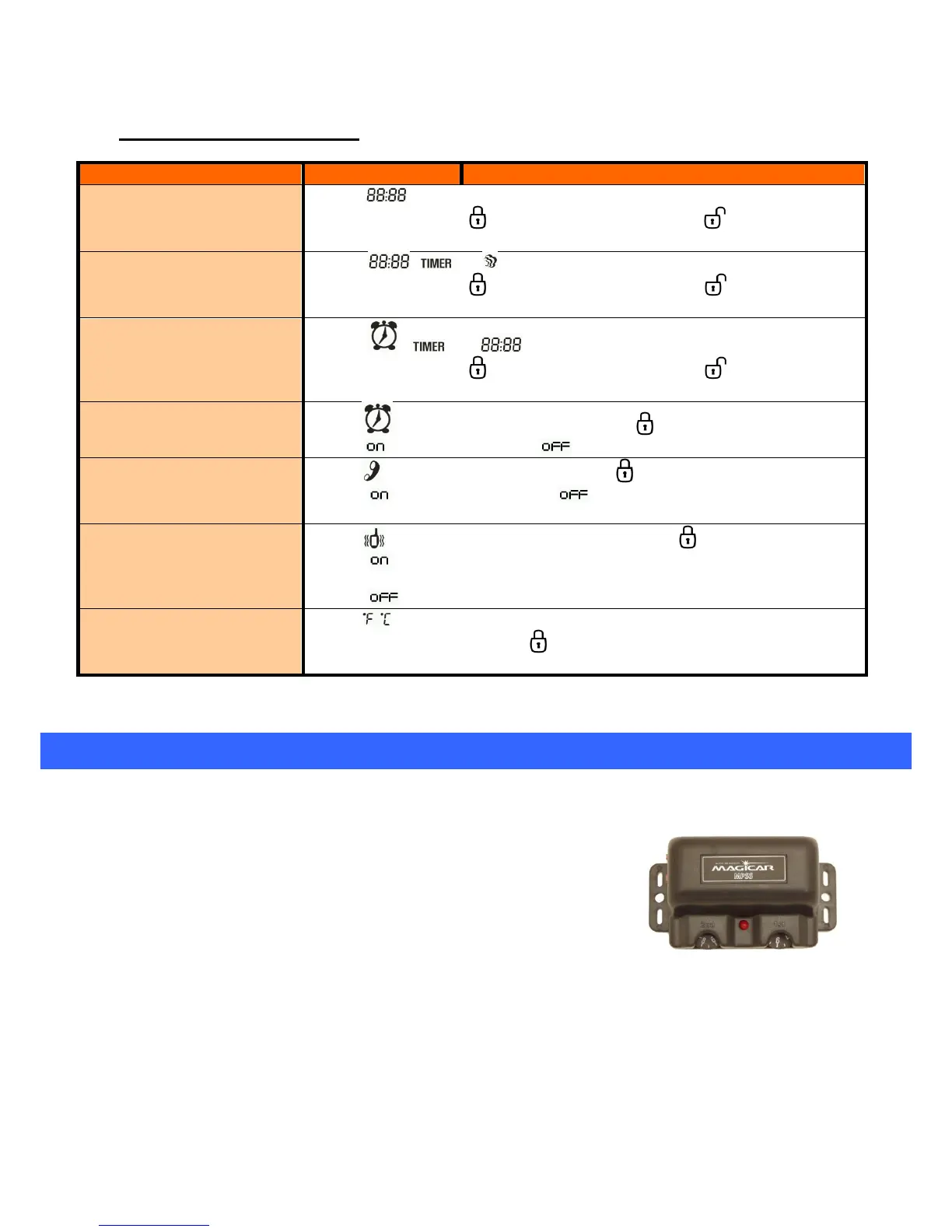
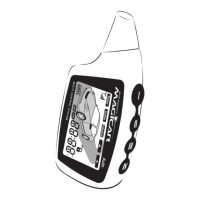
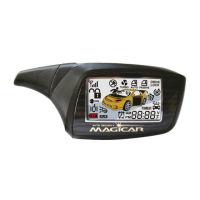
Remote programming menu:
The icon flashes.
At this moment the button will control the hour, and the button will control the
minute.
Set-up of timer start
reservation time
The icons , and flashes.
At this moment the button will control the hour, and the button will control the
minute.
The icons , and flashes.
At this moment the button will control the hour, and the button will control the
minute.
The icon flashes. Alarm On/off by pressing button .
Display - - alarm is on. Display - - alarm is off.
The icon flashes. RPS On/off by pressing button .
Display - - RPS is on Display - - RPS is off.
RPS: will be activated only if armed and you knock twice on the sensor.
The icon flashes. Vibration mode on/off by pressing button .
Display - - vibration mode is on, remote will only vibrate, there will be no acoustic sound
when button is pressed.
Display - - vibration mode is off, remote will beep when buttons is pressed.
The icon flashes.
Change the units by pressing button .
8. Setting the shock sensor
8.1. Setting the shock sensor sensitivity
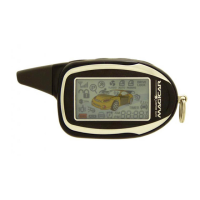
The shock sensor consists of two zones which can be adjusted
according to your needs. Shock Sensor sensitivity can vary from
vehicle to vehicle for many reasons, including where and how it is
mounted, and the size of the vehicle. Some after-installation
adjustments may be necessary to fine tune the sensor. Let
professional installation service do this for you.


 To Previous Page