Turning the sensors off is useful when leaving a dog or a child in the car. Sensors are off but
alarm is still protecting the car (door, hood and trunk inputs are not switched off).
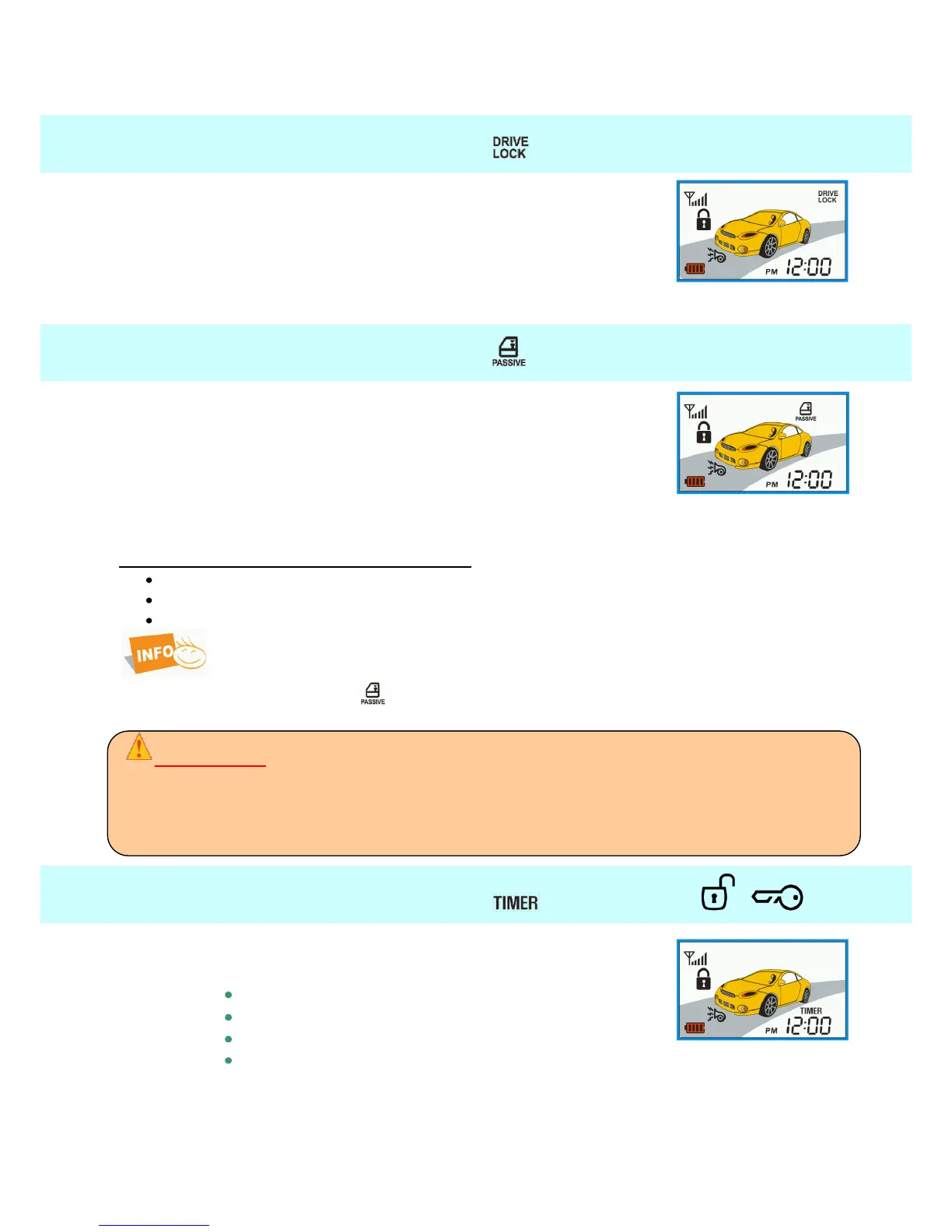
4.15. Drive lock
This option enables you to lock the doors after a start up of the
vehicle and pressing the foot brake. The doors will automatically
unlock when the engine is turned off. The function must be allowed in
programming menu 1-07 (Installation guide page 37)
The doors will not lock when some of the doors, a trunk or a hood is
opened.
4.16. Passive arming
The system will be automatically turned on 30 sec. after the ignition is
off and all the doors or trunk are closed. After 10 sec. and 20 sec.
siren will beep 1x and the lights will flash 1x, 30 sec. after that the car
will be locked and armed.
The function must be allowed in programming menu 2-06 (Installation
guide page 39)
Conditions for setting the passive arming:
Alarm disarmed.
Door closed.
Ignition must be off.
Function AUTO (RFID mode) has priority over the function Passive arming. In this
case will function off and icon will not a shown.
ATTENTION !
When PASSIVE mode is on, the doors will lock automatically (if you have central locking installed).
Therefore do not forget to always take your keys and remote control with you.
When you open the door or the trunk, the countdown will interrupt and after closing the doors starts
again. In case of accidental locking the remote inside the vehicle, use RPS to deactivate the alarm and
open the car.
4.17. Start timer reservation + —
The vehicle can be start up regularly in 24 hour cycles at a preset
time.
Conditions: set time of start – page. 60
set valet mode
set 24 hour cycle (Installation guide page 37)
switch on TIMER on remote
The vehicle can be start up also in 4, 8 or 12 hour cycles.
In this case, the countdown for start time begins by turn on the TIMER function on
remote - set start time is not used!



 To Next Page