EasyManua.ls Logo

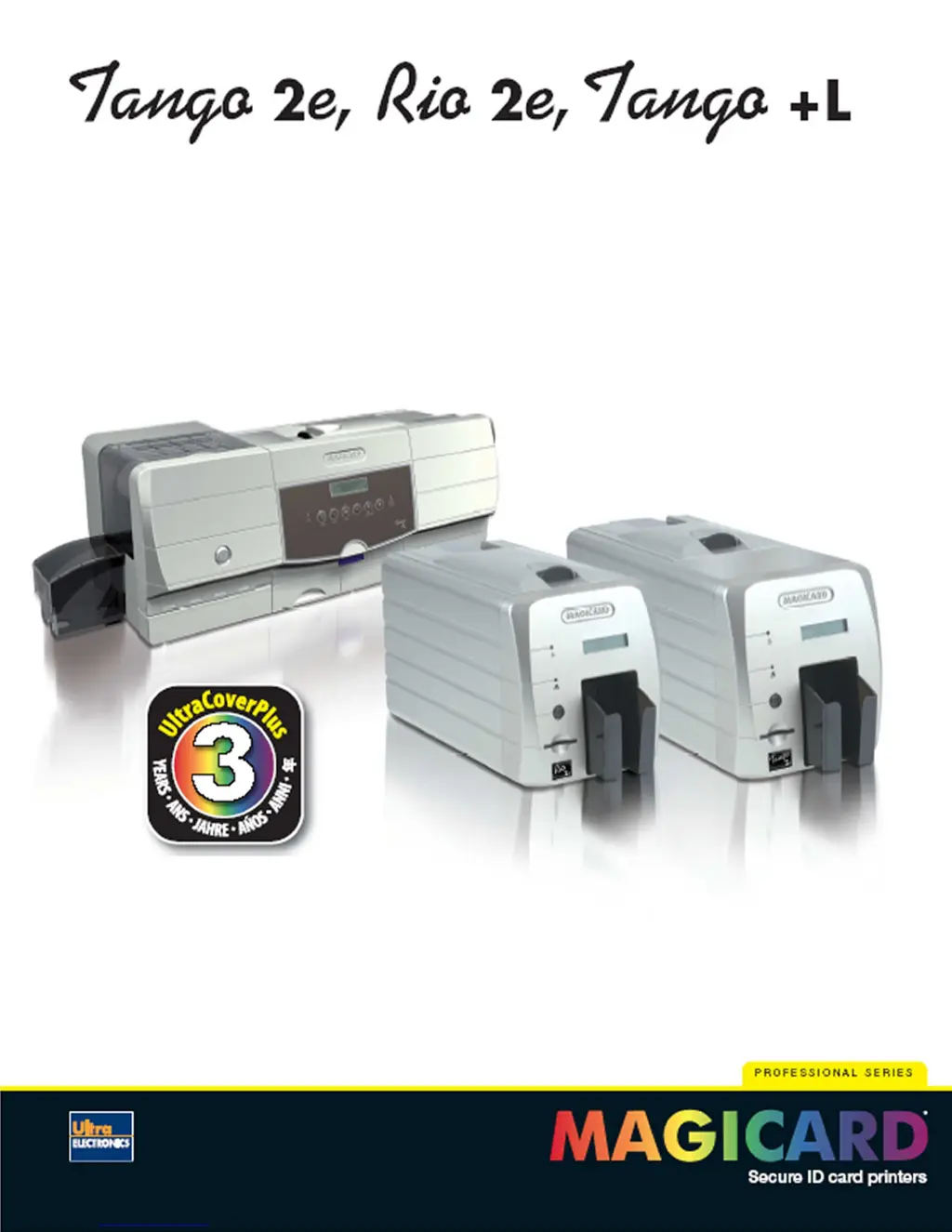
Magicard Tango 2e - User Manual

Magicard Tango 2e
33 pages
Print Icon
To Next Page IconTo Next Page
Loading...
Page 1 of 33
Professional series
ID card printers
3 year warranty
User Manual
Document No: 687 Issue 6.00

Questions and Answers

  • J
    Joseph JonesSep 7, 2025
    Why is image printed outside the color on Magicard Tango 2e Printer?
    • J
      Jeanette DiazSep 8, 2025
      If the image is printed outside the color on your Magicard printer, it is likely because a used roll of dye film has been fitted. Replace the dye film with a new roll.
  • J
    John SweeneyAug 22, 2025
    Why Magicard Tango 2e Printer doesn't feed cards and shows 'Printer may be out of cards' error?
    • J
      John JonesAug 22, 2025
      If cards are failing to feed from the hopper of your Magicard printer and you're seeing a “Printer may be out of cards” error message, ensure the card hopper is filled with cards. Also, the rear hopper rollers may be dirty, requiring cleaning with a fresh cleaning card. If there is a squeaking noise, the card thickness adjustment might be too small, so adjust it to the correct thickness. Static can also cause cards to stick together; remove the cards, fan them to separate them, and then return them to the hopper.
  • C
    Carlos Graham Jr.Sep 4, 2025
    Why are magnetic encoding results inconsistent with Magicard printer?
    • S
      Stephanie LuceroSep 5, 2025
      If you are experiencing inconsistent magnetic encoding results with your Magicard printer, it could be because the card is slipping when moving over the recording head or due to incorrect cards being used (HI-Co / Lo-Co). Clean all the rollers to ensure the card moves smoothly. Also, verify that you are using the correct type of cards (Hi-Co or Lo-Co).
  • D
    Deborah DiazSep 3, 2025
    Why can't Magicard Tango 2e position the dye film correctly?
    • S
      Shane LawsonSep 3, 2025
      If your Magicard printer cannot position the dye film, resulting in colors being printed in the wrong places, it is likely due to the dye film being incorrectly loaded. Reload the dye film correctly.
  • A
    Amy JonesSep 2, 2025
    Why are there small areas of wrong color on Magicard Tango 2e Printer output?
    • A
      Anna FernandezSep 2, 2025
      If you observe small areas of wrong color on cards printed by your Magicard printer, it could be due to dust or debris on the card surface, oily deposits, or an uneven card surface. Jagged scratches may be caused by slight cutting of dye film or printhead density being too high. To resolve this, ensure cards are kept clean and protected from dust and debris. Replace cards if they are contaminated or have an uneven surface. Reduce the printhead power setting, or adjust the image start or end position if the film is being cut.
  • L
    Lori BakerAug 31, 2025
    Why does Magicard Tango 2e feed multiple cards from hopper?
    • J
      Joanne WestAug 31, 2025
      If your Magicard printer is feeding more than one card from the hopper, it is likely that the card gate (thickness) adjustment is set too large. Adjust the thickness setting to the correct level to resolve this issue.
  • T
    tonya60Aug 30, 2025
    Why is the dye film cutting during print with my Magicard printer?
    • B
      benjaminstuartAug 30, 2025
      If your Magicard printer is cutting the dye film during printing, it may be due to the dye film sticking to the card or the image printing beyond the card's edges. To resolve this, ensure that you are not using previously printed cards and try lowering the printhead power settings. If the cutting occurs at the beginning or end of the film panel, adjust the image start or end position accordingly.
  • K
    Karen Harper MDAug 29, 2025
    What to do if my Magicard Tango 2e shows 'Out of Dye Film' error?
    • N
      Nancy PrattAug 29, 2025
      If the Magicard printer displays an 'Out of Dye Film Error', several factors could be at play. First, ensure that the dye film hasn't run out and needs replacement. If the film is new, double-check that it has been loaded correctly. Lastly, verify that the film spools can turn freely, which might be hindered if the dye film isn't moving as expected.
  • D
    Denise RamosAug 27, 2025
    What causes “Card not found” error on Magicard Tango 2e Printer?
    • J
      Jason TuckerAug 27, 2025
      If cards are failing to feed from the hopper of your Magicard printer and displaying a “Card not found” error message, ensure that the cleaning cassette ‘tacky’ roller is correctly fitted. Remove the cleaning cassette, check that the two small springs are above the ‘tacky roller, and then replace the cleaning cassette.
  • E
    Elizabeth JacksonAug 27, 2025
    Why Magicard Tango 2e does not recognize dye film type?
    • M
      Michelle RiceAug 27, 2025
      If your Magicard printer is not recognizing the dye film type, and print colors appear very pale with good black text, it might be due to the dye film being incorrectly loaded or using the incorrect type of dye-film. Try reloading the dye film correctly.

Summary

Printer Preparation and Safety

Printer Safety Guidelines

Essential safety instructions for operating the printer to prevent hazards.

Printer Installation Guide

Printer Unpacking and Components

Details on unpacking the printer, identifying accessories, and checking contents.

Required Printer Consumables

Lists essential consumables like dye film, cleaning cards, and blank cards.

Loading the Dye Film Ribbon

Procedure for correctly loading the dye film spool into the printer.

Selecting Dye-Film Ribbons

Dye-Film Ribbon Selection Guide

Table and guidance for choosing the correct dye-film based on print job requirements.

Loading Dye-Film Ribbons

Dye-Film Ribbon Loading Procedure

Step-by-step instructions for safely loading dye-film into the printer.

Lamination Film Selection

Tango +L Lamination Film Options

Details on available lamination film types and part numbers for the Tango +L.

Loading Laminate Rolls

Selecting Print Cards

Card Lamination Process

Loading Print Cards

Printer Cleaning and Maintenance

Configuring Printer Driver Settings

Uninstalling UltraDriver Software

Using Magicard Support Utility

Upgrading Printer Firmware

Instructions for updating the printer's firmware using the support utility.

Printer Troubleshooting Guide

Image Quality Troubleshooting

Solutions for common image quality issues like misregistration and color errors.

Dye Film Related Issues

Troubleshooting dye film loading, positioning, and printing problems.

Technical Support and Service Contacts

Magicard Tango 2e Specifications

General IconGeneral
Print Resolution300 dpi
Card Capacity100 cards
InterfaceUSB
Print TechnologyDye Sublimation
ConnectivityUSB
Card Types SupportedPVC
Print CapabilitySingle or Dual Sided
Operating System CompatibilityWindows 7, 8, 10

Related product manuals