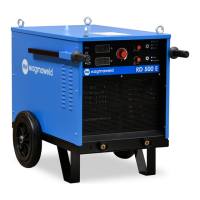
RD 500 E
EN
www.magmaweld.com
16
USER MANUAL | KULLANIM KILAVUZU
Operation
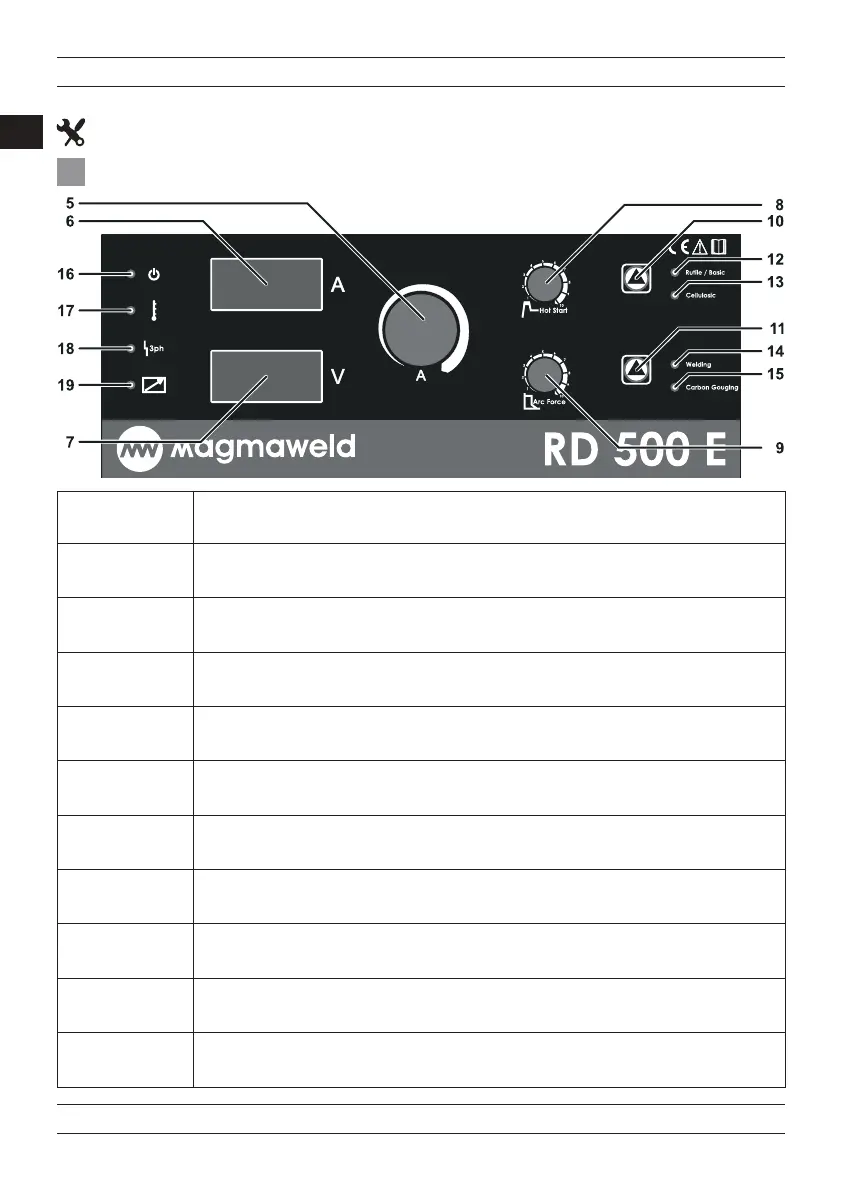
Current Adjustment Knob
Used for adjusting the welding current in a range of 10-500A.
Arc Force Düğmes
Used for reducing the electrode’s tendecy to stick into the weld pool during welding.
Voltage Dsplay
Displays the open circuit voltage and the welding voltage during welding.
Weldng, Carbon Gougng Selecton Button
Used for selecting the type of the process.
Weldng LED
Lights when welding mode is selected.
Carbon Goung LED
Lights when the carbon gouging mode is selected.
Current Dsplay
Displays the welding current during welding, displays the adjusted current when the machine doesn’t weld.
Rutle, Basc, Cellulosc Selecton Button
Used for selecting the type of the process.
Cellulosc LED
Lights when the cellulosic electrode is selected.
Hot Start Adjustment Knob
Used for a better ignition in stick electrode welding.
Rutle, Basc, Alumnum LED
Lights when rutile, basic or aluminium electrode is selected.
14
15
13
12
11
10
9
8
7
6
5
3.1 User Interface
OPERATION




 To Next Page