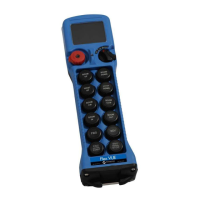
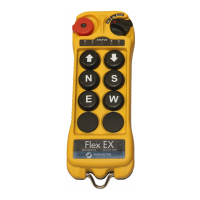
Flex Pro Transmitter Instruction Manual
April 2019
Page 16 of 25
3.3 Types of Buttons
The buttons used on the Flex Pro are fully proportional, stepless push buttons with an output that varies
0 – 100%, based on how far the button is depressed. It is possible to model the stepless buttons as an
ON/OFF momentary switch, an ON/OFF latched switch, a 2-Speed button, or a 3-Speed button. This
modeling is done on the receiver end of the system. Please consult the factory for more information.
3.4 Adjustable Speed Control (if equipped)
The proportional buttons normally operate on a scale from 0-100%, but they can also be scaled down to
operate linearly from 0-75%, 0-50%, or 0-25% over the full motion of the button. This gives the user more
control over lower speeds. To adjust the speed control settings, press and hold the START button and then
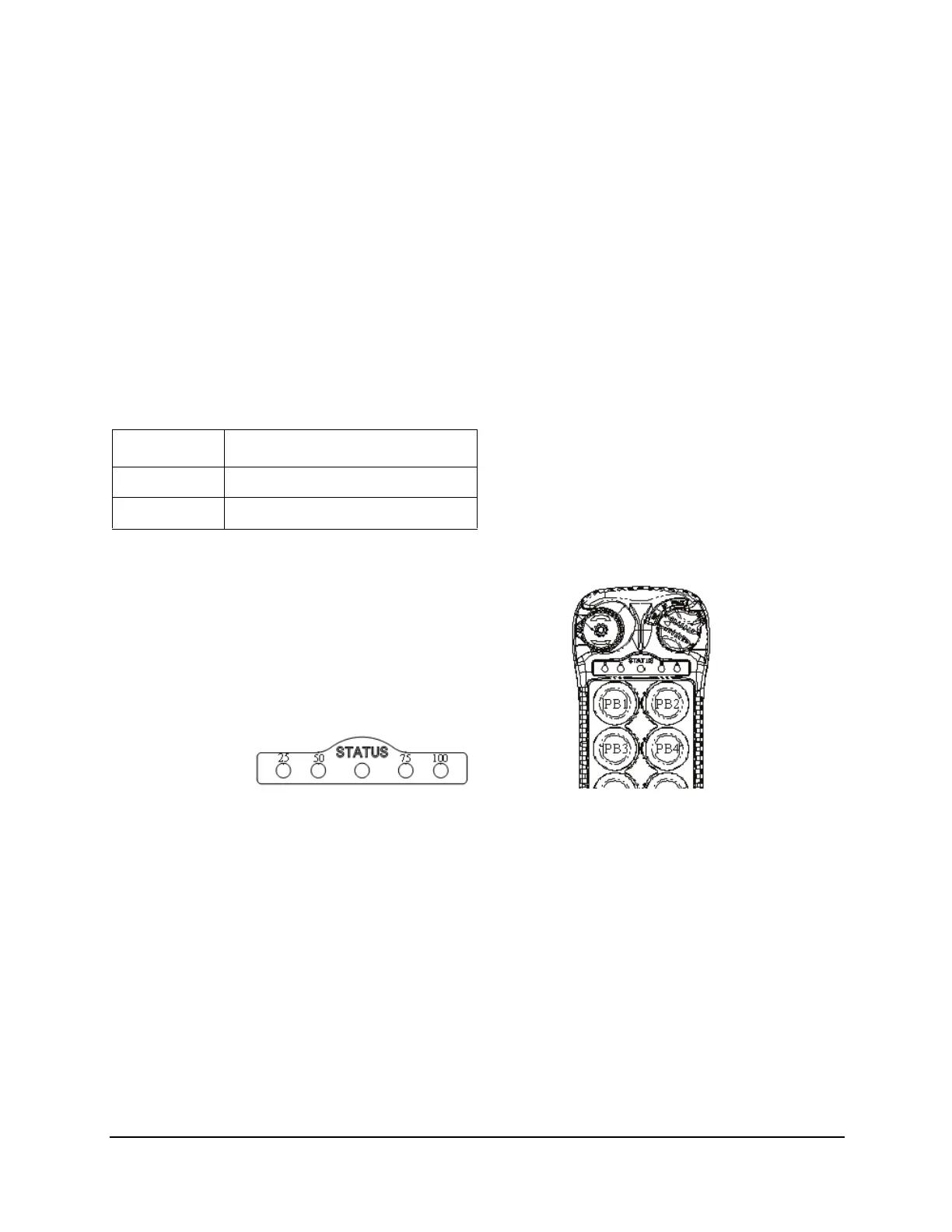
press push button 1 or push button 2 to decrement or increment the range percentage. The red LEDs,
which indicate the Speed Setting, will then change to reflect the current setting.
Start + Speed Control Setting
PB1 Decrement Speed Control
PB2 Increment Speed Control
Fig. 3
Fig. 4






 To Next Page