BA380701-en
3.6 Interfaces and Software Updates
Software updates are normally performed using a USB stick (FAT32). Procedure:
1 Download the current software version from the MAHA homepage.
www.maha.de/downloads.htm
2 Open the ZIP file by double-clicking.
3 Select the MAHA folder with preset folder structure
and copy it to a USB stick.
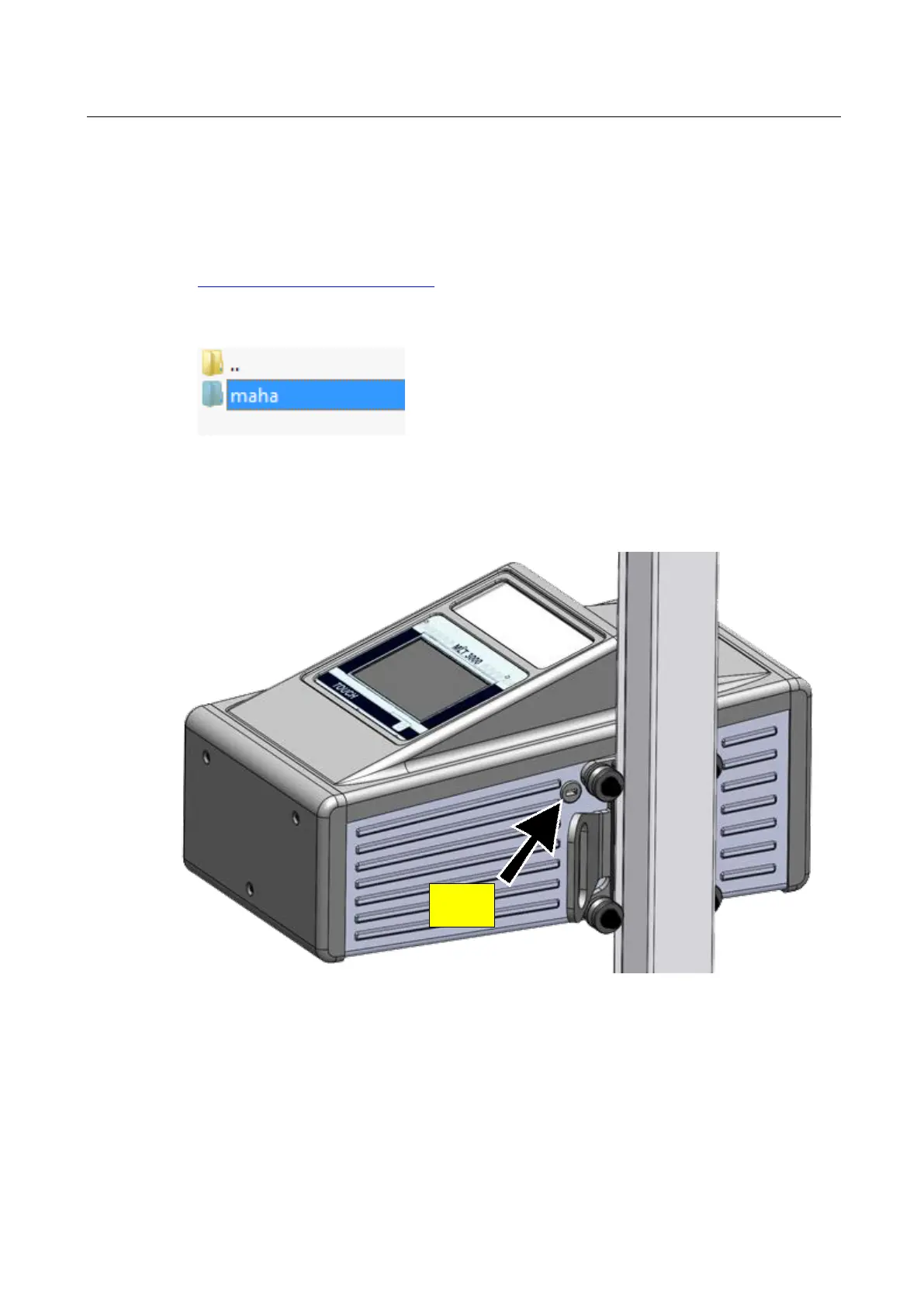
4 Connect the USB stick containing the software update to the USB port outside at
the casing. Start installation in the Service menu (see Fig. below).


 To Next Page