Operation Manual easyTone
5.6.3 Selecting a Subject
5.6.3.1 General
According to the settings made, the app starts with
• the Screening List screen (see Section 5.6.3.3)
• the Single Screening screen (see Section 5.6.3.2).
NOTE: From both screens it is possible to start a Quick Test without having created a
subject beforehand.
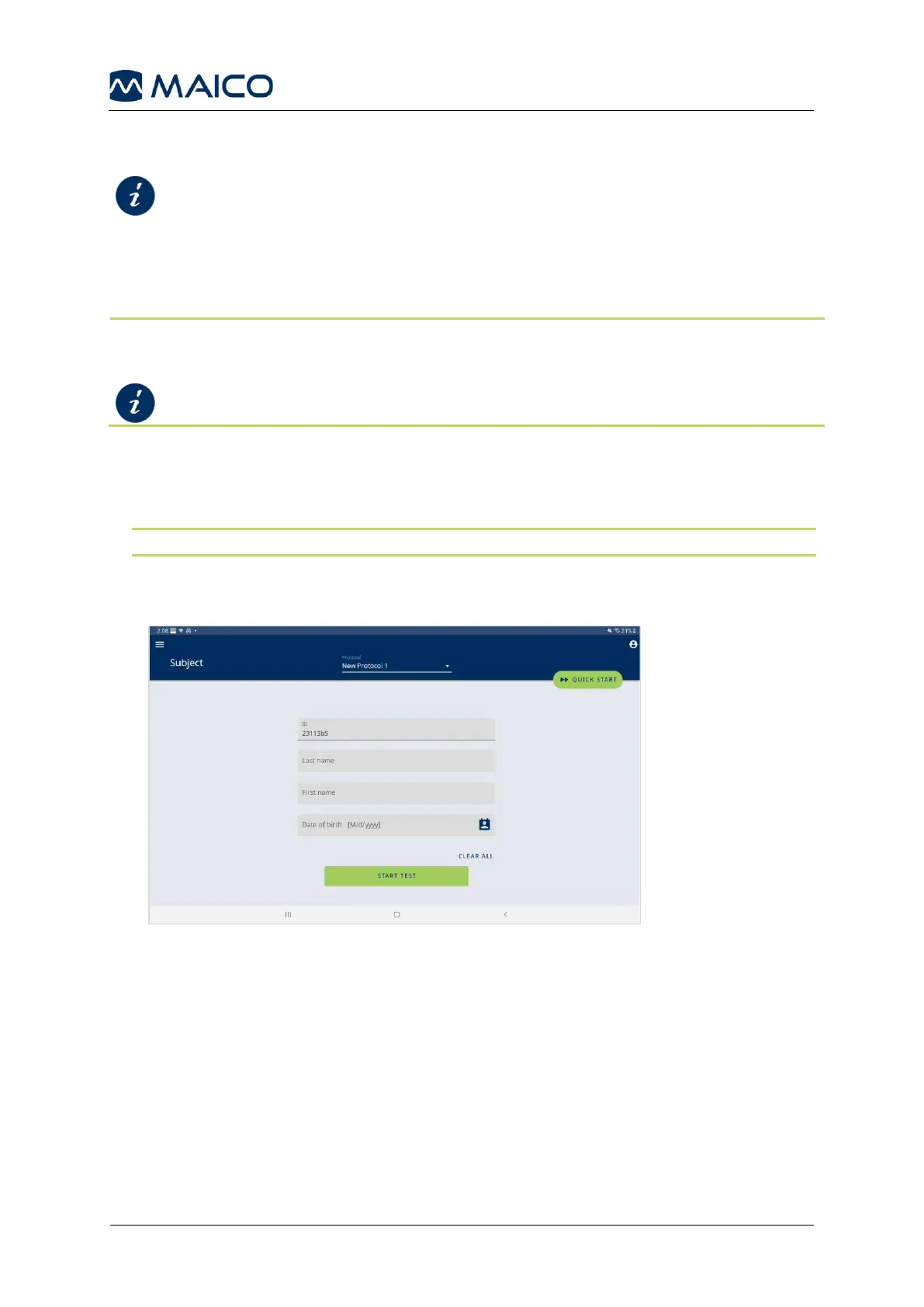
5.6.3.2 Entering a Subject in Single Screening Mode
1. Fill in the entry fields.
NOTE: You can start the test as soon as you have filled in at least one field.
2. Clear the entries if needed.
3. Press START TEST to directly start testing the subject you have just entered.


 To Next Page