10
EN
Instructions Guide
Initial Set-up
When you rst connect the unit to the mains socket,
the display will show the start-up screen, followed by
‘Language menu’. To select the language of your choice,
press
12
w
/
s
buttons to nd your preferred language.
Press the SELECT button to conrm your selection. Once
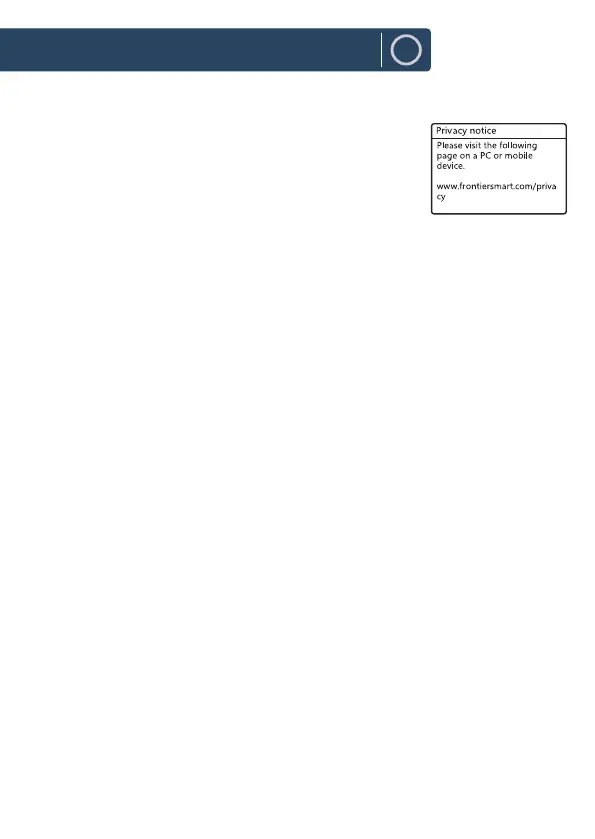
the language has been selected, the privacy policy page
will come up next. Please visit the website mentioned in the page to view the
details of the privacy policy. Press SELECT button on remote control to conrm
and move onto the next step.
1. To launch the initial ‘Setup wizard’, press
7
/
8
buttons to select [YES]. Press
SELECT button to conrm.
2. Right after you can select the time format. Choose the clock time format
as per your preferences, either to [12] or [24] hours. Press SELECT button to
conrm and move onto the next step. Next, select which source (DAB/FM/
NETWORK/NO UPDATE) the unit uses as a source to obtain and update the
time and date. If “Update from Network" Is selected proceed to the next
step and select the time zone, to ensure that this correctly displayed. Right
after, you can also choose the "Daylight savings” which can be set to [ON] or
[OFF].
3. Onto next screen, you can specify whether the product should remain
connected to the Network when on Standby mode. Press
7
/
8
buttons to
select [YES], then press SELECT button to conrm.
4. Robinson 2IR, will now scan for your wireless network, this may take a few
seconds then a list of all the wireless networks available will appear on
the screen. Select the WLAN network you know and whether to use WPS
(Push Button/Pin) or Skip WPS to enter the password using the displayed
keyboard













 To Next Page