26
LOADING MAKERBOT FILAMENT CONTINUED
7
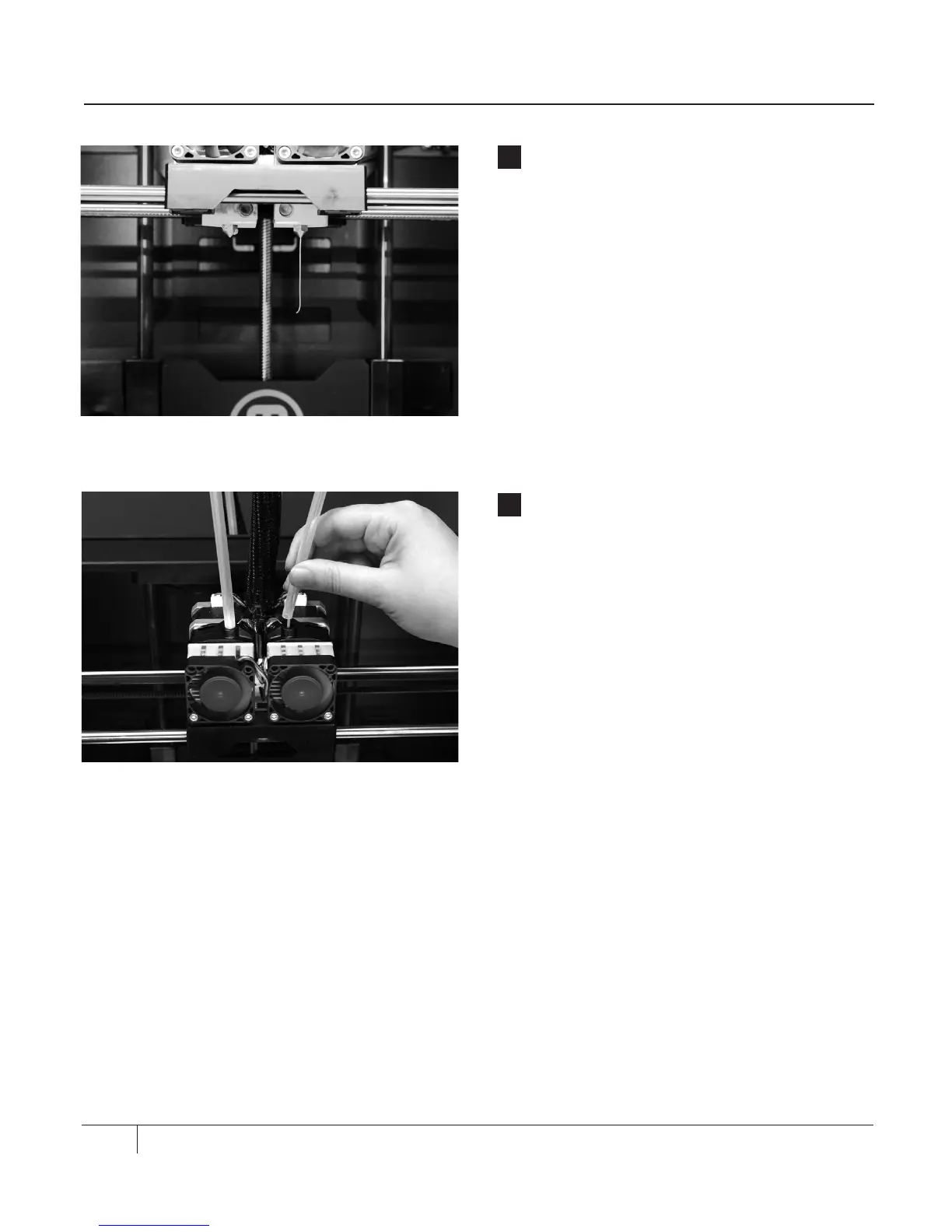
Stop Extrusion
Aer a few moments, you should see a thin
string of the MakerBot ABS Filament come
out of the right extruder nozzle. The filament
might curl and then straighten; this is normal.
Press the M button to stop extrusion.
NOTE: Don’t be surprised if the plastic that initially
comes out of the nozzle is not the color you
expected. This is filament le over from testing.
Wait until you see the color that you loaded come
out of the nozzle before you press the M button.
8
Reattach the Filament Guide Tube
Push the guide tube back into the opening
on the top of the right extruder.





 To Next Page