PRINTING AN EXAMPLE
73INTERMEDIATE PRINTING 7373
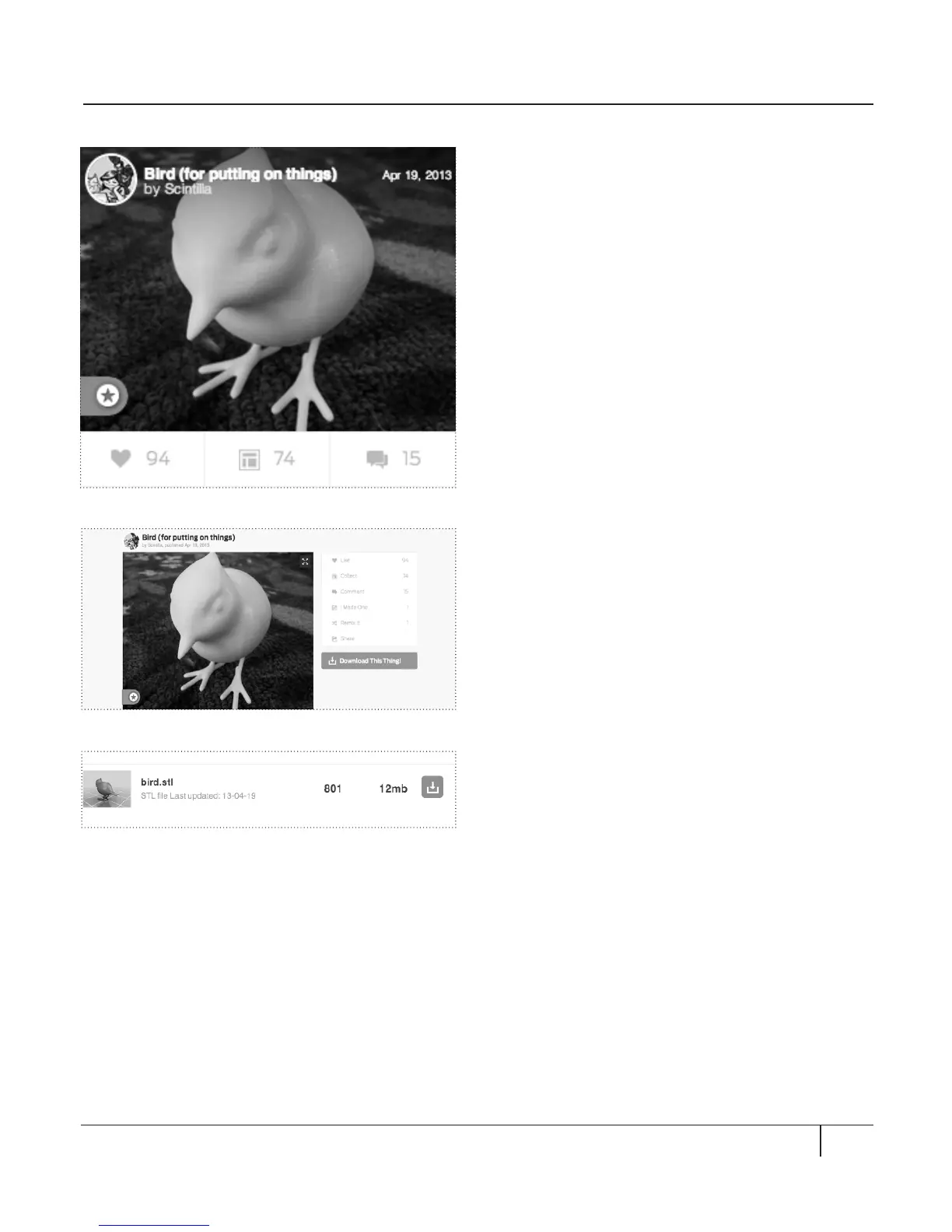
In this example, we will print the bird model
shown earlier. To do this:
1. Open a browser session and go to
http://www.thingiverse.com.
2. In the Search field in the upper right of the
page, enter “Bird (for putting on things)”.
3. In the Search Result page, find Bird (for
putting on things). Click on the title link.
4. In the Thing page for the bird, you will see
a button that says Download This Thing!
Click this button.
5. In the Downloads window, click on the
file bird.stl. Thingiverse will download the
file to your local computer.
6. Start MakerWare. Choose the File menu.
Choose Open. Navigate to the directory
where you stored the file bird.stl.
7. The bird statue should appear in MakerWare.
Fig. 10.7
Fig. 10.8
Fig. 10.9





 To Next Page