VIEWING CUSTOMIZABLE THINGS
To view a list of Things that you can
customize with the Customizer application:
1. Go to http://www.thingiverse.com.
2. On the home page, click the Explore
link at the top of the page and then click
Customizable Things.
3. Thingiverse will display the Customizable
page, with a list of Things that you can
customize with the Customizer application.
Each customizable Thing has a set of
parameters you can edit in Thingiverse.
These parameters are created by the user
who uploaded the Thing. To view and
manipulate a customizable Thing:
1. Find the thing, either through the Search
tool or by viewing the list of Customizable
Things. Go to its Thing page.
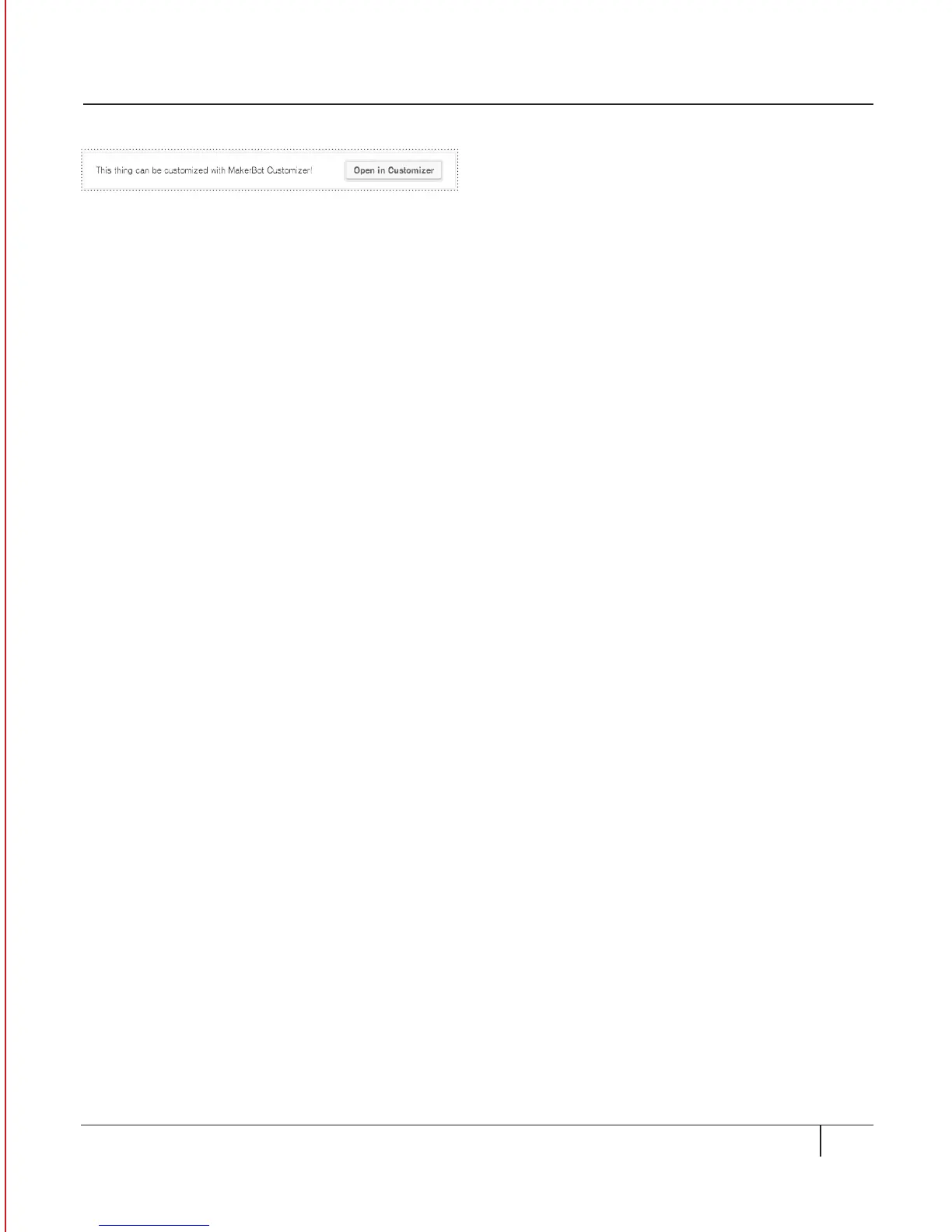
2. In the Thing page, select the button
Open in Customizer. [Fig. 13.1]
3. You can now view the list of
customizable parameters for the thing.
CUSTOMIZING A THING
89USING THE CUSTOMIZER
Fig. 13. 1





 To Next Page