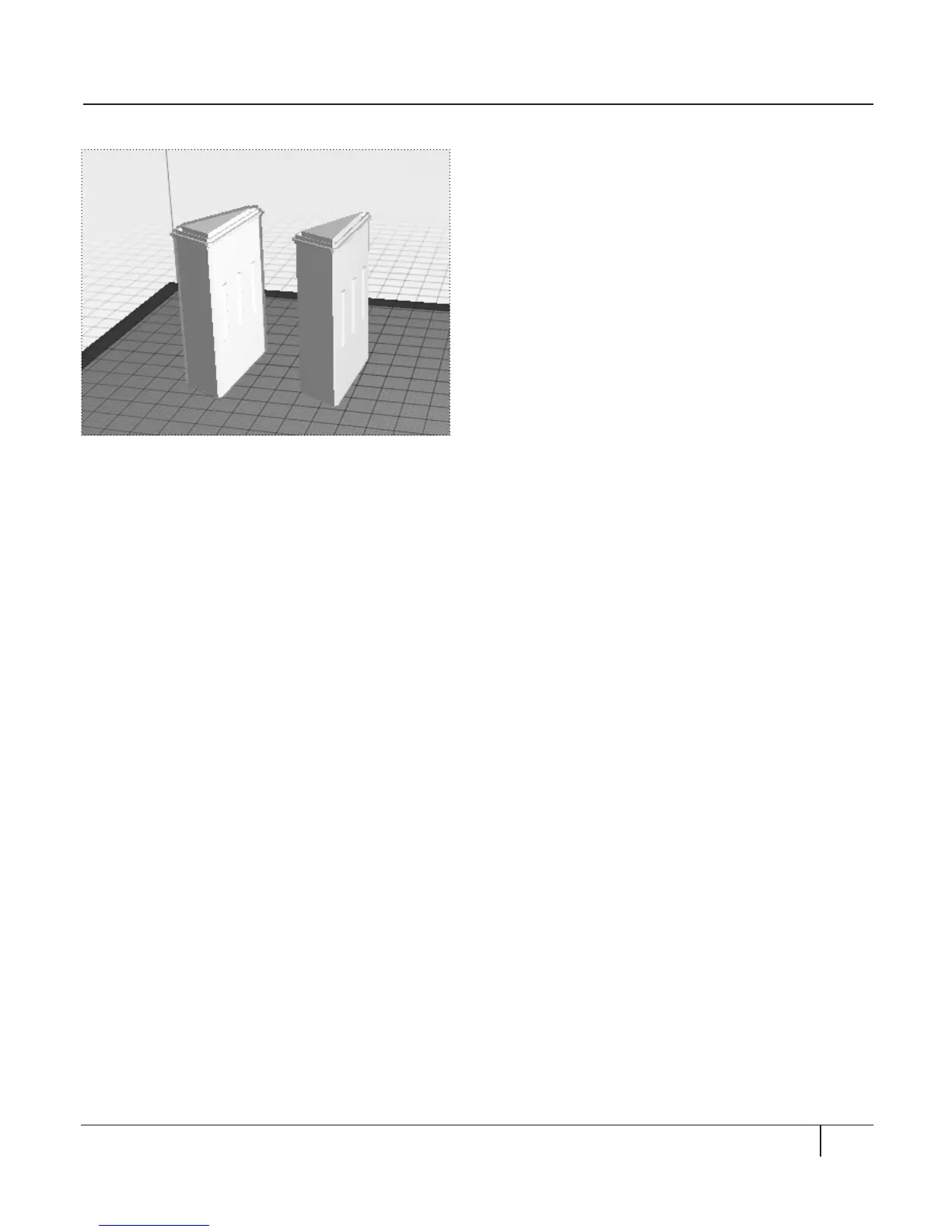
3. To prepare for the next section, move
the Flatiron model to the le side of
the build plate.
DUPLICATING OBJECTS [Fig. 8.4]
In this section, we will copy an object.
Currently, you should have the Flatiron model
at the le side of your build plate. We will
make a copy of the Flatiron model. To do this:
1. Click on the Flatiron model. A yellow
outline will surround the object.
2. Press the keys Ctrl+C or Command+C to
copy the file.
3. Press the keys Ctrl+V or Command+V to
paste a copy of the file onto the plate.
The copy of the Flatiron model will
appear right next to the original.
4. Press the keys Ctrl+Z or Command+Z to
undo your last action and remove the
copy of the Flatiron model.
COPYING OBJECTS
59PREPARING TO PRINT
Fig. 8. 4





 To Next Page