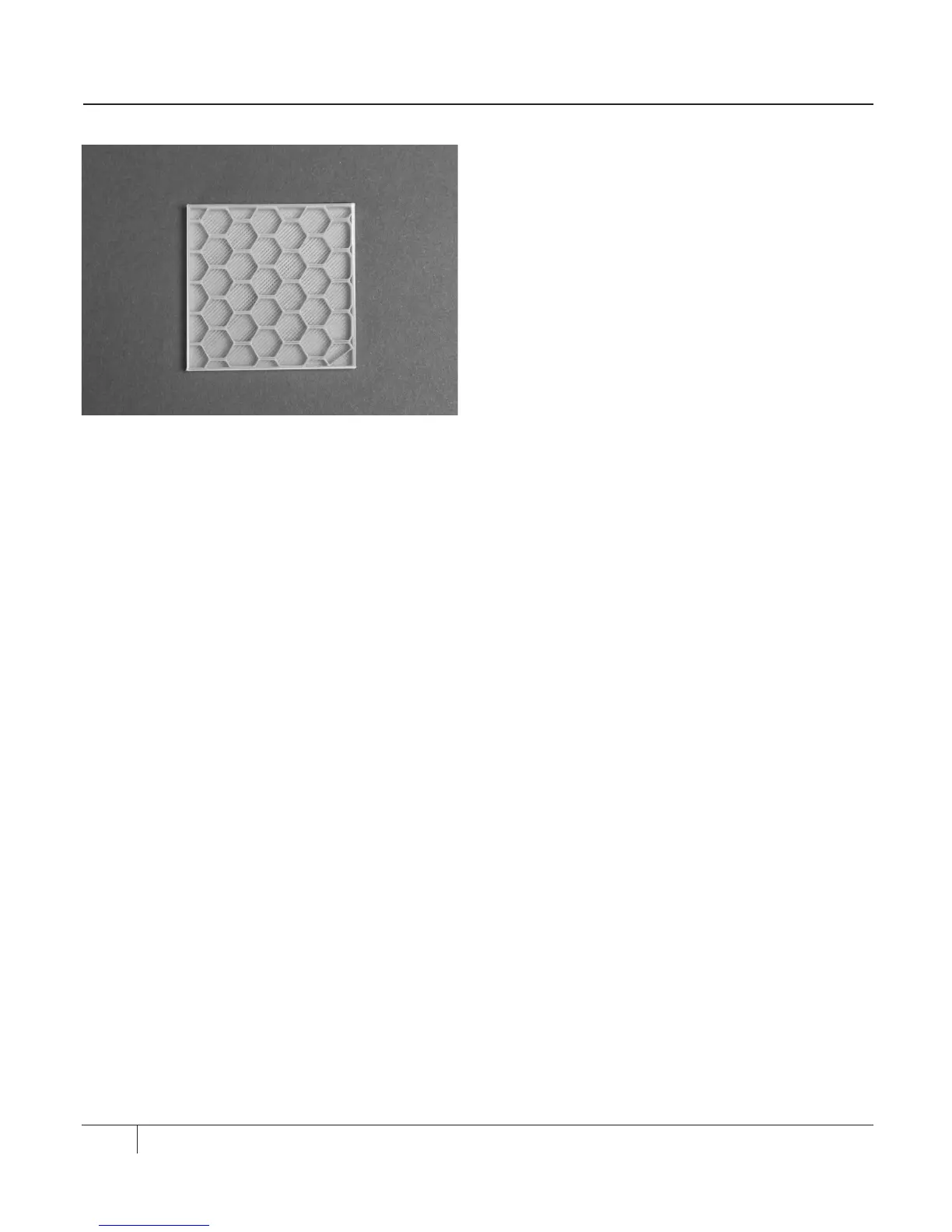
Infill. Everything that is neither shells, nor
floor, nor roof is filled with an internal lattice
called infill. [Fig. 11.2] Infill provides your
object with an internal support structure.
The number that you enter in this field
defines the solidity of the printed object’s
infill. Higher infill percentages will result
in more threads of infill extrusion that are
closer together. Lower infill percentages will
result in fewer threads of infill extrusion that
are more widely spaced. For a hollow object
with no internal support structure, enter an
infill of 0%. For a completely solid object,
enter 100%.
For decorative objects, you might want to
set a low infill percentage--maybe 5 or 10%.
If you are having trouble with the upper
surfaces of your object, you might want
to raise that number. Flat roofs must have
some structure underneath them so that
they do not sag. Rounded objects might
show gaps if there is not enough infill for the
shells of new layers to adhere to.
More infill will increase the strength and
weight of your object. It will also increase the
printing time for the object. For objects with
a practical purpose, you should use more
infill. An infill of 40 or 50% usually results in
a robust object, but if you are able to crush or
break your object, try raising the amount of
infill by 10%.
PRINT QUALITY CONTINUED
78
File Name: 20mm calibration box Fig. 11. 2
Design by: Spacexula
Thingiverse: 2064





 To Next Page