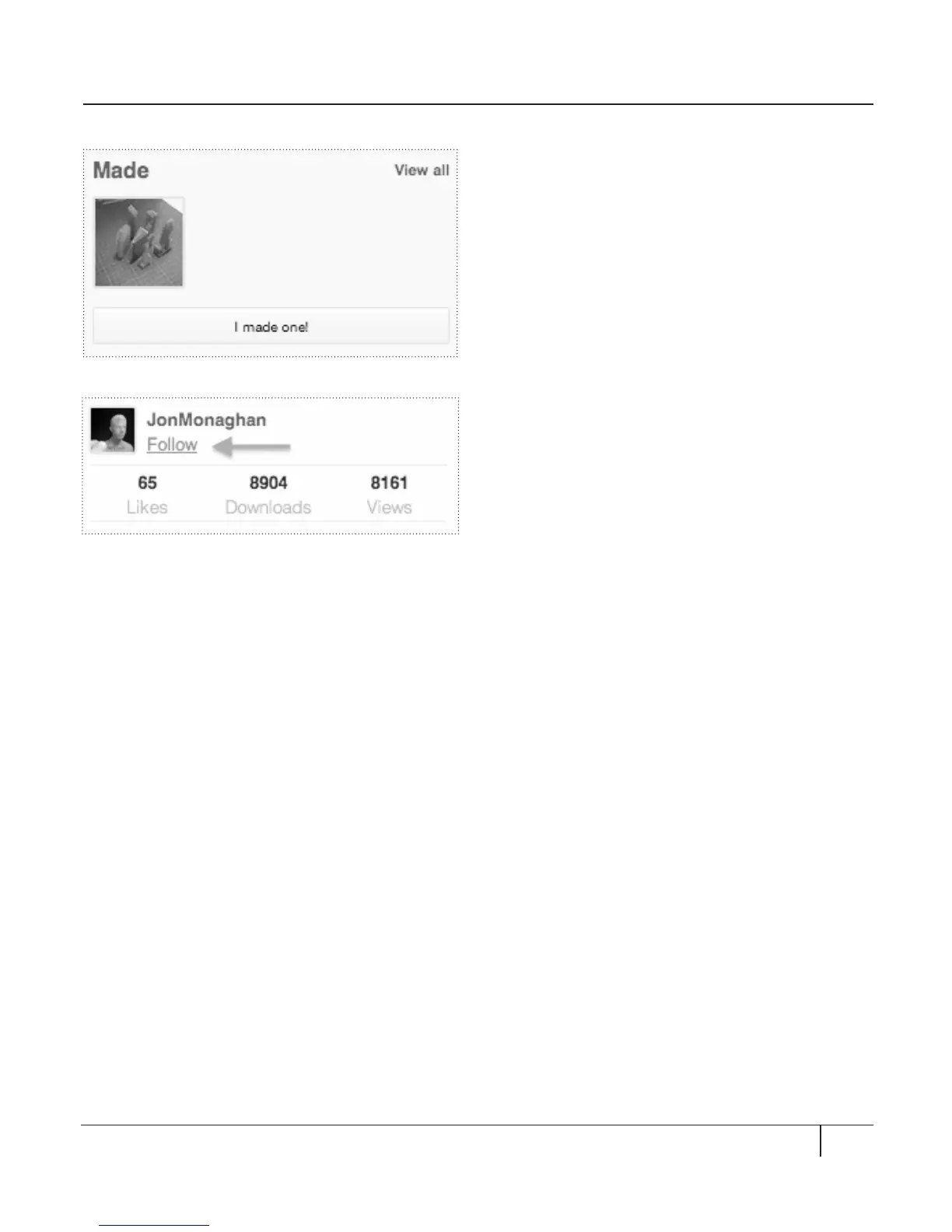
To show that you Made a Thing:
When you print something downloaded
from Thingiverse, it’s good manners to show
your work.
• Click the “I made one!” button in the
right sidebar. [Fig. 12.7]
• This will take you to a new page where
you can upload an image and add a
description of the Thing you made.
• Click Create at the lower right corner
of the page to save the record of your
Made thing.
To Follow a user:
If you admire another Thingiverse user
and want to know when they publish new
designs, add Things to a Collection, or have
a Thing featured on the front page, Follow
them. You can find the Follow button on any
Thing page, to the right of the Thing image
and directly underneath the name of the
user who published the Thing. [Fig. 12.8]
THINGIVERSE CONTINUED
87INTRO TO THINGIVERSE
Fig. 12. 8
Fig. 12. 7





 To Next Page