8
MakerBot Replicator
MakerBot
8
MakerBot Replicator Z18
MakerBot
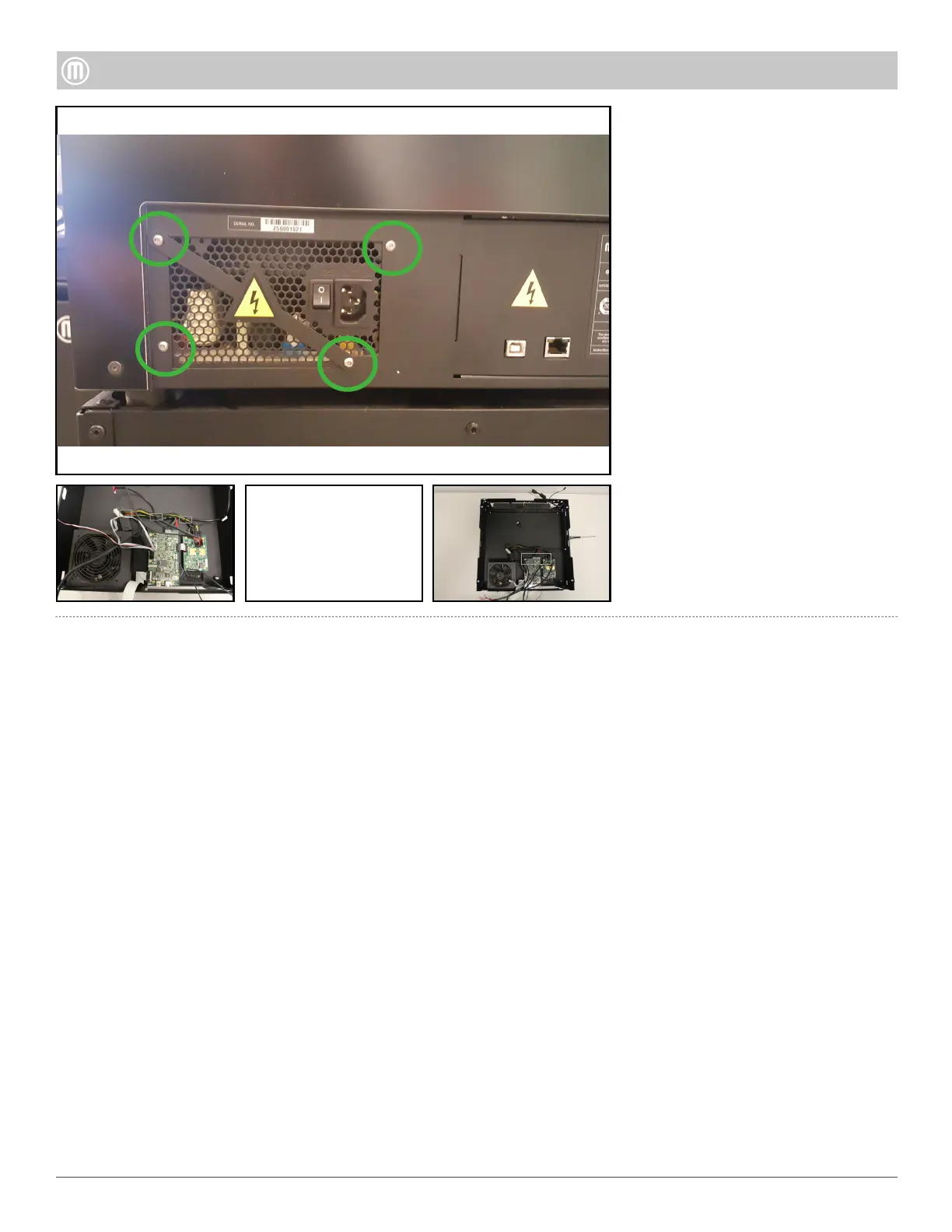
Remove the four (4) button head
security screws located at the rear
of the Drawer Bay Assembly by
using a T10 security screwdriver.
Cut o the three (3) zip ties that
secure the Power Supply Wires.
Step 10-Remove the power
supply
Detach the 20-pin from the
Brooklyn PCB and the two (2) six-
pin connectors from the Gowanus
PCB. Lift the Power Supply up
to remove from the Drawer Bay
Assembly.
•
•
•



 To Previous Page