REFERENCE
7
SAFETY AND COMPLIANCE
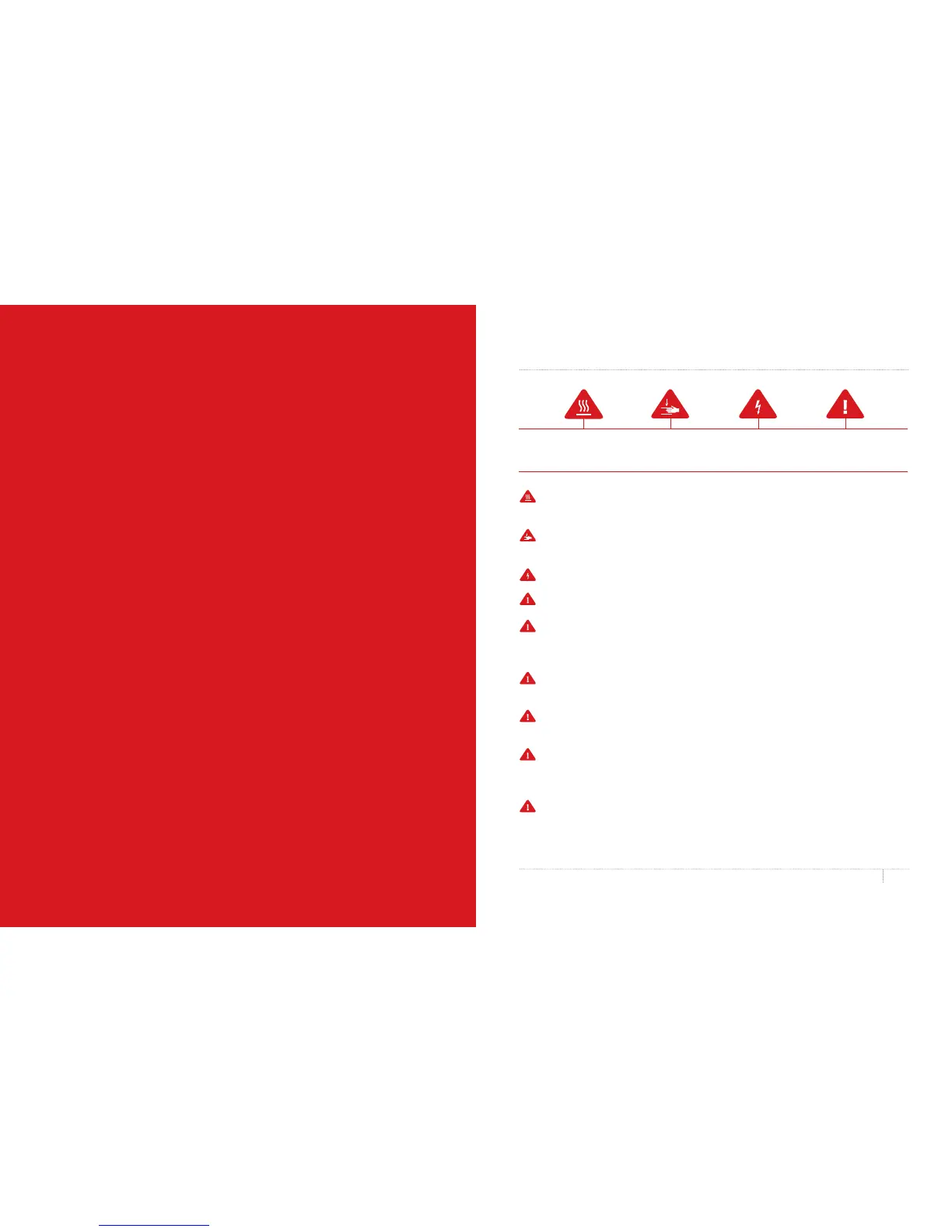
Safety alert symbols precede each safety message in this manual. These symbols indicate
potential safety hazards that could harm you or others or cause product or property damage.
Warning: The MakerBot Replicator Mini Compact 3D Printer generates high temperatures.
Always allow the MakerBot Replicator Mini to cool down before you reach inside.
Warning: The MakerBot Replicator Mini includes moving parts that can cause injury.
Never reach inside the MakerBot Replicator Mini while it is in operation.
Warning: There is a risk of shock. This product is not user serviceable.
Warning: Do not leave the MakerBot Replicator Mini unattended during operation.
Caution: Do not print using materials that have not been approved by MakerBot for
use with the MakerBot Replicator Mini. Refer to the Specifications section on page 27
for more information.
Caution: The socket outlet must be located near the equipment and must be
easily accessible.
Caution: In case of emergency disconnect the MakerBot Replicator Mini from the
wall socket.
Caution: The MakerBot Replicator Mini melts plastic during printing. Plastic odors
are emitted during this operation. Make sure to set up the MakerBot Replicator Mini in
a well-ventilated area.
Caution: Do not look directly at any operating LED component.
WELCOME TO THE
REFERENCE MANUAL FOR
THE MAKERBOT REPLICATOR
MINI COMPACT 3D PRINTER.
The MakerBot
®
Replicator
®
Mini is super easy to use,
but it’s also packed with brand-new features. Use
this reference guide to familiarize yourself with
the capabilities of your new MakerBot Replicator
Mini and the MakerBot Desktop App.



 To Next Page