3. Updating via USB-A (IC107)
The latest rmware can be downloaded to a USB memory for updates.
3.1. Connecting to the USB Memory
(1) Preparation
• Use a memory that supports USB2.0.
• USB format : Prepare a USB memory formatted in FAT16 or FAT32.
• Do not run the USB memory through a hub.
• Do not connect a computer to the USB port of this unit using a USB cable.
• Do not use an extension cable when connecting the USB unit.
• If a USB memory device cannot be updated, replace it with a different USB memory device and per-
form the update again.
3.2. Unzipping the Downloaded File
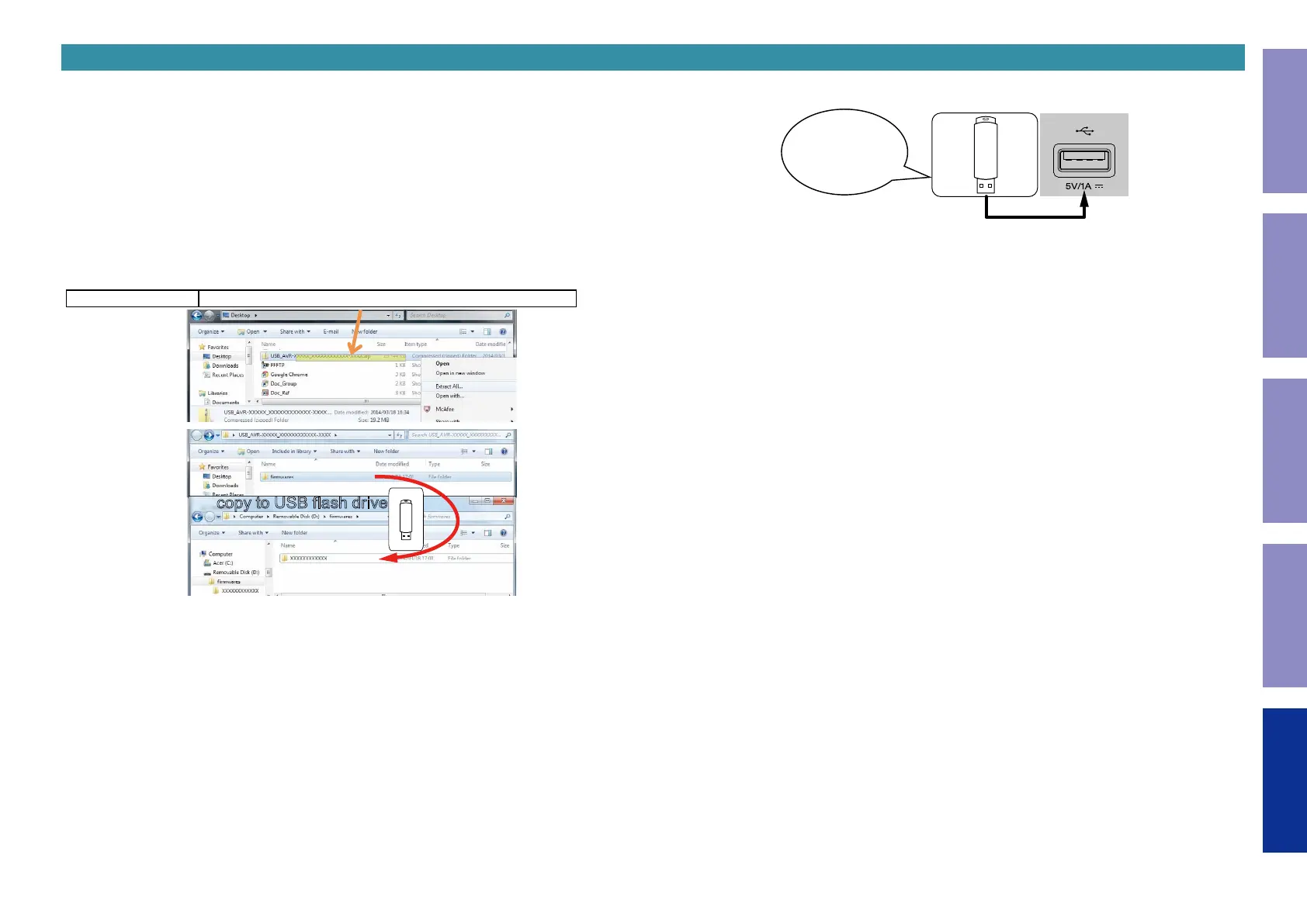
Unzip the downloaded le on your computer.
CD6006 USB_CD6006_XXXX.zip
The "
DCD1650U.BIN
" le is created upon unzipping the le.
Copy that le to USB ash drive.
The "
DCD1650U.BIN
" le must be in the root directly of the USB ash drive (memory).
copy to USB flash drive
3.3. Insert the USB memory into the USB port.
Download firmware
in USB flash drive.
51
Caution in
servicing
Electrical Mechanical Repair Information Updating



 To Next Page