Part names and functions
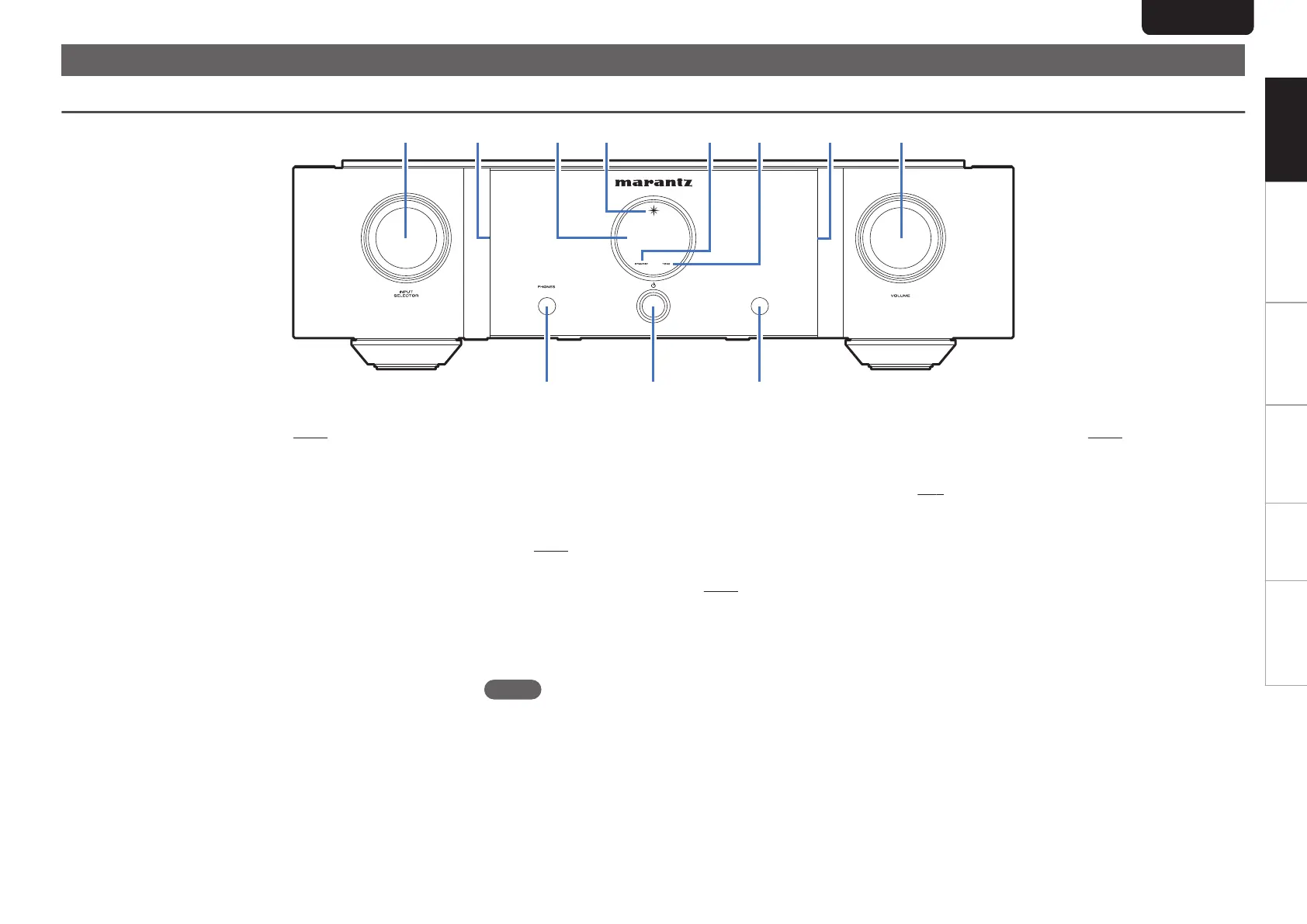
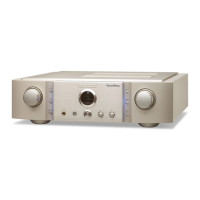
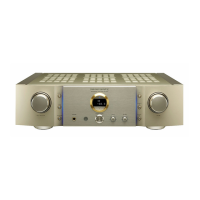
Front panel
.
A
INPUT SELECTOR knob
This selects the input source. (v p. 16)
B
Illumination lamp
The illumination lamp lights (blue).
C
Display
This displays various pieces of information.
D
Power indicator
This is lit as follows according to the power status:
0
Power on : Blue
0
Standby : Off
0
Power off : Off
E
STANDBY indicator
This is lit as follows according to the power status:
0
Power on : Off
0
Standby : Red
0
Power off : Off
F
TONE indicator
A blue lamp lights when tone control is turned
on. (v
p. 17)
G
VOLUME knob
These adjust the volume level. (v p. 16)
H
Headphones jack (PHONES)
Used to connect headphones.
When the headphones are plugged into this jack, audio
will no longer be output from the speaker terminals.
NOTE
0
To prevent hearing loss, do not raise the volume level
excessively when using headphones.
I
Power operation button (X)
This turns the power on/off. (v
p. 16)
J
Remote control sensor
This receives signals from the remote control unit.
(v p. 2)
ENGLISH
4
Overview Connections Playback Settings Tips Appendix






 To Next Page