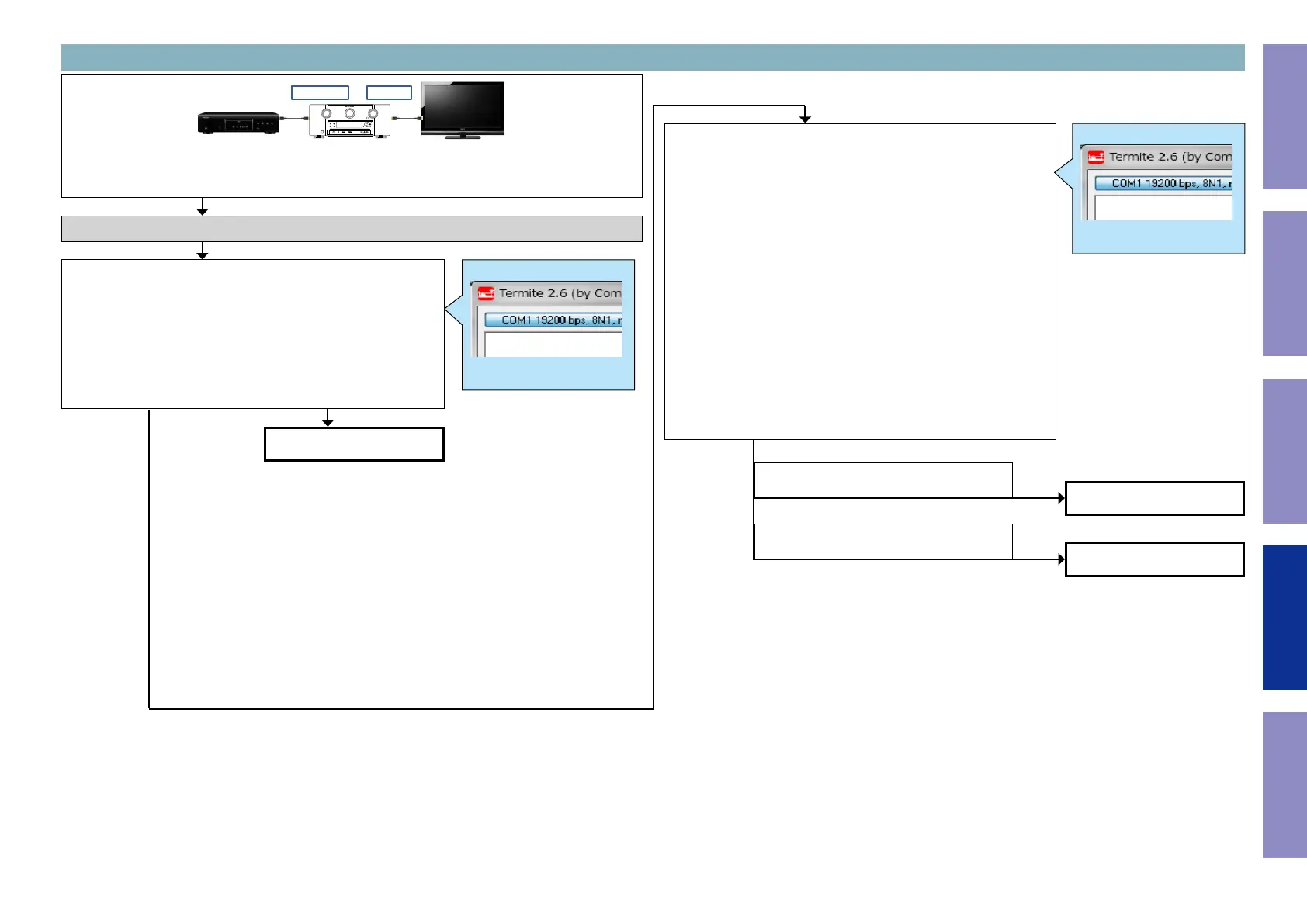
3-11. Switcher1 failure detection procedure
b
In order to check, connect the player to the HDMI terminal and congure the player as AVR source.
Next, turn on the power for the player and TV and start playback on the player.
ZONE2 OUT
HDMI IN 5, 6, AUX
Checking the +5V/DDC status register (HDMI Switcher1)
Check item(3-11.1.). Checking the 5V status register :
Send the following command from Termite.exe.
Send the command "i 002E 00FF 0001".
Case of IN5
Is the return value "A2 or A0" ?
(IN6 : "91 or 90", AUX : "C4 or C0")
Example
i 002E 00FF 0001
XX
"00 or 04"
(Detection of DDC is not OK.)
"22 or 11"
(Detection of DDC is OK)
Go to check item (3-11.4.).
Go to check item (3-11.3.).
Go to check item (3-11.5.).
Check item(3-11.2.). Checking the DDC status register :
Send the following command from Termite.exe.
Case of IN5
Send the command "i 002B 0054 0001".
Case of IN6
Send the command "i 002B 0024 0001".
Case of AUX
Send the command "i 002B 0084 0001".
Move to the branch destination according to the value returned.
Example
i 002B 0054 0001
XX
YES
NO
125
Before Servicing
This Unit
Electrical Mechanical Repair Information Updating



 To Next Page