1. Version Display Mode
1.1. Actions
Version information is displayed when the device is started in this mode.
1.2. Starting up
While holding down buttons "
DIMMER
" and "
STATUS
" simultaneously, press the power button to turn
on the power.
then press the "
STATUS
" button to display the information in section 1.3 on the display.
b
The version list is also displayed on GUI while the version is displayed on the display.
1.3. Display Order
Error information(See "1.4. Error display") →
q
Model destination information, Serial Number
→
w
Firmware Package →
e
MCU, MCU 1st Boot Loader →
r
DSP1/2 ROM
→
t
Audio Video PLD →
y
GUI SFLASH →
u
HEOS Version →
i
HEOS Build →
o
HEOS Module
→
Q0
HEOS Conguration →
Q1
HEOS Locale →
Q2
Restore Version →
Q3
Ether Mac Address
→
Q4
WiFi Mac Address →
Q5
BT Mac Address →
Q6
Audyssey App Interface Version
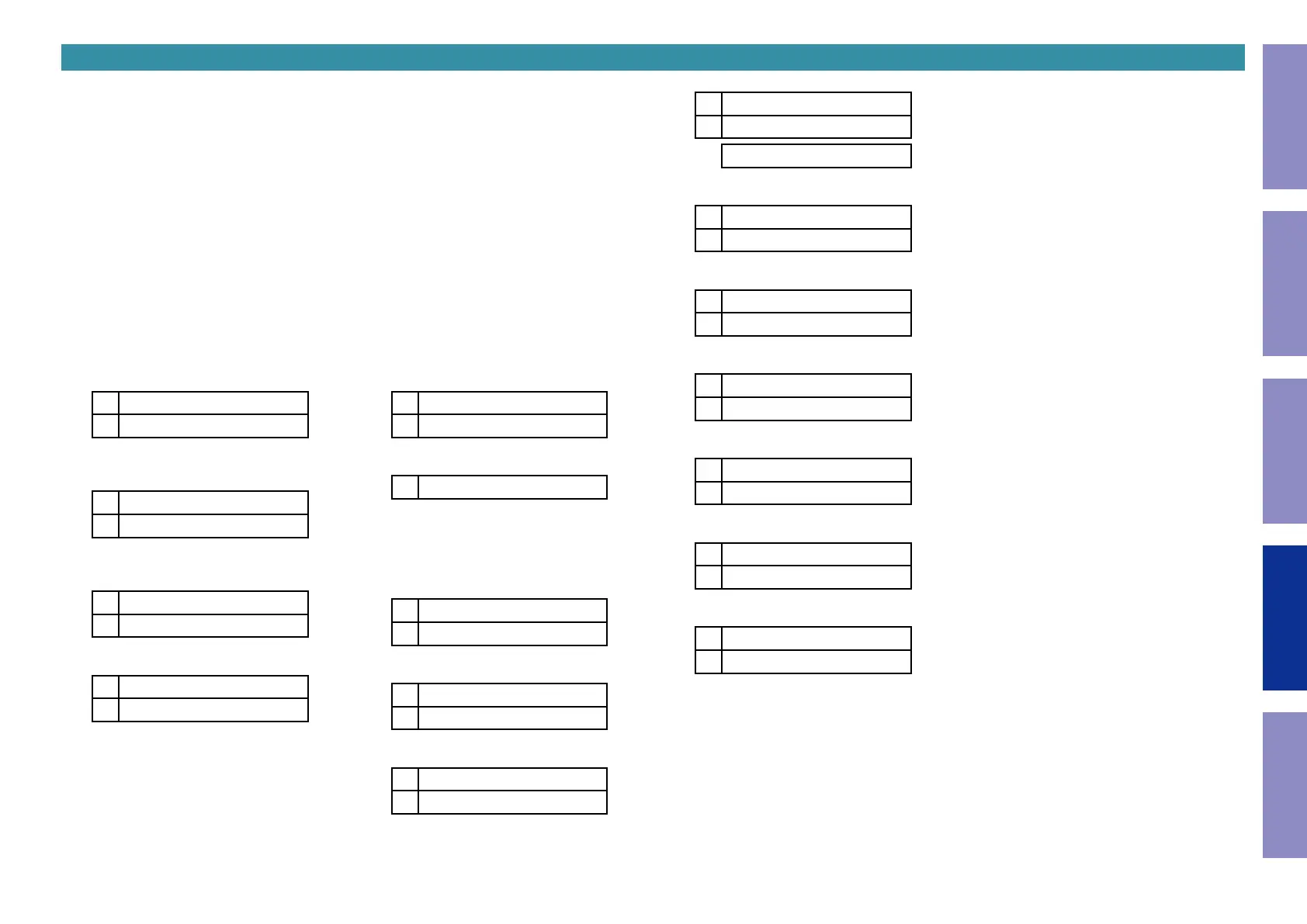
q
Model destination information, Serial Number:
L1
SR8015 \
L2
SN:*************
\
: Region (U, N, K, F)
w
Firmware Package :
L1
Firm. Package\
L2
Ver.:****
\
: PCB (Non=OLD DAC,
*
=NEW DAC)
e
MCU, MCU 1st Boot Loader :
L1
M:*************
L2
Main FBL :**.**
r
DSP 1/2/3/4 ROM :
L1
DSP1 :**.**
L2
DSP2 :**.**
s
t
Audio, Video PLD :
L1
A.PLD :********
L2
V.PLD :********
y
GUI SFLASH :
L1
GUI :@@$\****
@
: Model code
$
: Brand code (Non=0, De=1, Mz=2, Mc=3)
\
: Region code (U=1, N=2, K=5, F=4, ALL=0)
*
: version
u
HEOS Version :
L1
HEOS Version
L2
*.***.***
i
HEOS Build :
L1
HEOS Build
L2
******
o
HEOS Module :
L1
HEOS Module
L2
***
Q0
HEOS Conguration :
L1
HEOS Config
L2
Development
Production
Q1
HEOS Locale :
L1
HEOS Locale
L2
**_***
Q2
Restore Version :
L1
RSTR
L2
************
Q3
Ether Mac Address :
L1
*Ether MAC
L2
******-******
Q4
WiFi Mac Address :
L1
*Wi-Fi MAC
L2
******-******
Q5
BT Mac Address :
L1
*BT MAC Address
L2
******-******
Q6
Audyssey App Interface Version :
L1
Audy IFVer:**.**
L2
150
Before Servicing
This Unit
Electrical Mechanical Repair Information Updating



 To Next Page