ENGLISH
40
BASIC
CONNECTIONS
BASIC OPERATION
ADVANCED
CONNECTIONS
SETUP
ADVANCED
OPERATION
TROUBLESHOOTING
OTHERS
NAMES AND
FUNCTION
SETUP
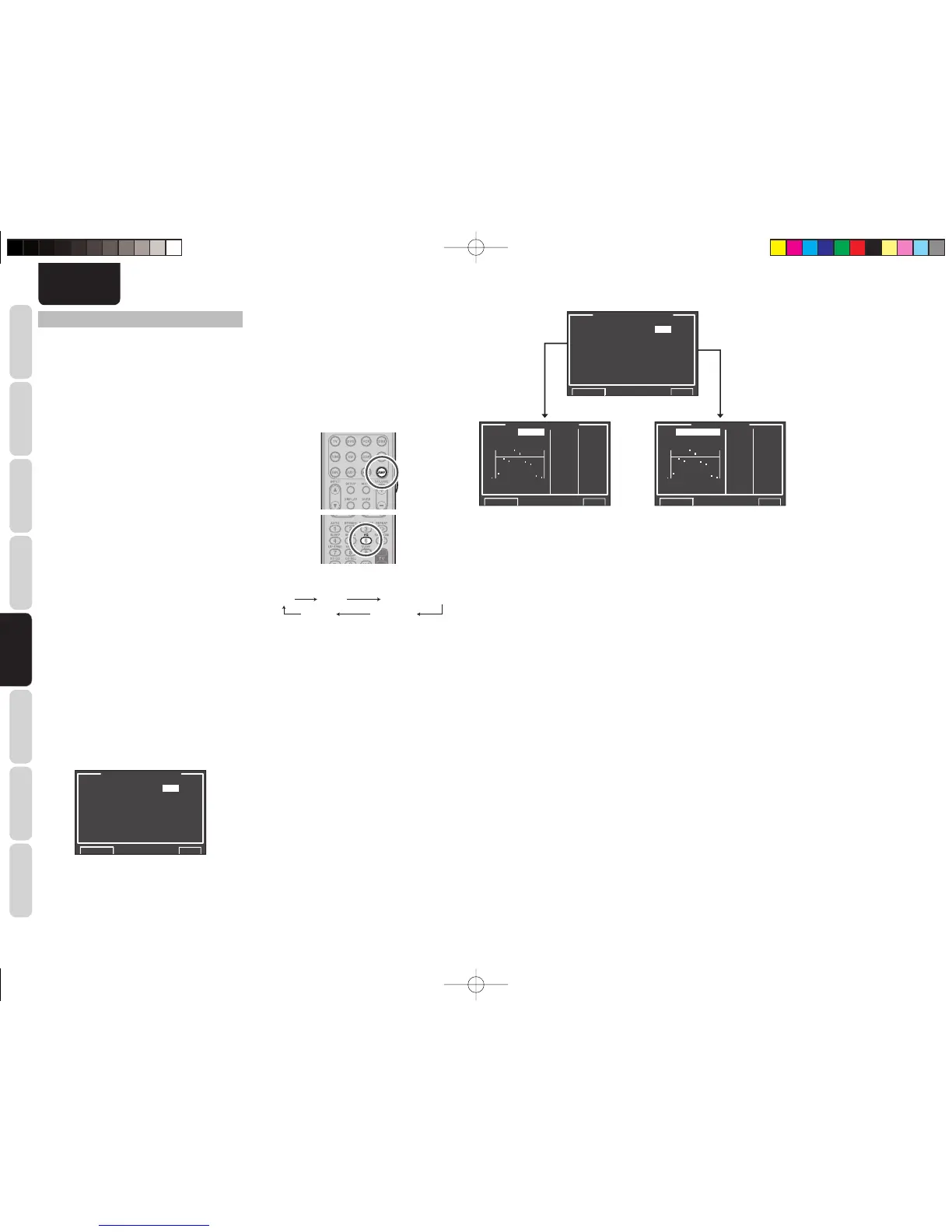
6 ACOUSTIC EQ
This display is for setting up the equalizer and
changing the Equalizer mode.
•
PRESET G. EQ ADJ :
“6-1 PRESET G. EQ ADJ”
(see page 41)
•
CHECK AUTO 1 & 2 :
“6-2 CHECK AUTO”
(see page 41)
EQ MODE:
There are 4 equalizer modes to choose from:
PRESET G. EQ that allows the user to manually
adjust the equalizer, and AUDYSSEY, FRONT and
AUDYSSEY FLAT that automatically adjust the
equalizer from the measurement results of the AUTO
SETUP feature (see page 30).
FRONT:
This mode matches the characteristics of each
speaker to those of the front speakers.
AUDYSSEY FLAT:
This mode fl attens the frequency characteristics of
all speakers. It is suited for playback of multichannel
music such as Dolby Digital and DTS.
AUDYSSEY:
This mode adjusts the frequency characteristics
of all speakers so as to create the best listening
environment for the sound characteristics of the
listening room.
PRESET:
This mode adjusts the graphic equalizer that
was set in PRESET G.EQ ADJ to adjust the
characteristics of each speaker (see page 41).
OFF:
The graphic equalizer is not used.
1.
Select “6. ACOUSTIC EQ” from MAIN MENU
with the 3
or
4 cursor buttons and press the
ENTER button.
6.ACOUSTIC EQ.
EQ.MODE : OFF
PRESET G.EQ ADJ
CHECK AUTO
RETURN NEXT EXIT
2.
Select “EQ. MODE” with the 3
or
4 cursor
buttons.
3.
Select “FRONT”, “AUDYSSEY FLAT”,
“AUDYSSEY”, “PRESET” or “OFF” with the 1
or
2 cursor buttons.
After you complete this portion of the setup, move the
cursor to “RETURN” with the 3, 4, 1 and 2 cursor
buttons and press the ENT
ER
button.
To use the remote controller (RC004SR) to change
the EQ MODE, press the AMP button and press the
EQ button.
Each time this button is pressed, the EQ MODE
changes as follows.
OFF FRONT
AUDYSSEY FLAT
PRESET
AUDYSSEY
Notes:
• “FRONT”, “AUDYSSEY FLAT” and
“AUDYSSEY” can be selected after executing the
AUTO SETUP feature.
• If a speaker that was determined “NO” in Auto
Setup is manually turned on, the “AUDYSSEY”,
“FRONT” and “AUDYSSEY FLAT” modes cannot
be selected.
• The equalizer turns off when the Pure Direct mode,
Source Direct mode, Dolby Headphone or Virtual
mode is set.
• ACOUSTIC EQ MODEs are not used during
playback of Dolby TrueHD, Dolby Digital Plus, or
DTS-HD signals.
Even in this case, settings made using Speaker Auto
Setup (speaker yes/no, separation, size, channel
level, crossover) are enabled.
• Tone Control is disabled when an EQ MODE is in
use.
6.ACOUSTIC EQ.
EQ.MODE : OFF
PRESET G.EQ1 ADJ
CHECK AUTO
RETURN NEXT EXIT
PRESET ADJUST
RESET:ALLCH 63-15.0
CH :SR 125 -2.5
250 -5.0
500 +9.0
1k +3.5
2k -5.5
4k -7.0
8k-18.5
16k-20.0
RETURN EXIT
63
125 500 2k 8k
250 1k 4k 16k
+9
0dB
CHECK AUTO
MD:AUDYSSEY 63-15.0
CH:SR 125 -2.0
250 -5.0
500 +9.0
1k +3.0
2k -5.0
4k -7.0
8k-18.0
16k-20.0
RETURN EXIT
63
125 500 2k 8k
250 1k 4k 16k
+9
0dB
-20-20
SR5003U1ENG23.indd40SR5003U1ENG23.indd40 08.7.44:48:41PM08.7.44:48:41PM



 To Next Page