NAMES AND
FUNCTIONS
54
BASIC
CONNECTIONS
BASIC
OPERATION
ADVANCED
CONNECTIONS
SETUP
ADVANCED
OPERATION
TROUBLESHOOTING
OTHERS
ADVANCED
OPERATION
ENGLISH
ADVANCED OPERATION
CHANNEL DIRECT CALL
You can select the desired channel by directly tapping
the numeric keypads on the remote controller.
1.
2.
3.
4.
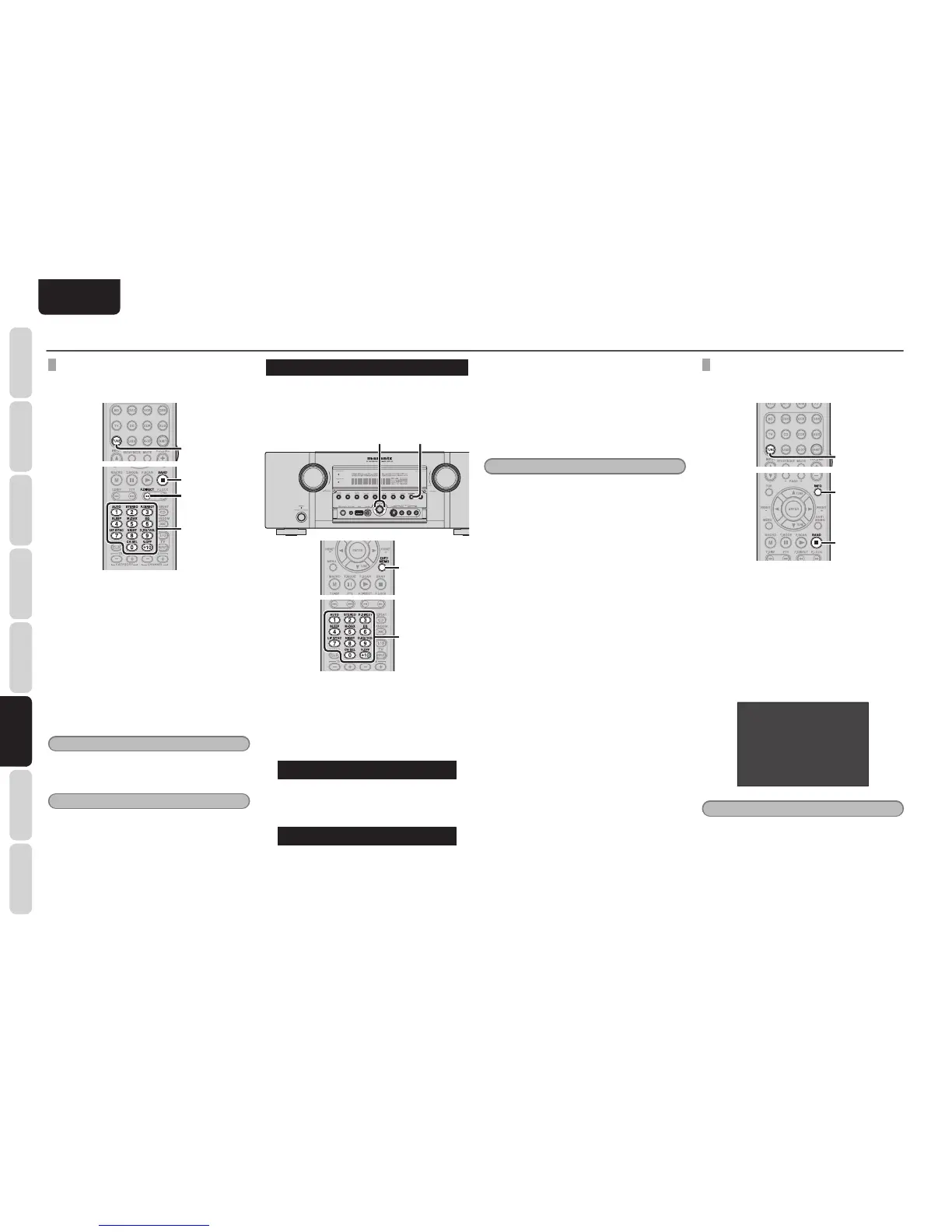
1. To select tuner, press the TUNE button
twice within two seconds on the remote
controller.
2. Press the BAND button to select SIRIUS
band.
3. Press the F.DIRECT button.
“SR - - -” will appear on the display.
4. Input the three digit number for your
desired channel with the numeric keypad
on the remote controller.
5. The desired channel will automatically be
tuned.
Note
• If there is no input on the keypad for 5 sec.,
the input is cancelled to return to the original
display.
Notes
• “UPDATING” is displayed while updating
channel map.
• “SUB UPDT” is displayed while updating
subscription.
• When the selected channel is not available,
“INVALID” is dispIayed.
PRESET MEMORY
You can store the desired channel in the Preset
Memory.
(You can preset 50 SIRIUS Satellite Radio channels
in addition to FM/AM stations.)
2. 4.3.
2.
3.
(Using the unit)
1. Tune into the desired channel.
2. Press the MEMORY button on the front
panel.
”- -” (preset number) starts blinking on the
dispIay.
--SR040
3. Select the preset number by pressing the
1 or 2 cursor buttons, While this is still
blinking (approx. 5 seconds)
01SR040
4. Press the MEMORY button again to enter.
The display stops blinking.
The channel is now stored in the specifi ed
preset memory location.
(Using the remote controller)
1. Tune into the desired channel.
2. Press the MEMO button on the remote
controller. “- -” (preset number) starts
blinking on the display.
3. Enter the desired preset number by pressing
the numeric buttons.
Note
• When entering a single digit number (2 for
example), either input “02” or just input “2” and
wait for a few seconds.
CHECKING THE SIRIUS PRESET CHANNEL
The preset channel can be checked on the on
screen display.
1.
2.
3.
4.
(Using the remote controller)
1. To select tuner, press the TUNE button
twice within two seconds on the remote
controller.
2. Press the BAND button to select SIRIUS
band.
3. Press the INFO button. to view a list of tuner
preset channeI on the on screen display.
4. If there are 10 or more preset channel,
press the lNFO button again.
SIRIUS PRESET LIST
NO. 1 SR010 XXXXXXXXXX
NO. 2 SR011 XXXXXXXXXX
NO. 3 SR015 XXXXXXXXXX
NO. 4 SR022 XXXXXXXXXX
NO. 5 SR125 XXXXXXXXXX
Note
• The preset channel indication disappears in about
5 sec.



 To Next Page