71
Error
Code
Details of Error code
Display
(Eight digits or more are the scrolling displays.)
Coping strategies
B0
Firmware download error message
received (connection failure) when
DM860 related rmware was
rewritten (Boot Loader Mode).
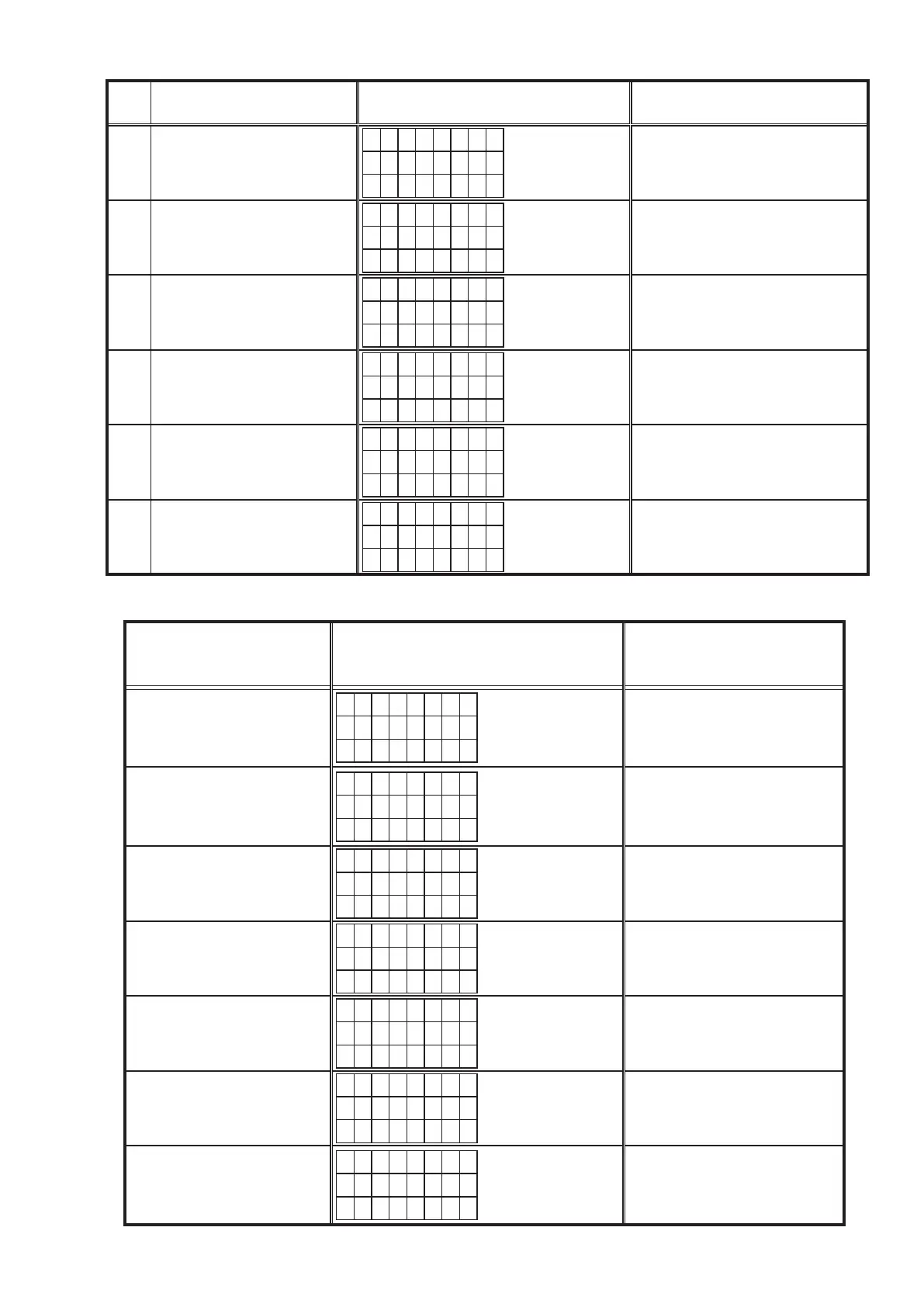
E I M G B 0
D o w n l o a d
f a i l e d
Turn off and on the power.
Updating starts automatically.
Carry out the update in an environment
that has little network load.
B1
DM860 related rmware download
error message.
(Timeout failure)
E I M G B 1
D o w n l o a d
f a i l e d
Turn off and on the power.
Updating starts automatically.
Carry out the update in an environment
that has little network load.
B2
Error message received when
DM860 related rmware was
rewritten.
E I M G B 2
U p d a t i n g
f a i l e d
Turn off and on the power.
Updating starts automatically.
Carry out the update in an environment
that has little network load.
B3
Firmware writing error message.
(Timeout failure )
E I M G B 3
U p d a t i n g
f a i l e d
Turn off and on the power.
Updating starts automatically.
Carry out the update in an environment
that has little network load.
B4
Mode change failure of DM860.
(Boot Loader Mode)
E I M G B 4
U p d a t i n g
f a i l e d
Reset and update again.
B5
Mode change failure of DM860.
(Application Mode)
E I M G B 5
U p d a t i n g
f a i l e d
Reset and update again.
Device display during rmware update
Display of target device during rmware update.
Target device Display Error code when an error occurs
Main
M a i n
* * * m i n
* * %
08~0C
10~15
22~24
36~3E
Sub
S u b
* * * m i n
* * %
50~52
54~58
5A~62
Audio PLD
A P L D
* * * m i n
* * %
50~52
54~58
5A~62
DSP
D S P
* * * m i n
* * %
50~52
54~58
5A~62
GUI Serial Flash
G U I
* * * m i n
* * %
50~52
54~58
5A~62
80~86
DM860 Boot Loader
E S B L
* * * m i n
* * *
A0~A4
A6~A7
AE~B5
DM860 Image
E I M G
* * * m i n
* * *
A0~A4
A6~A7
AE~B5



 To Next Page