16
ENGLISH
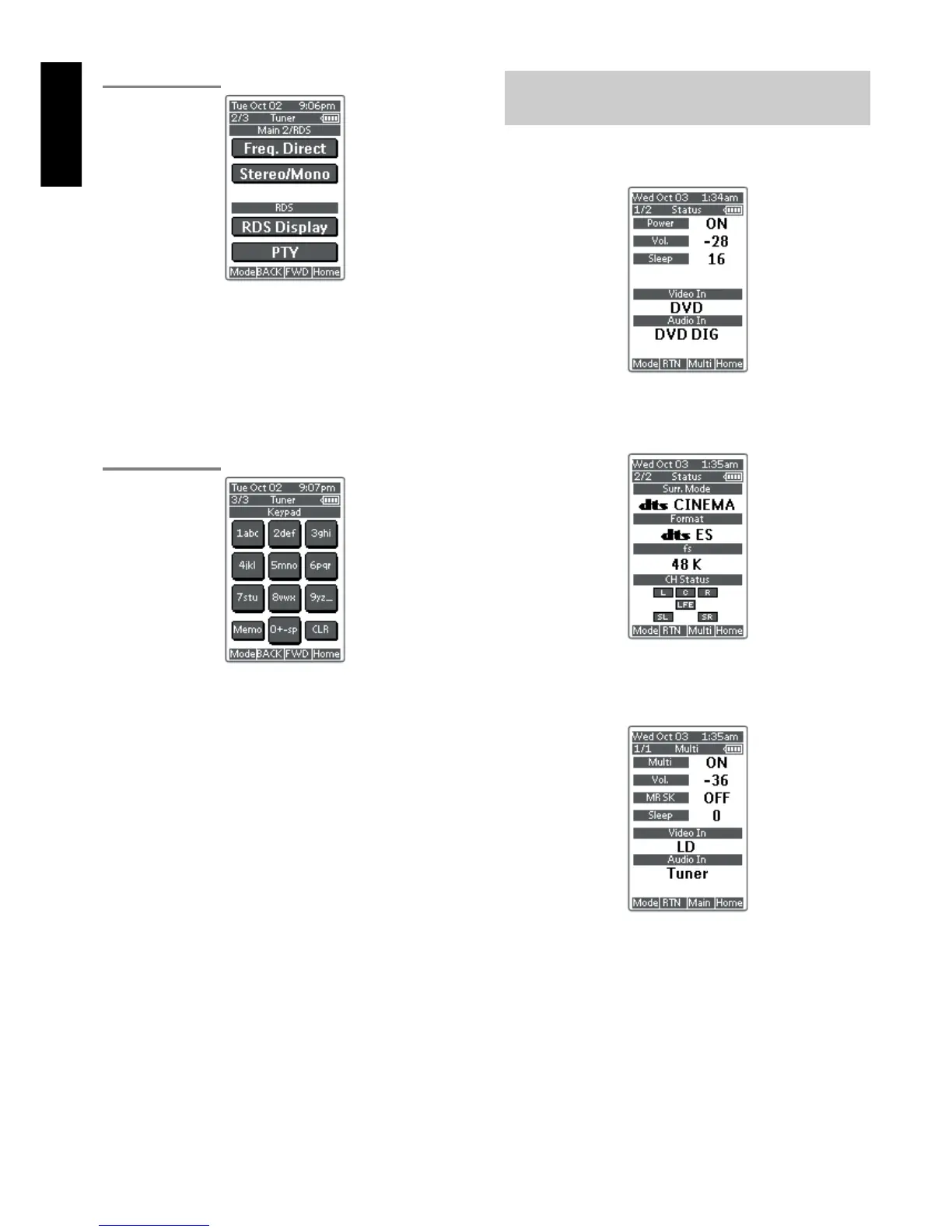
TUNER PAGE 2/3
Frequency Direct button
This button is used to select the mode of frequency direct input.
Stereo/Mono button
This button is used to select the FM tuning mode, auto stereo or mono.
RDS Display button
Selects display mode function in RDS (Radio Data System) by this
button.
PTY button
Selects PTY function in RDS (Radio Data System) by this button.
TUNER PAGE 3/3
Ten keypad (0, 1 - 9)
These buttons are used to change the preset station name or input
frequency directly.
Memo button
This button is used to enter the tuner's preset memory numbers and
station names.
CLR (Clear) button
This button is used to cancel certain memory or programming
operations.
SHOW THE STATUS OF SR8300 ON THE
LCD OF RC3200A
RC3200 has 2way communication with SR8300, it shows some status
screen for SR8300.
1/2 Status
To show 1
st
page of status screen, press S button .
This status screen shows Power condition, Volume level, Sleep timer,
Video Input ,and Audio input in Main room.
2/2 Status
If you desire to see 2
nd
page of status screen, press Page UP button.
This status screen shows surround mode, format and channel status
of input signal, in Main room.
Multiroom Status
If you desire to see status screen to Multiroom , press Multi button of
navigation bar.
This status screen shows Multiroom condition, Volume level, Sleep
timer, Video Input ,and Audio input in Multi room.
If you desired to exit from status screen, pres RTN button.


 To Next Page