32
ENGLISH
How to make detailed settings
Menu map
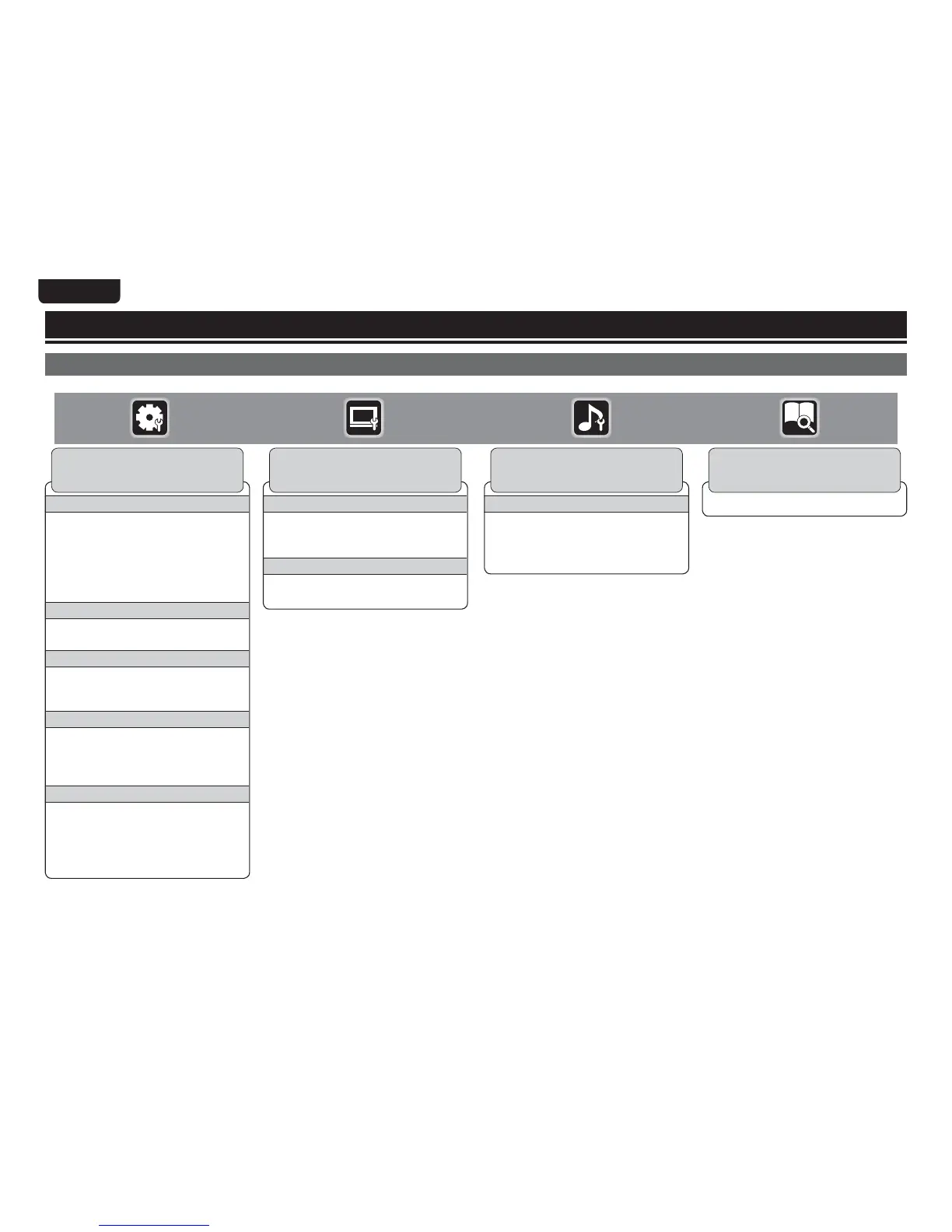
Pressing SETUP displays the GUI menu. From this menu, you can move to various setting screens.
System
n Screen Saver
n Auto Power
Mode
n Power Saving
n HDMI Control
n Initialize
n Firmware Update
n Update
Notifi cation
n BD Data Utility
n HDMI Power Off Control
Language
n GUI Language
n Disc Menus
n Dialog
n Subtitle
Ratings
n Change
Password
n BD Rating Level
n DVD Rating
Level
n Country Code
Network
n Internet
Connection
n Information
n Connection Test
n DHCP
n BD-LIVE
Connection
n Proxy Setting
Others
n Closed Caption
n Angle Mark
n PIP Mark
n Secondary Audio
Mark
n DivX
Registration
n Remote ID
n Netfl ix
Deactivate
General Setting (vpage34)
Settings for screen display, etc. are made.
Audio Output
n Coaxial
n HDMI
n Down Sampling
n DRC
Audio Setting (vpage38)
Settings for speakers and audio output are
made.
Display MAC Address.
System Information (vpage39)
MAC Address is displayed.
TV
n TV Aspect
n Wallpaper
n Progressive Mode
HDMI
n Color Space
n HDMI Deep Color
Video Setting (vpage37)
Settings for a television and HDMI are
made.



 To Next Page