5
Basic version Advanced version Information
ENGLISH
Simple version
Connect
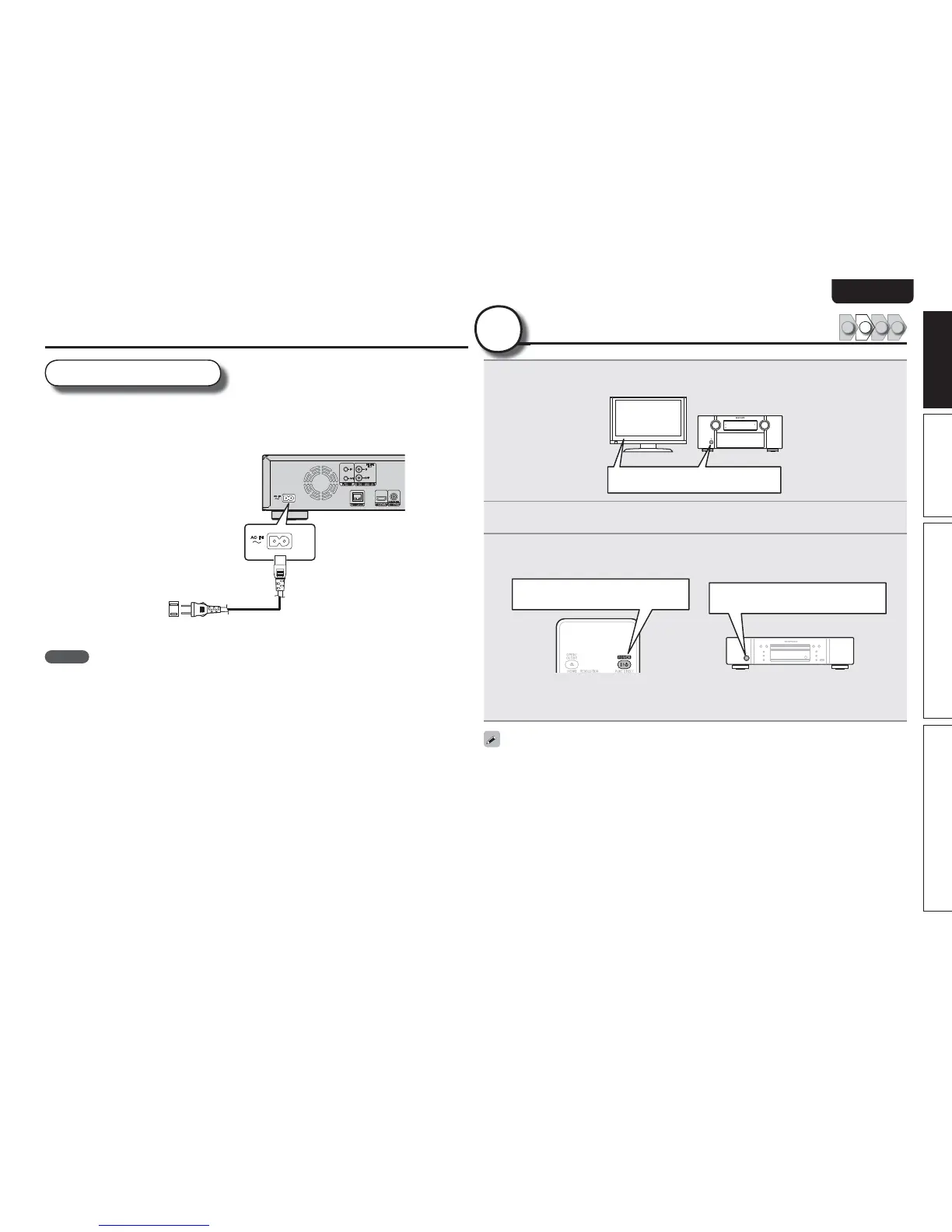
Power cord
Connect the supplied power cord to the unit, and plug it into an AC
outlet.
Power cord
(supplied)
To household power outlet
(AC 120 V, 60 Hz)
NOTE
tBe sure to insert the power plug fi rmly. Incomplete connection results in noise.
tDo not plug in the power cord until all connections have been completed.
tDo not bundle power cords together with connection cables. Doing so can result in humming or noise.
Turn on power
1 2 34
2
1
Turn on the power of the TV and AVreceiver.
Turn on power
2
Set the TV and AVreceiver source to the unit input.
3
Press POWER ON to turn on power to the unit.
tThe power indicator fl ashes red and the power turns on.
tThen the power indicator is turned off.
Turn on power
t“LOADING” appears on the display, and disc information is read.
tThe “NO DISC” message is displayed if a disc is not loaded.
Before using a remote control, insert the batteries (vpage44 “Inserting the batteries”).
Turn on power



 To Next Page