8
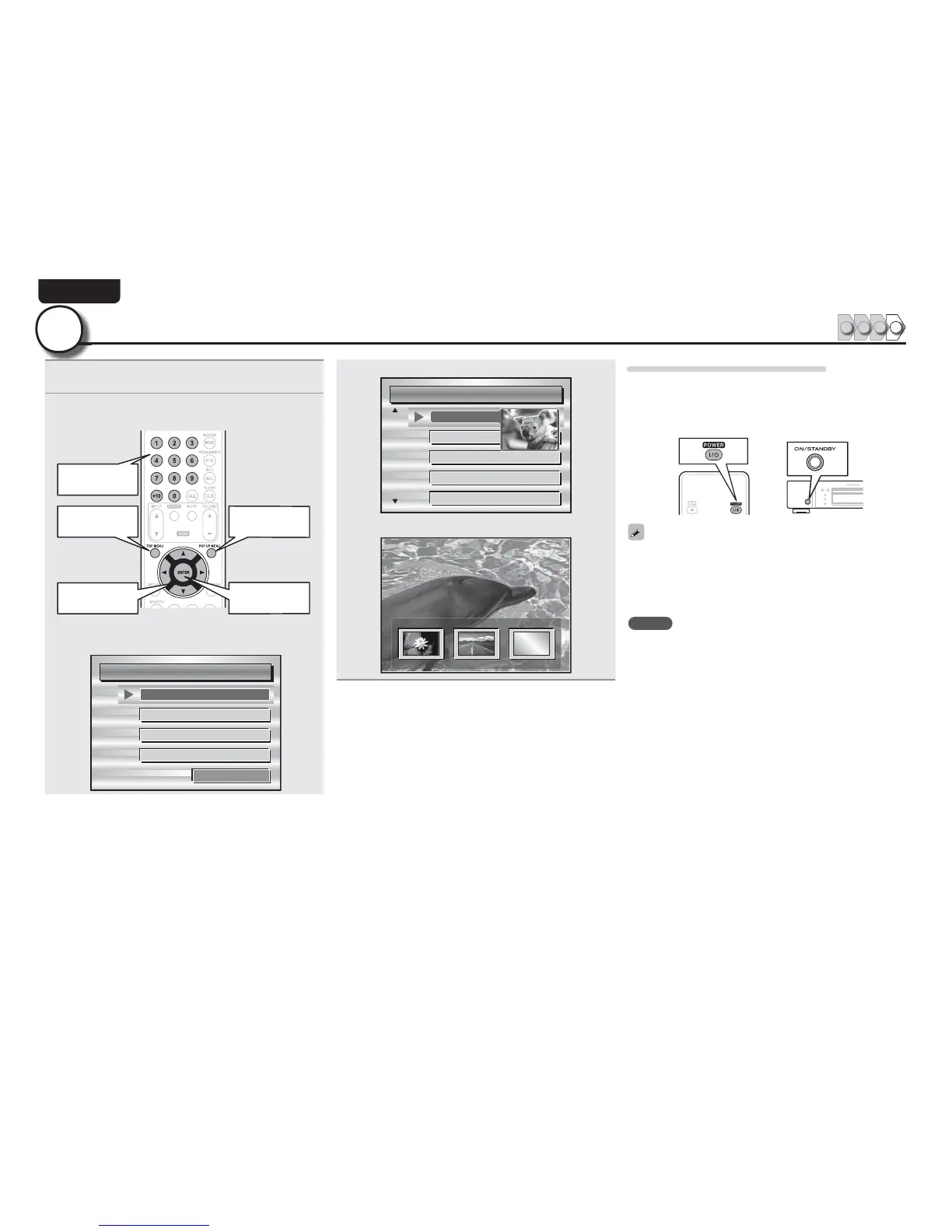
Play back disc
1234
4
1
3UHVVTOP MENURUMENU
The menu stored on the disc is displayed.
2
6HOHFW WKH SOD\EDFN WLWOH RU FKDSWHU IURP WKH WRS
PHQXIRUSOD\EDFN
Playback
Top menu
Pop up menu
Select Playback
GExampleH
n Disc menu
DiscMenus
AudioSetup
Angle
SubStory
TopMenu
Subtitle
n Top menu
Title1 Topmenu
Chapter3
Chapter4
Chapter5
Chapter6
Chapter2
n Pop up menu
Popupmenu
Title1 Title2 Bonustitle
Ifyouhaveso
methingtosa
y,seethispict
urebeforeyou
When power is switched to standby
Press either POWER on the remote control, or ON/STANDBY on the
unit .
• The power indicator flashes in red. Then the indicator lights in red
and the power is turned off.
When “Auto Power Mode” is “On” (vpage 37), the following
states are maintained for about 30 minutes, and then the power is
automatically turned to standby.
• Disc not loaded
• Playback has stopped
• Stopped due to resume function
NOTE
During power standby, a slight amount of power is consumed. To
totally cut off the power, remove the power cord from the power
outlet.



 To Next Page