15
Advanced versionSimple version Information
Basic version
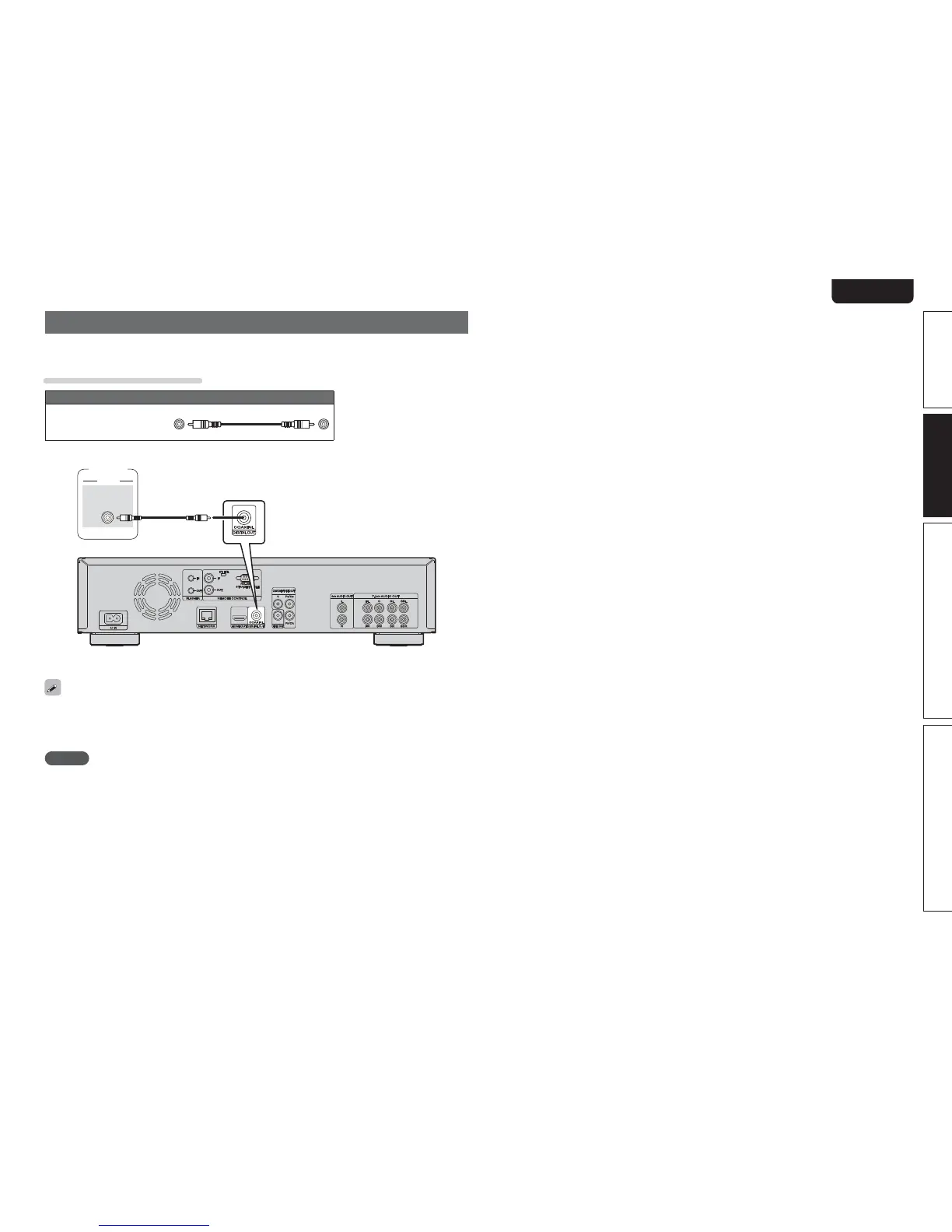
Connecting to a digital recording device
This connection is for recording audio from this unit, using an audio device with coaxial digital audio input
terminals.
Cables used for connections
Audio cable
Coaxial digital
cable
(sold separately)
(Black)
"6%*0
$0"9*"-
*/
Recorder
When multi-channel audio is to be converted to 2-channel audio and output, change the setting for a
connected Coaxial digital output to PCM from Bitstream, then make the setting for the sampling rate for
digital audio output, depending on the device (vpage41 “Down Sampling”).
NOTE
If you play back BD/DVD or other media with an incorrect configuration, a deafening noise occurs that may
damage your speakers.



 To Next Page