26
Adjusting the picture quality (Picture control)
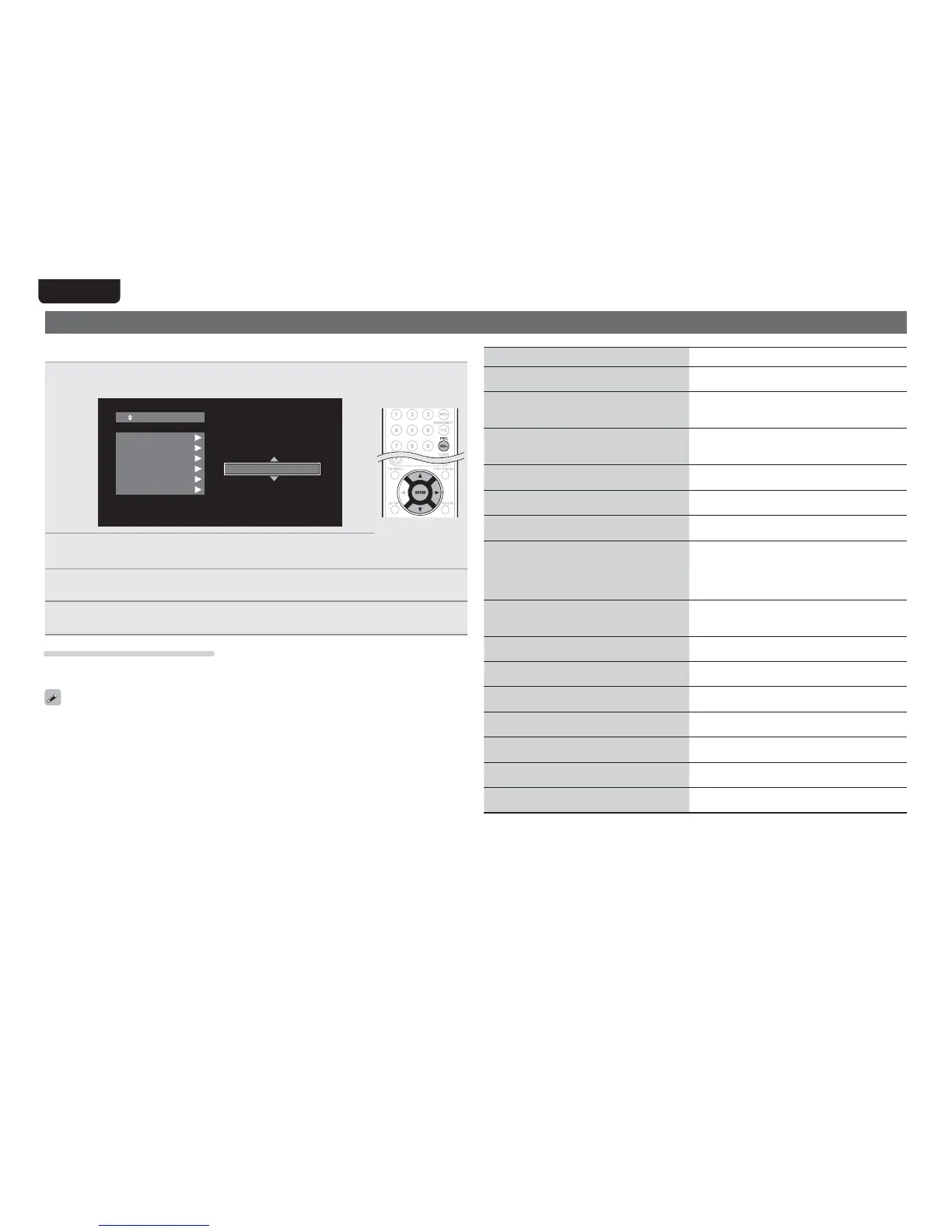
You can adjust the picture quality to your liking.
The adjusted values can be stored in Memory 1 through Memory 5.
1
3UHVVPICT. ADJ.
The currently set status is displayed.
.FNPSZ
%/3
#/3
./3
$POUSBDU
#SJHIUOFTT
&OIBODFS
2
3UHVV ui WR VHOHFW D PHPRU\ QXPEHU WR EH XVHG DQG WKHQ
SUHVV
ENTER
3
3UHVVuiWRVHOHFWDQLWHPWKHQSUHVVENTERRUp.
4
&KDQJHWKHVHWWLQJZLWKui
• Refer to the table on the right for information on the different settings.
To finalize picture adjustments
Press PICT. ADJ. after adjusting.
• The pop up menu of the picture adjustments is disappeared on the screen.
The picture adjustment settings are retained in memory even after the power is turned off.
Setting items Setting contents Default
3DNR
Reduces noise in the entire picture.
0 – +3 0
BNR
Reduces the block noise generated by digital
processing.
0 – +3 0
MNR
Reduces the noise around the outline of an object
generated by digital processing.
0 – +3 0
Contrast
Adjusts picture contrast.
–6 – +6 0
Brightness
Adjusts picture brightness.
0 – +12 0
Enhancer (
z
1)
Strengthens the contours of the picture.
0 – +11 0
Gamma Correction
Changes the amount of gamma correction to
adjust overall brightness of a picture.
Make Dark(–) / bright(+)
section easier to see.
–4 – +4 0
Sharpness
Adjusts picture sharpness for the higher
frequency range.
–6 – +6 0
Hue (color tone)
Adjusts the green and red color balance.
–6 – +6 0
Chroma Level
Adjusts the color density.
–6 – +6 0
Setup Level (
z
2)
Adjusts the black areas of the image.
0 IRE
7.5 IRE
7.5 IRE
White Level (
z
1)
Adjusts the white level.
–5 – +5 0
Black Level (
z
1)
Adjusts the black level.
–5 – +5 0
H.Position (
z
1)
Adjusts the left/right position
–7 – +7 0
V.Position (
z
1)
Adjusts the top/bottom position.
–7 – +7 0
z1 This has no effect with the video output.
z2 Effective only for the 480i video signal from the video output terminal and component video output
terminal.



 To Next Page