27
Advanced versionSimple version Information
Basic version
Mode setting
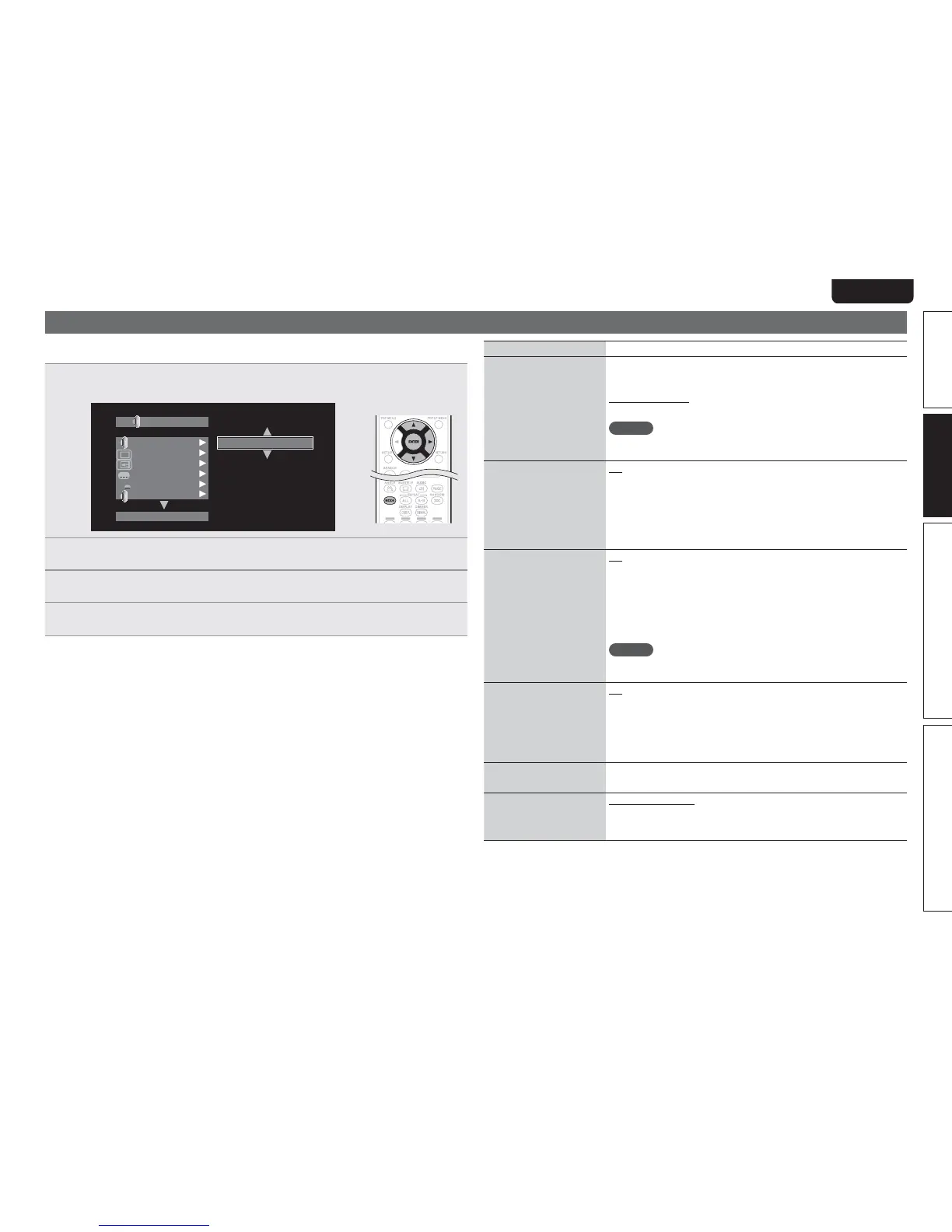
You can make various mode settings during playback. The setting menu is displayed at the top of the
screen.
1
3UHVVMODE
Displays a menu of items that can be set.
1*1
"
)%"VEJP0VUQVU
#%.7
)%"VEJP0VUQVU
)%.*$PNQPOFOU
0GG
0GG
0GG
0GG
#%"VEJP.PEF
2
6HOHFWDVHWWLQJLWHPXVLQJuiDQGWKHQSUHVVENTERRUp
3
8VHuiWRVHOHFWDVHWWLQJDQGWKHQSUHVVENTER
4
3UHVVMODE
The setting screen is disappeared.
Setting items
Setting details
BD Audio Mode
Switch Blu-ray Disc audio
playback mode.
HD Audio Output : Can view by outputting high quality signals such as
Dolby TrueHD, Dolby Digital Plus, or DTS-HD as its high sound quality
bitstream. Cannot listen to interactive or secondary audio.
Mix Audio Output : Outputs a mix of primary audio/interactive audio/
secondary audio.
NOTE
When “BD Audio Mode” is set to “Mix Audio Output”, DTS-HD MA 192
kHz 5.1ch audio is decoded to 96 kHz 5.1ch.
Secondary Video
Off : Does not display secondary video(Picture-In-picture).
1/X
z
: Displays the first secondary video.
2/X
z
: Displays the second secondary video.
X/X
z
: Displays the X th secondary video.
z “X” is the number of secondary video recorded and differs depending
on the disc (vpage 18 “Playing BD-Video compatible with Bonus
View”).
Secondary Audio
Off : Does not select the secondary audio. The interactive audio is also
set to off.
1/X
z
: Selects the first secondary audio.
2/X
z
: Selects the second secondary audio.
X/X
z
: Selects the X th secondary audio.
z “X” is the number of secondary audio recorded on a disc and differs
depending on the disc.
NOTE
When “BD Audio Mode” is set to “Mix Audio Output”, secondary audio
is output.
Secondary Subtitle
Off : Does not select the secondary subtitle.
1/X
z
: Selects the first secondary subtitle.
2/X
z
: Selects the second secondary subtitle.
X/X
z
: Selects the X th secondary subtitle.
z “X” is the number of secondary subtitle recorded on a disc and differs
depending on the disc.
Subtitle Style Switches the subtitle style recorded on a disc.
Audio/Video Sync
Corrects displaced video
and audio playback timing.
HDMI / Component : Audio output is synchronized to the video output
from the HDMI terminal or component terminal.
Video : Audio output is synchronized to the video output from the Video
terminal.



 To Next Page