17
Advanced versionSimple version Information
Basic version
Playing BD and DVD-Video
1
3UHVVPOWER WRWXUQRQ SRZHU
WRWKHXQLW
2
3UHVV
USB/DISC
RQ WKH XQLW WR
VHOHFW³',6&02'(´
3
6HOHFW³%'´ZLWKSOUND
MODE.
• The Media changes each time SOUND
MODE
is pressed for 2 seconds.
Multi Video BD
Multi
Super Audio CD
Video
DVD-Audio
BD Hybrid BD
4
6HOHFW ³%' OD\HU´ RU ³'9'
OD\HU´ IRU
SOUND MODE IRU
SOD\EDFN RI D K\EULG %' GLVF
vSDJH
BD
Plays the BD layer of the BD hybrid disc.
DVD Plays the DVD layer of the BD hybrid disc.
• The above setting is necessary only for BD hybrid discs.
NOTE
Select the disc layer before a disc is inserted.
5
,QVHUWDGLVF
Press 5 to open/close the disc tray.
6
3UHVV1
Playback begins.
7
'XULQJ'9'9LGHRSOD\EDFNSUHVVTOP MENURU
POP UP MENUWRGLVSOD\WKHPHQX
• If the menu continues, press uio p to get to the next part.
• With BD, depending on the disc, you can select title and chapter
from the pop up menu.
8
0DNHWKHVHWWLQJVVKRZQEHORZRQWKHGLVFPHQX
• Subtitle language
• Audio language
• Audio format etc.
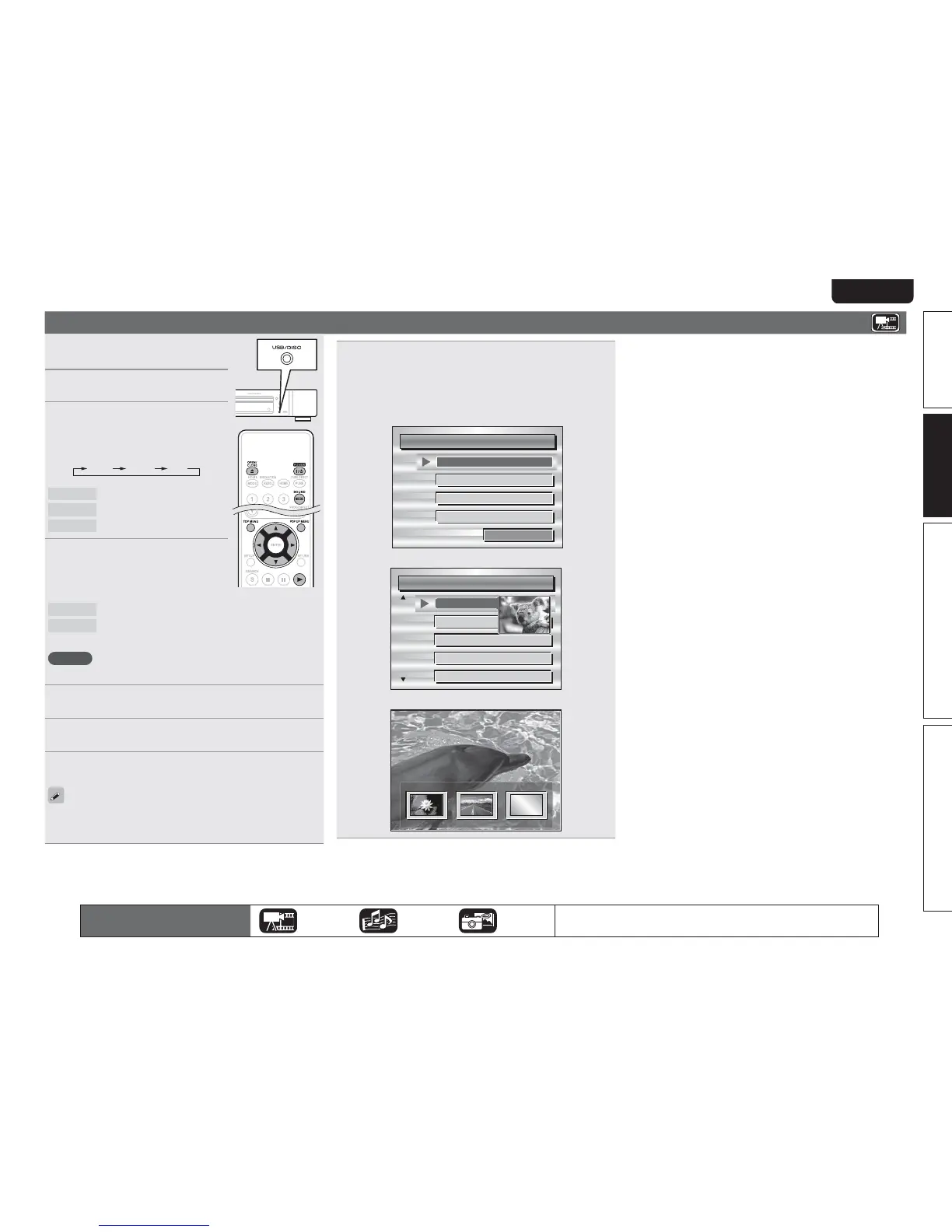
GExampleH
n Disc menu
DiscMenus
AudioSetup
Angle
SubStory
TopMenu
Subtitle
n Top menu
Title1 Topmenu
Chapter3
Chapter4
Chapter5
Chapter6
Chapter2
n Pop up menu
Popupmenu
Title1 Title2 Bonustitle
Ifyouhaveso
methingtosa
y,seethispict
urebeforeyou
n Pausing (vpage20)
n Stopping (vpage20)
n Skipping to a desired chapter/track/file (vpage20)
n Fast-forward/fast-reverse (vpage20)
n Finding specific sections with search modes (vpage21)
n Memorizing locations to replay (Marker function)
(vpage21)
n Playing repeatedly (Repeat playback) (vpage22)
n Playing repeatedly between specified points (A-B repeat)
(vpage22)
n Playing images frame by frame (vpage22)
n Slow-forward/slow-reverse (vpage22)
n Switching primary audio (vpage22)
n Changing the primary subtitle (vpage23)
n Switching the angle (vpage23)
The icons show the category of
content applicable to each operation.
Video Audio Photo
For details of the media corresponding to each icon, see “Playable media”
(vpage48).



 To Next Page