18
Playing BD-Video
compatible with Bonus View
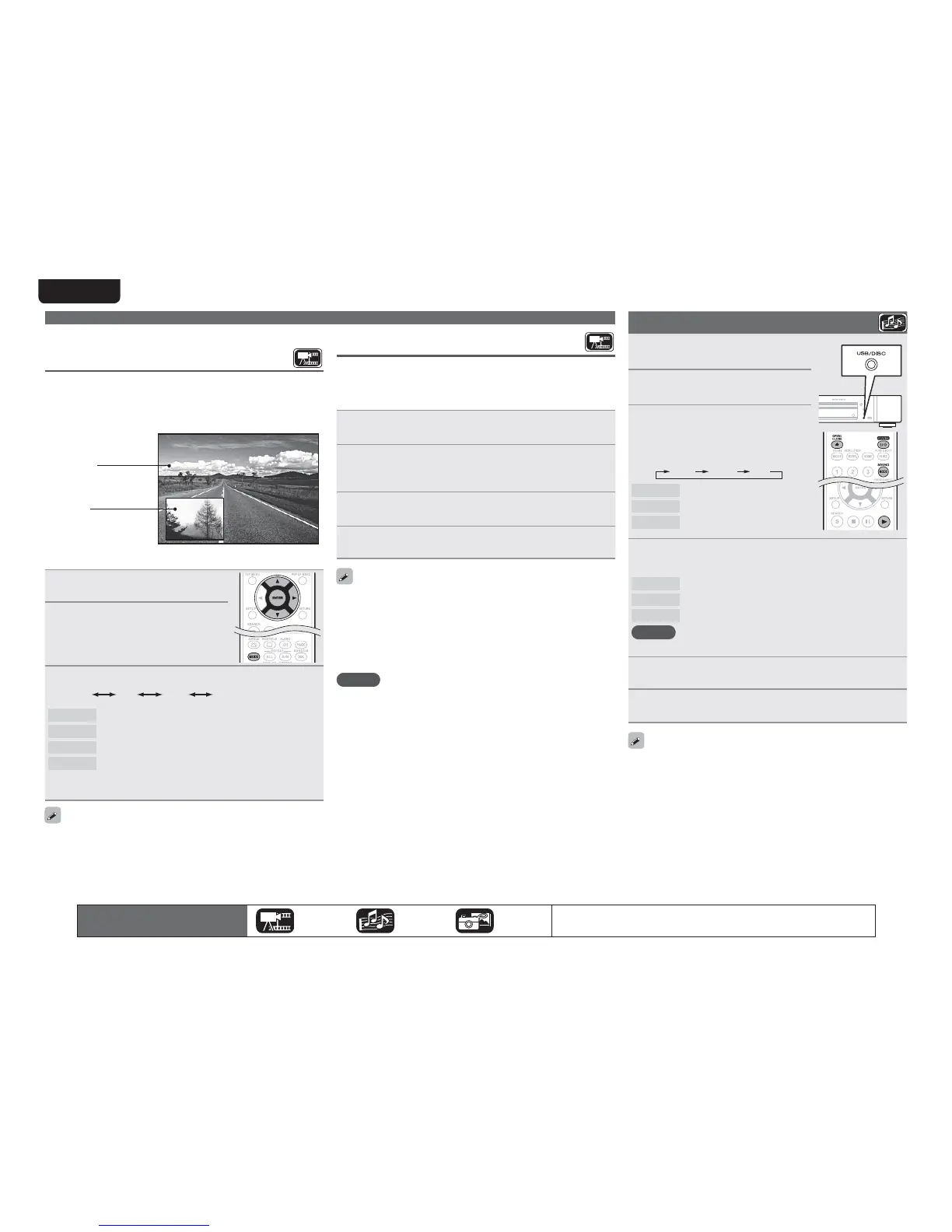
With a disc that is compatible with bonus view (picture-in-picture),
in addition to the main video (primary video) stored on the disc, you
can play back the video director’s commentary and simultaneously
ongoing sub-story, as well as sub-video such as alternative camera
angles (secondary video).
GExampleH Bonus view
Main video
(primary video)
Sub video
(secondary video)
1
3UHVVMODEvSDJH
2
8VH ui WR VHOHFW ³6HFRQGDU\
9LGHR´ DQG WKHQ SUHVV
ENTER
RU
p
3
8VHuiWRVHOHFWWKHGHVLUHGVHFRQGDU\YLGHR
Off 1/X 2/X X/X
Off Does not display Secondary Video.
1/X Displays the first Secondary Video.
2/X Displays the second Secondary Video.
X/X Displays the X th Secondary Video.
• “X” is the number of Secondary Videos recorded and differs
depending on the disc.
• For using Bonus View, some BD discs require built-in memory or
external memory.
• The unit has a built-in memory. If capacity of more than 1 GB
is required, using a USB memory device of 1 GB or more is
recommended.
• The playback method, etc., is determined by the disc, and varies
depending on the disc. Refer to the operation guide of the relevant disc.
Playing Super Audio CD
1
3UHVVPOWER WRWXUQRQ SRZHU
WRWKHXQLW
2
3UHVV
USB/DISC
RQ WKH XQLW WR
VHOHFW³',6&02'(´
3
6HOHFW³0XOWL´ZLWKSOUND
MODE.
• The Media changes each time SOUND
MODE
is pressed for 2 seconds.
Multi Video BD
Multi Super Audio CD
Video DVD-Audio
BD
Hybrid BD
4
6HOHFW WKH SOD\EDFN DUHD DQG OD\HU ZLWK SOUND
MODE
vSDJH
Multi
Plays the multi-channel area of the HD layer.
Stereo
Plays the 2-channel area of the HD layer.
CD
Plays the CD layer.
NOTE
Select the disc layer before a disc is inserted.
5
,QVHUWDGLVF
Press 5 to open/close the disc tray.
6
3UHVV1
Playback of the selected area and layer begins.
• To play a disc in multichannel mode, connect the unit to an AV
receiver, using an HDMI cable.
• The area/layer selected with
SOUND MODE remains in the memory
even when the power is turned off.
The icons show the category of
content applicable to each operation.
Video Audio Photo
For details of the media corresponding to each icon, see “Playable media”
(vpage48).
Playing BD and DVD-Video
Enjoying BD-LIVE™
If the unit is connected to the Internet environment, you can enjoy a
BD-LIVE™ function, using a disc that supports BD-LIVE™.
For details on functions and operations of BD-LIVE™, see the
information displayed on the screen after inserting a BD-LIVE™ disc.
1
6HOHFW ³,QWHUQDO´ RI ³%' 'DWD 8WLOLW\´ ± ³%'/LYH
0HPRU\´vSDJH
2
&KHFN WKDW WKH FRQQHFWLRQ DQG VHWWLQJV IRU WKH
,QWHUQHW DUH FRPSOHWHG vSDJH ³&RQQHFWLRQ
7HVW´
3
,QVHUWD%OXUD\'LVFWKDWVXSSRUWV%'/,9(LQWR
WKHXQLW
4
6HOHFW³%'/,9(´IURPWKH'LVFPHQX
• When BD-LIVE™ is used, the downloaded contents are stored in the
built-in memory of the unit.
• The unit has a built-in memory. If capacity of more than 1 GB
is required, using a USB memory device of 1 GB or more is
recommended.
• Depending on your network environment, it may take time to
connect to the network or connection may not be possible.
NOTE
USB memory devices (vpage 29, 48)
• For using a USB memory device, set “BD Data Utility” – “BD-Live
Memory” to “External” (vpage37).
• The USB memory device must have been initialized (vpage37 “BD
Data Utility” – “BD Data Information”).
• Insert or remove a USB memory device while the power is in
standby. If you insert a USB memory device while the power is ON,
the USB memory device may not be access.



 To Next Page