34
Changing the still image being
played
Press 8, 9.
• Before playback or display of next image.
Pausing the display
Press 3.
• To cancel pause, press
1.
Changing the still image orientation
Press uio p.
u ························································· Invert
i ························································ Mirror
o ··············································· Contrarotate
p ········································ Rotate clockwise
Returning to the thumbnail display screen
Press 2.
Playing YouTube video
The operation for the video site YouTube is described here.
1
6HOHFW ³<RX7XEH´ RQ WKH +RPH
PHQXWKHQSUHVV
ENTER
The YouTube content screen is
displayed.
2
3UHVV uio pDQG
ENTER
WR
VHOHFWWKHFRQWHQWWREHSOD\HG
3
$IWHUVHOHFWLQJWKHFRQWHQWSUHVV
ENTER
RUp
Playback begins.
About YouTube
• YouTube is a video file-sharing service operated and managed by
YouTube Inc.
• The unit can play video hosted by YouTube.
• YouTube and the YouTube logo are the registered trademarks of
Google Inc.
• The YouTube content is independently managed by YouTube, LLC.
• The unit cannot browse some content that can be browsed on a
computer.
• YouTube content may include information that may be deemed
inappropriate.
• We cannot be responsible for the content offered by YouTube.
• For questions on content, submit inquiries on the YouTube home
page. http://www.youtube.com/t/contact_us
• Usable services and displays may be changed without notice.
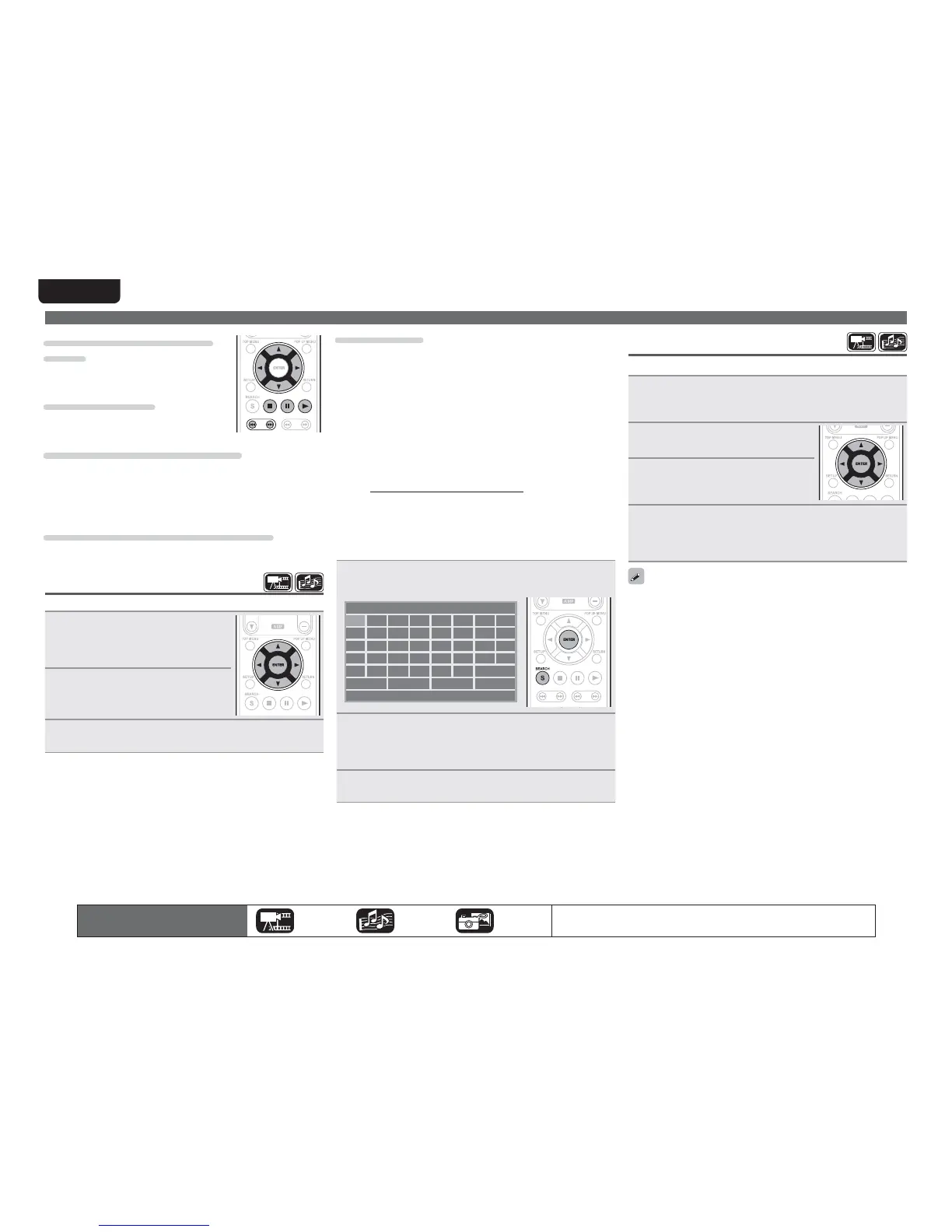
n Searching the content
You can use the virtual keyboard provided in the GUI menu of this
unit to search for video content offered by YouTube.
1
3UHVV
SEARCH
RQWKH<RX7XEHVFUHHQ
A virtual keyboard will appear.
*
B
G
L
Q
V
C
H
M
R
W
#BDL
D
I
N
S
X
E
J
O
T
Y
F
K
P
U
Z
[
!
4QBDF &OUFS $MFBS
!
2
(QWHUDNH\ZRUG WKDW \RX ZDQWWRVHDUFK DQG WKHQ
SUHVV
ENTER
The keyword that you typed in the search dialog box of the
YouTube screen is displayed.
3
3UHVV
SEARCH
WRVWDUWWKHVHDUFKRSHUDWLRQ
Home menu screen
The icons show the category of
content applicable to each operation.
Video Audio Photo
For details of the media corresponding to each icon, see “Playable media”
(vpage48).
Playing Netflix video picture
The operation for the Netflix streaming service is described here.
1
6HOHFW ³1(7)/,;´ RQ WKH +RPH PHQX WKHQ SUHVV
ENTER
Your instant Queue screen will appear on your TV.
2
8VHuiopWRVHOHFWKLJKWOLJKW
DPRYLHRQ\RXULQVWDQW4XHXH
3
3UHVVENTERDWLWOHWKDW\RXZDQW
WRZDWFK
The second menu of title will appear.
4
6HOHFW ³SOD\´ RQ WKH VHFRQG PHQX DQG WKHQ SUHVV
ENTER
Retrieving of title will be started.
Press
u to return to your instant Queue.
• For using “YouTube” and “Netflix”, Internet connection is required.
It is recommended to use a broadband line (effective speed 6 Mbps
or more) such as FITH (optical) ADSL, CATV, etc.
• Even if the line speed is sufficient to make it viewable, pictures
may be unstable, interrupted, or not viewed depending on the
usage environment, communication environment, connecting line
conditions, etc.
• The connection of Netflix may not be connected via proxy.
• For the usage conditions for Netflix, contact Netflix.



 To Next Page