20
One Chirp Two Chirps Three Chirps Four Chirps
Button One LED Pulse Two LED Pulses Three LED Pulses Four LED Pulses
(Default Setting)
Before 15 seconds has passed, push and release the
valet switch 8 times holding the button down on the
8th press. Wait until you hear
4 short chirps/beeps + 1
long chirp beep. Release the button. You are now in
“Remote Start Feature Programming”
mode.
3X
7X + 1X (Hold)
Step 3
10 Minute Run Time
Factory Alarm Disarm
with Channel 3 “On”
Diesel Engine and
10 Second Warm-up
Gasoline
Engine
Diesel Engine and
15 Second Warm-up
Diesel Engine and
20 Second Warm-up
20 Minute Run Time
30 Minute Run Time 5 Minute Run Time
Without this Feature
Constant Parking
Light Output
Flashing Parking
Light Output
Step 1 Step 2
Press the (
*
) Button =
Activates Remote Start
Press the (
*
-
*
)
Button = Activates
Remote Start
3 Hour Time Start
2 Hour Time Start
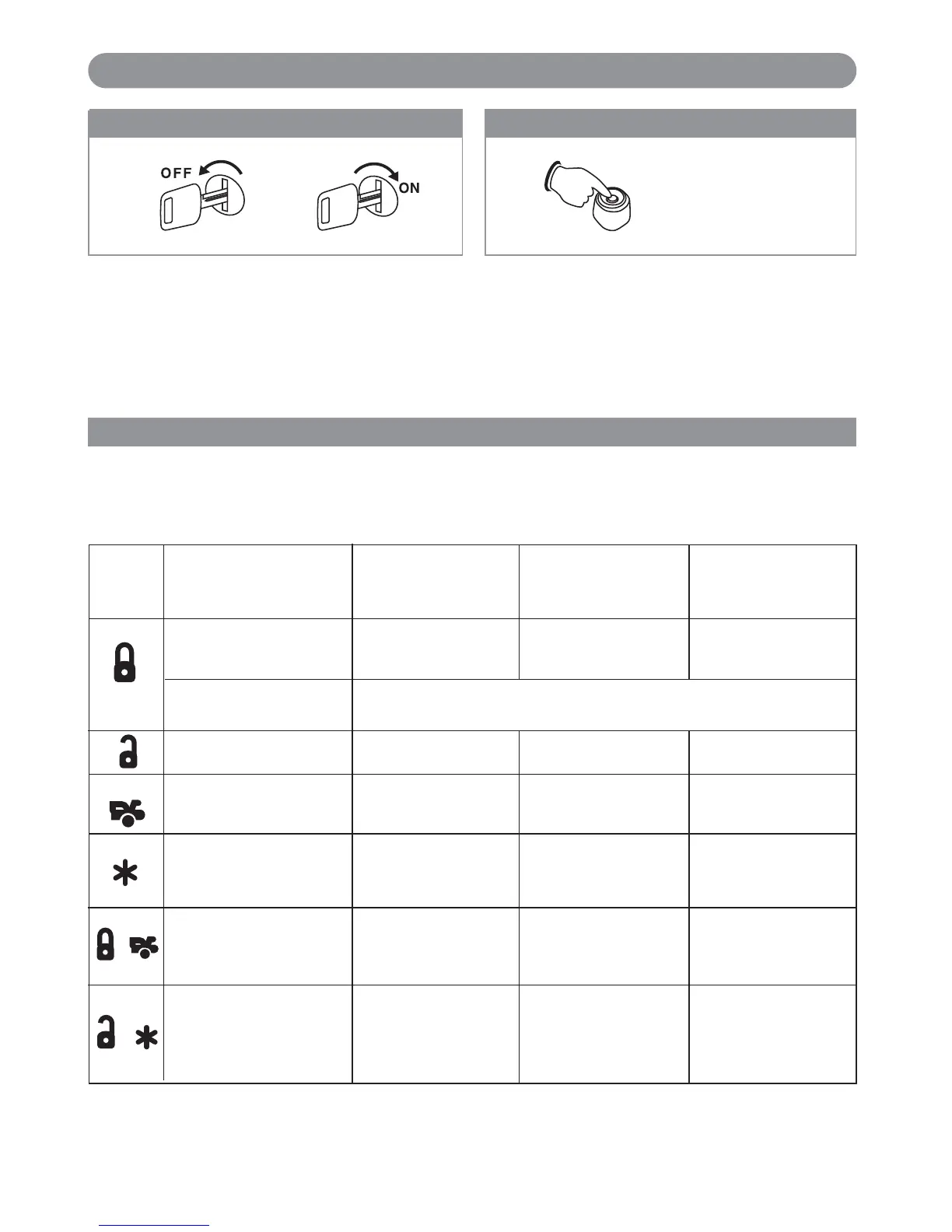
With the ignition switch in the OFF position, turn the
ignition switch On - Off - On - Off - On - Off.
Remote Feature Programming
Press the transmitter buttons as illustrated to adjust the features required. Keep re-pressing the transmitter button
that relates to the feature you want to adjust until the correct amount of chirp/beeps is heard then move on to the
next feature.
Remote Start Feature Programming (Group 1)
Five Chirps
Diesel-DBI
X6-IM.qxp 9/12/2008 1:50 PM Page 20
+
+



 To Next Page