7
Clearing the Display
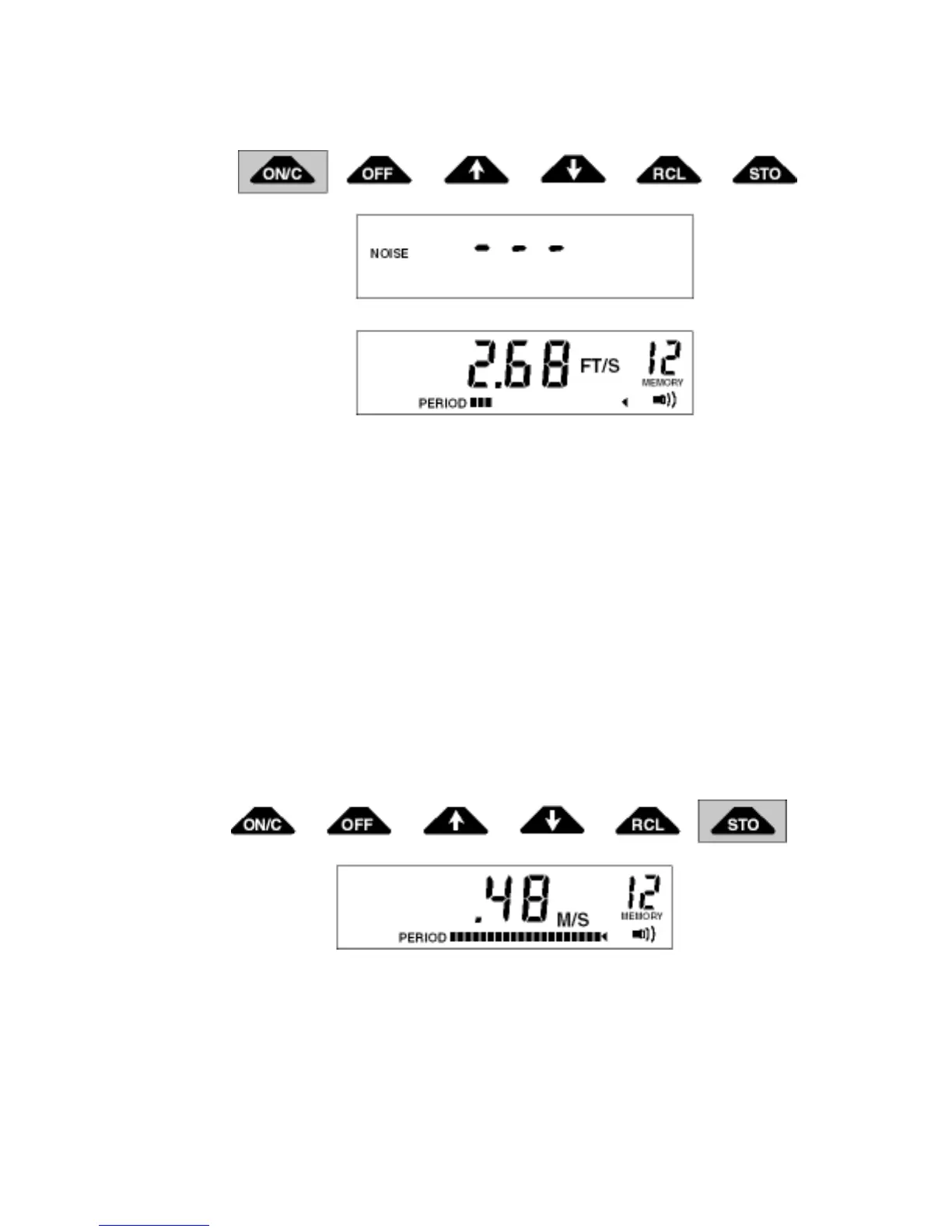
The clear function will clear the display and restart the filtering. To clear the display, press the ON/C
key. The display will blank out for a second and then restart to output velocity readings.
Storing Velocity Readings
There are 19 memory locations in which velocity readings can be stored. To store a reading, press the
STO key when the desired velocity is displayed. The unit will store the reading and automatically
increment to the next empty location. The memory location shown on the display is where the present
reading will be stored. No memory locations are shown until after the first reading has been stored.
Comment:
Except for the beeper symbol, the STO function will store the display as you see it. Turning the unit off
or changing batteries will not affect the memory.
If you want to measure a prior location again, you need to switch to the recall mode with the RCL
key. Go back to the prior location with the 5 key. Switch to the real-time mode with the RCL key and
when you get a good velocity reading store it with the STO key. The reading is stored, and the unit
advances to the next empty memory location.


 To Next Page