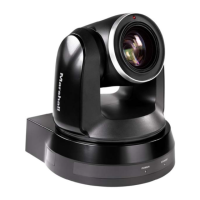
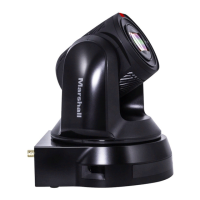
CV610-U3-V2 Manual
www.marshall-usa.com 18
PELCO P/D Keyboard RS485 Connection
1. Use PELCO P/D compatible keyboard.
2. Use preset 95# on the keyboard to bring up/exit camera OSD menu.
3. Use joystick and Button “OPEN” or “CLOSE” to navigate OSD menu.
4. To operate keyboard, please refer to the user manual of the keyboard you are using.
For RS-232 VISCA control, this unit does not support daisy chain connection for using multiple
cameras.
For control details, please refer to Operating Instructions of control keyboard/station software.
• You need to match the communication speed between the camera and the joystick controller.
• You can use the RS-232 connections when using the RS422/485 connection.
• The specified frame rate may change when communicating via a USB3.0 hub.
Marshall Keyboard RS422 Connection
Note


 To Next Page