model no. 046-0265-2 | contact us 1-800-689-9928
PROGRAMMING GUIDE
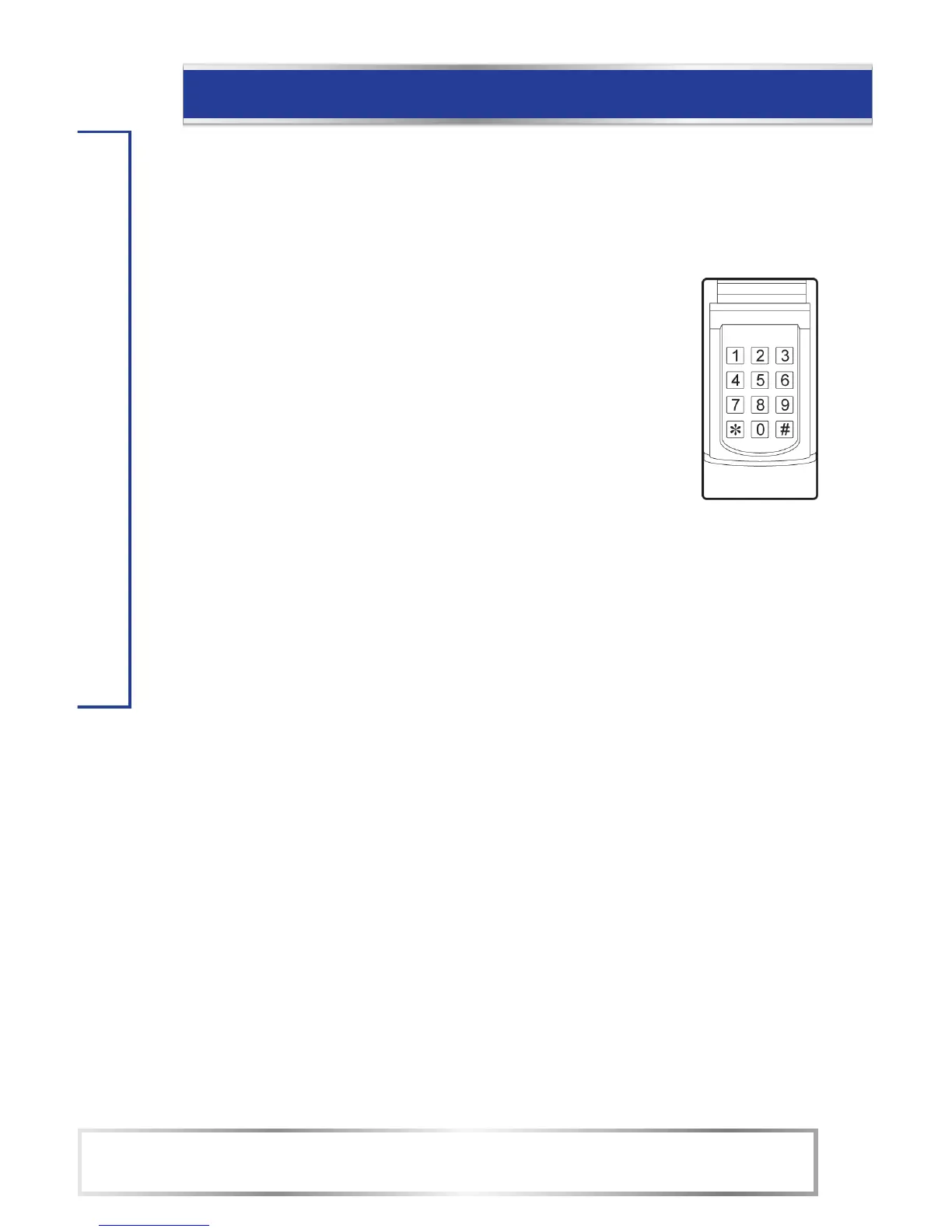
D. Keypad Initial Setup
The factory default PIN is 0 0 0 0. It will be used during the keypad initial setup.
After you set your own PIN, you will need to use your current PIN instead of 0 0 0 0 in below
steps.
1. FOR SINGLE DOOR
A. Enter 0 0 0 0 and *.
B. Enter the new PIN (2 to 8 digit password) and *.
C. Enter your PIN again and *.
If the new PIN codes are the same, the keypad will beep 3 times.
If not, it will emit a long beep.
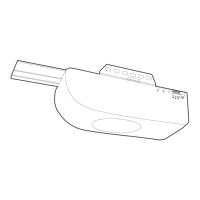
D. Press the [SET] Button on the opener
E. Within 30 sec. enter your PIN on the keypad and press #
F. Now enter your PIN and # to open/close the garage door.
2. FOR MULTIPLE DOORS:
G. Enter 0 0 0 0 * 9 # to enable multiple door mode.
(0 0 0 0 # 0 # to disable and back to single door)
Will beep 2 times to confirm the multiple-door operating mode is enabled.
A. Enter 0 0 0 0 and *.
B. Enter the new PIN and press *.
C. Enter your PIN again and press *.
D. Press the [SET] Button on the opener
E. Within 30 sec. enter your PIN on the keypad and press #1
F. Now enter your PIN and #1 to open/close the garage door.
Repeat step 6 and 7 to program additional doors:
2nd door: PIN #2, ex. 1 2 3 4 #2
3rd door: PIN #3, ex. 1 2 3 4 #3
NOTE:
• To erase any unwanted remote control, first erase all remotes.


 To Next Page