31
10.2 RFID INSTALLATION - CONTINUED
10.2.3 How to set up the “RFID” function (continued)
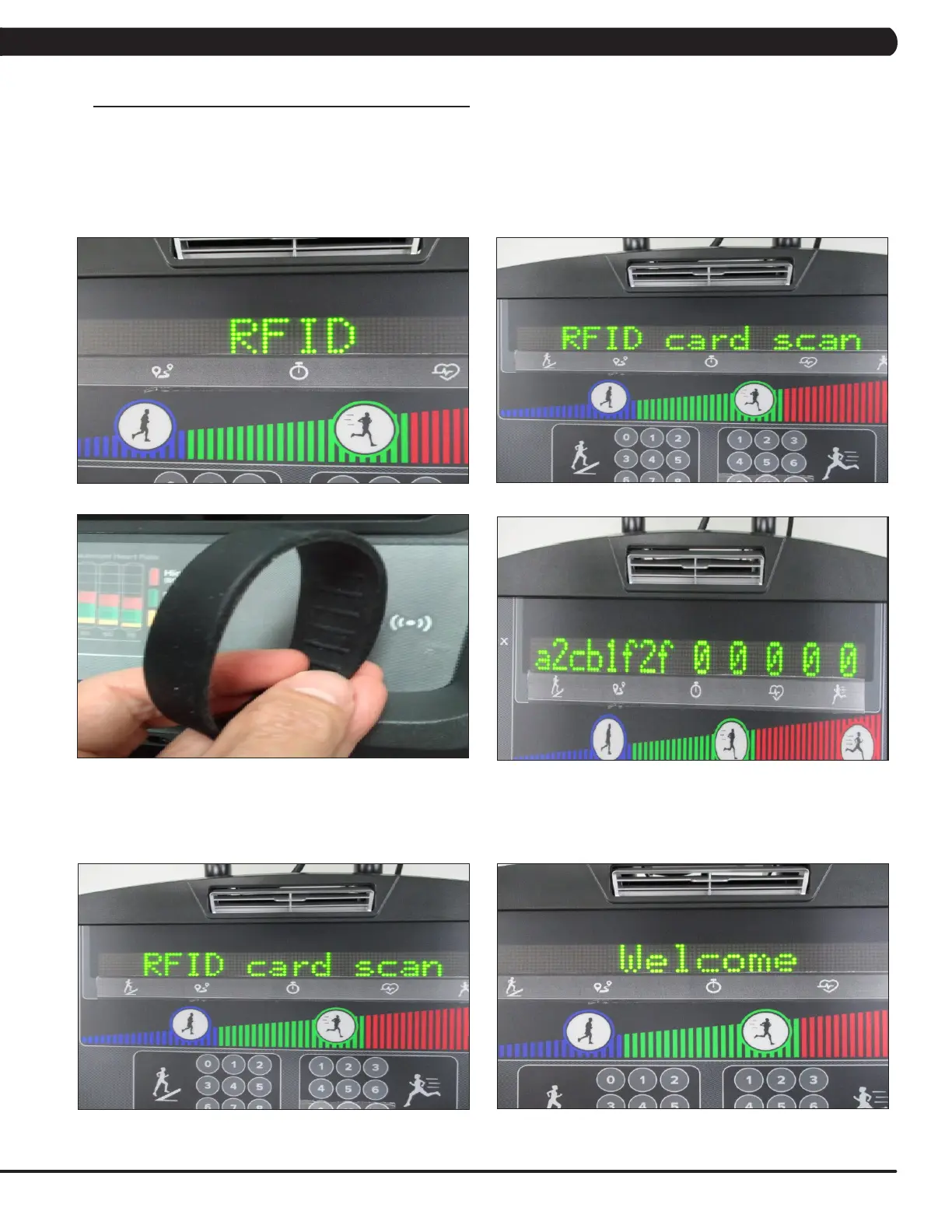
2. RFID hardware function test in Test mode and home screen
In TEST mode:
Step 1: Enter Test Mode.
Step 2: Select “RFID” test (Figure A). Pres PAUSE key to enter RFID card scan (Figure B).
Step 3: Put your wristband near RFID reader (Figure C). The wristband data will show on screen (Figure D).
In home screen:
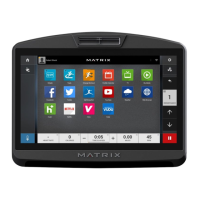
Step 4: At the home screen (Figure E), put your wristband with xID account near RFID reader.
Step 5: When the console shows "Welcome", the RFID scan and xID log in was successful (Figure F).
FIGURE BFIGURE A
FIGURE D
FIGURE FFIGURE E
FIGURE C
CHAPTER 10: SPECIFICATIONS AND ASSEMBLY GUIDE


 To Next Page