8
CHAPTER 4: CONSOLE OVERLAY AND WORKOUT DESCRIPTION
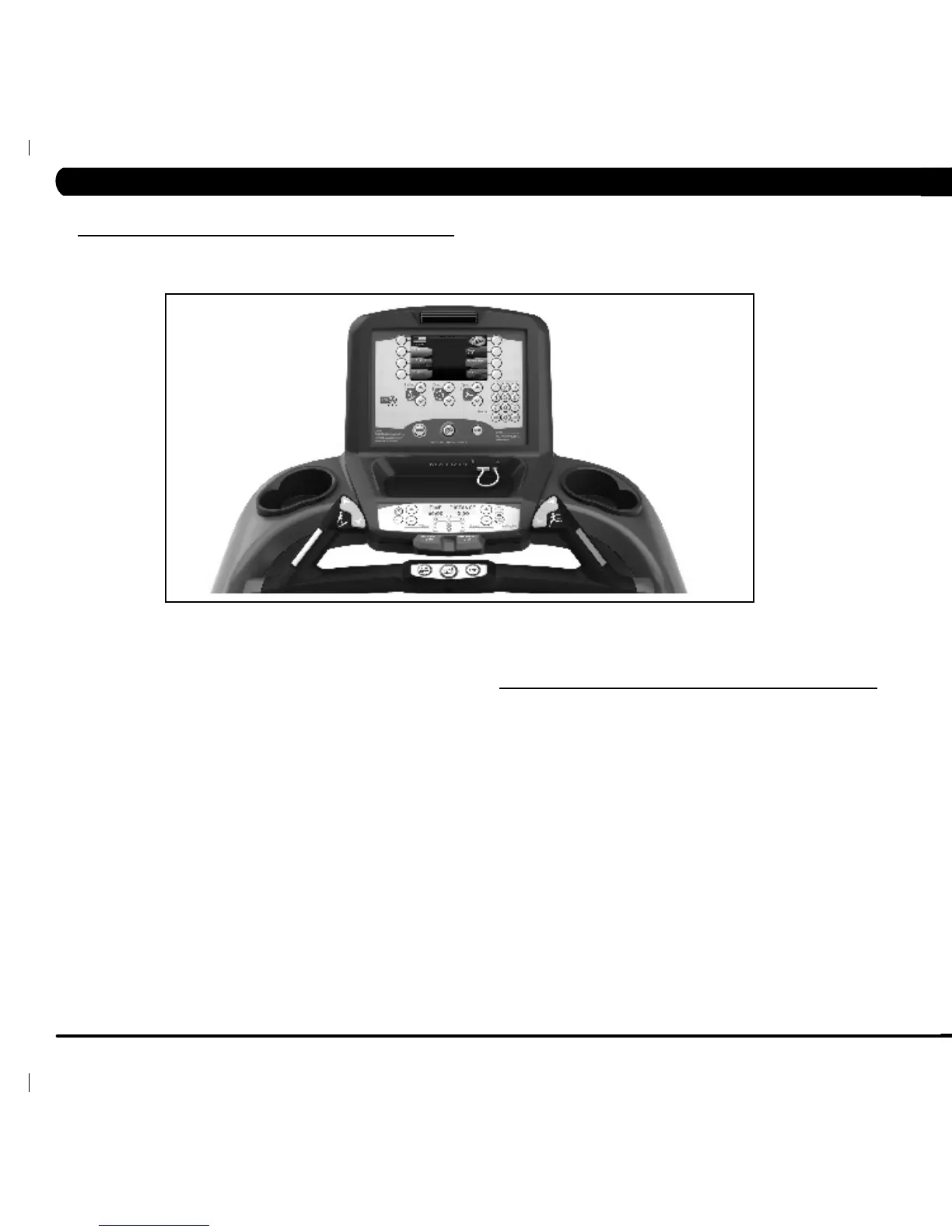
4.1 T7X-02 CONSOLE DESCRIPTION
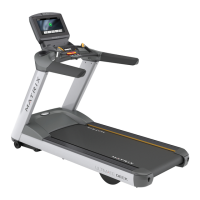
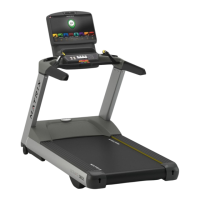
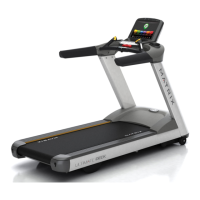
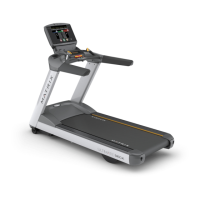
The Matrix treadmill is inspected before it is packaged. It is shipped in four pieces: the base, the upright console supports, the handlebar, and
the console. Carefully unpack the unit and dispose of the box material.
MULTI-PURPOSE KEYS:Keyshavedifferentfunctionsdependingon
each screen.
QUICK START / GO: One touch Start and Quick Start.
ENTER: To confirm each program setting.
UP / DOWN INCLINE: Easy information and incline selection.
UP / DOWN SPEED: Easy information and speed selection.
UP / DOWN TIME: Easy information and time adjustment.
EMERGENCY STOP / IMMOBILIZATION: To stop all functions and
immobilize the unit. The emergency stop on this treadmill must be
returned to its original position in order to allow normal operation of the
unit.
STOP: Ends workout and shows workout summary data.
PAUSE: Pauses workout. Pause duration can be set in Manager Mode.
NUMBER KEYPAD: Workout data input for workout setup. Speed
adjustment during workout.
COOL DOWN: Puts the treadmill into Cool Down mode. Cool Down time
is dependent on the length of the workout. Workouts 19 minutes and
shorter will have a cool down length of 2 minutes. Workouts 20 minutes
and longer will have a cool down of 5 minutes.
FAN: Allows for fan speed selection (fan has three operating
speeds).
T7X ENTERTAINMENT ZONE
POWER: If add-on TV is present, acts as the power control button.
If add-on TV is not present, acts as a display toggle button.
IPOD: Will take the user directly to the iPod screen to allow for iPod
control and play list selection.
VOLUME UP / DOWN: Adjusts the volume output through the
headphone jack of either add-on TV, integrated console TV or iPod
output.
NUMBER KEYPAD: Allows for easy TV channel selections. These
buttons work for either the add-on TV or the integrated console TV.
CHANNEL UP / DOWN: Allows for channel selection on either the
add-on TV or the integrated console TV.
DISPLAY MODE: Allows user to cycle through console display
options, iPod, TV or profile display.
LAST CHANNEL: Allows the user to cycle between the current
channel and the previous channel they were viewing.


 To Next Page