87
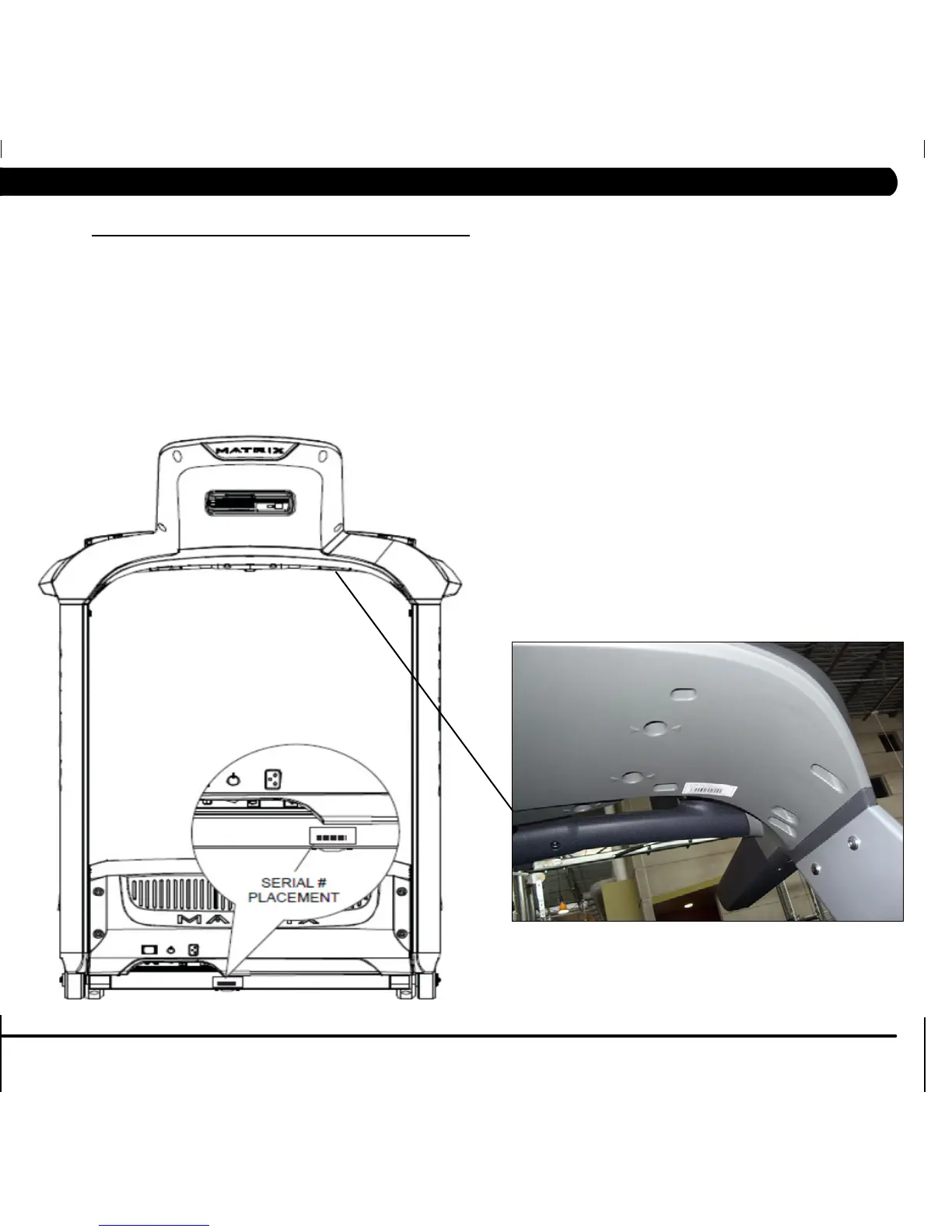
10.5 ENTERING THE SERIAL NUMBERS INTO THE CONSOLE
ONCE INSTALLATION IS COMPLETE, THE CONSOLE AND PLATFORM SERIAL NUMBERS SHOULD BE
ENTERED INTO THE CONSOLE.
1) Press ENTER, 3, 0, 0, 1, ENTER on the upper number keypad and Service Mode will appear on the display.
2) Press Setup on the display.
2) Press Serial Number on the display.
3) Choose Platform (Figure A) or Console (Figure B).
4)EntertheserialnumberoftheconsoleorplatformusingtheuppernumberkeypadandthenpressOK.Onlythefinal9digitsoftheserial
number should be entered.
5) Repeat this procedure so that both the console and platform serial numbers are entered.
6)PresstheEMERGENCYSTOPortheBACKandHOMEkeystoreturntonormalfunction.
FIGURE A
FIGURE B
CHAPTER 10: TREADMILL SPECIFICATIONS AND ASSEMBLY GUIDE



 To Next Page