21
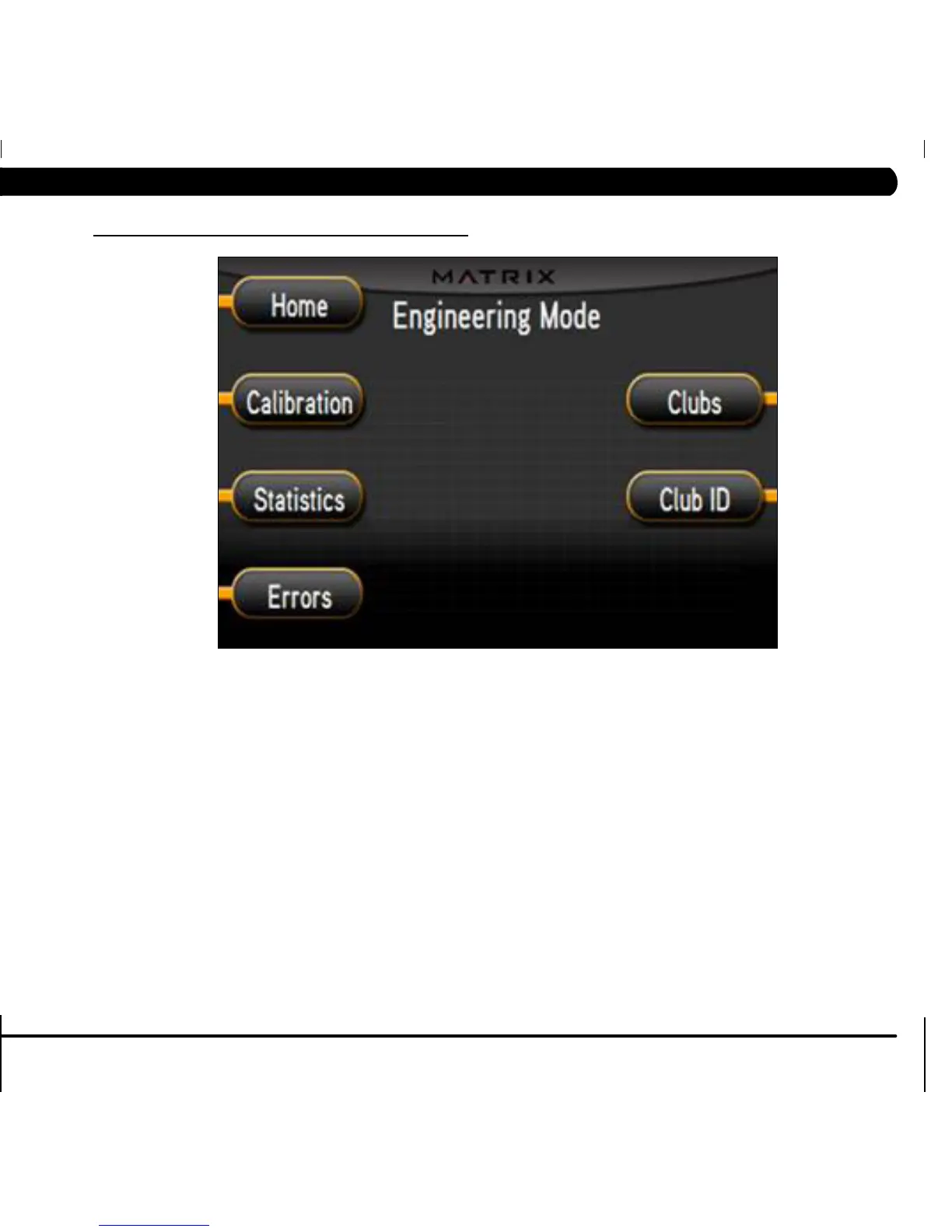
1) To enter Engineering Mode, press "ENTER, 2, 0, 0, 1, ENTER" on the number keypad ON THE CONSOLE and Engineering Mode will appear on the
display.
2) Engineering Mode is divided into 5 tabs. They are Calibration, Statistics, Errors, Clubs, and Club ID.
3) Choose a tab by touching the button next to the desired tab.
4) Each of the tabs have options that will appear once you have chosen that particular tab.
5) Press the button next to "HOME" or the EMERGENCY STOP to exit Engineering Mode..
6.1 USING ENGINEERING MODE
CHAPTER 6: ENGINEERING MODE


 To Next Page